AI Video Clipping: How to Turn Long Content Into Short-Form Hits Without Touching a Timeline

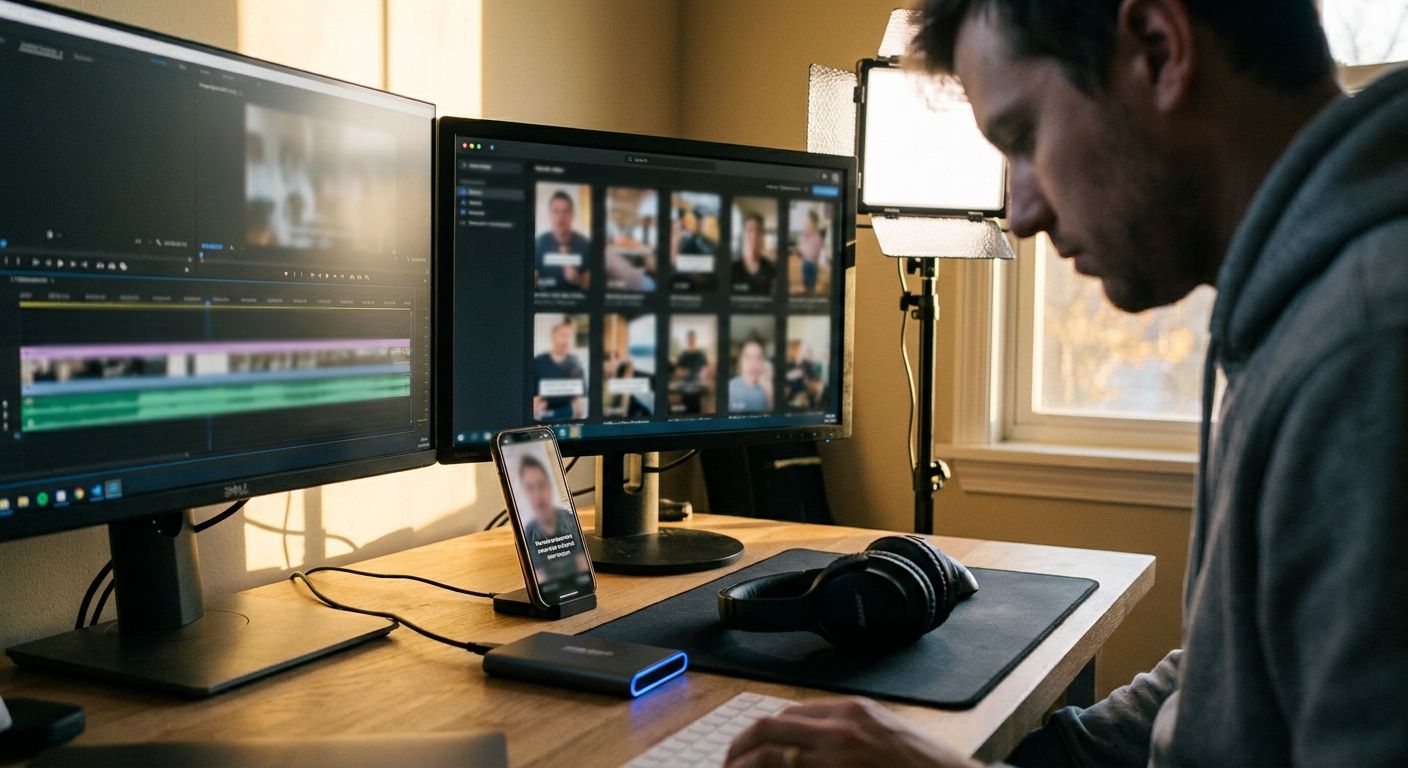
AI video clipping cuts your post-production queue -- if you pick the right approach
Manual clipping is the hidden tax on every long-form creator and content team. A single hour-long podcast or stream generates anywhere from 8 to 20 usable short clips -- but scrubbing the timeline, trimming handles, adding captions, resizing for each platform, and scheduling individually can consume most of a working day. AI video clipping automates the detection and extraction layer. The real question is whether your tool stops there or actually closes the loop through to publishing.
From raw recording to published clip: the full loop
Upload or connect a podcast, stream, webinar, or interview recording -- typically 20 min to several hours.
Transcript analysis, sentiment scoring, and speech-pace signals identify the highest-hooks segments.
Clips are cropped to 9:16 or 1:1, captions burned in, and durations trimmed to TikTok/Reels/Shorts specs.
An autonomous agent layers on trending audio signals, hashtags, and captions -- not just a static template.
Posts go live on schedule; performance data feeds back to improve future clip selection.
TL;DR -- what separates useful AI clipping from the hype
- Clip detection alone isn't enough -- most tools stop at export; the real time sink is everything after
- Transcript quality gates everything -- bad transcription means wrong cut points, wrong captions
- Platform-specific reformatting matters -- a 16:9 clip dumped to TikTok performs measurably worse than a native 9:16
- Trend-awareness is where clipping tools diverge sharply -- static exporters vs. agents that watch what's moving right now
- Manual clipping produces slow feedback loops; autonomous agents build a compounding data advantage
What AI video clipping actually does (and where it stops short)
Most tools in this category -- Opus Clip, Munch, Descript's clip feature -- run a roughly similar pipeline: transcribe, score segments by predicted engagement, extract, and hand you a folder of clips. That's genuinely useful. A team that used to spend three-plus hours cutting down a single interview can get draft clips in under 20 minutes.
The gap is everything downstream. You still need to write platform-specific captions, match trending audio, pick the right posting window, and schedule across TikTok, Instagram, and X separately. For a team posting daily across three platforms, that downstream work alone can run several hours per week -- and none of it compounds.
The three real failure modes of AI clipping
- Scoring for speech density, not virality -- most models weight fast speech and keyword density. A slow, emotionally resonant pause often outperforms a rapid-fire rant but gets ranked lower.
- Context-blind cuts -- AI clips a punchline without the setup, or cuts mid-sentence. The transcript model doesn't know narrative structure.
- Static output in a dynamic environment -- a clip exported at 9 AM is already stale by 4 PM if a trend shifted. Tools that don't watch platform signals in real time are building a content queue, not a content strategy.
The workflow that actually saves operator time
Here's the approach used by content teams running at scale -- not the aspirational version, the actual sequence:
- Source consolidation first. Connect your RSS feed, YouTube channel, or podcast host as the single ingest point. Manually uploading individual files kills the time benefit immediately.
- Set clip length rules by platform. TikTok's watch-time algorithm rewards 30-60 second clips differently than YouTube Shorts, which tolerates up to 60 seconds but sees drop-off after 45. Hard-code these as constraints, not suggestions.
- Audit the first 10 AI-selected clips manually. This is calibration, not ongoing work. Find the pattern in what the model misses -- usually emotional beats and narrative setups -- and feed that signal back if your tool supports custom scoring.
- Let the agent handle caption and hashtag generation platform-by-platform. Copy-pasting the same caption to TikTok and LinkedIn is a compounding mistake; platform voice differs enough to hurt distribution.
- Schedule against trend windows, not your convenience. If a topic is trending, the clip needs to post within hours, not next Tuesday's queue slot.
Where an autonomous agent changes the math
The difference between an AI clipping tool and an autonomous AI social-media agent is the feedback loop. A clipping tool exports files. An agent like GEN watches what's trending across TikTok, Instagram, and X in real time, selects the most relevant clip from your library, writes platform-native captions, and publishes -- without you touching a timeline or a scheduling dashboard.
The compounding advantage isn't just speed. An agent that tracks which of your clips are gaining traction can weight future clip selection toward formats and topics that actually convert for your specific audience -- not a generic virality score trained on someone else's content.
For how this connects to broader content automation strategies, see AI social media automation and autonomous content publishing.
Manual clipping vs. AI clipping vs. autonomous agent: the real tradeoffs
| Approach | Time to clips | Trend-awareness | Publishes autonomously | Compounds over time |
|---|---|---|---|---|
| Manual editor | Hours per video | Human judgment | No | No |
| AI clipping tool (Opus Clip, Munch) | Minutes per video | Static scoring | No | Limited |
| Autonomous agent (GEN) | Minutes per video | Live platform signals | Yes | Yes |
Frequently asked questions
How accurate is AI video clipping for non-English content?
Transcription quality drops meaningfully for languages outside English, Spanish, and a handful of other widely-trained languages. For creators posting in Turkish, Arabic, or niche dialects, plan to manually review cut points -- the transcript-based scoring will misfire on emotion and emphasis cues the model hasn't seen enough of.
Does AI clipping work for B-roll-heavy content without a clear speaker?
Most current tools are transcript-first, so they struggle with silent or music-driven content. If your source video is a product demo, a travel montage, or a cooking video without narration, AI clipping adds little value -- a template-based editor and manual curation will serve you better.
What's the minimum source video length that makes AI clipping worthwhile?
Below roughly 10 minutes, the time savings versus a skilled editor narrow considerably. The real payoff starts with 30-minute-plus recordings where manual scrubbing becomes genuinely costly. Podcasts, long interviews, webinar recordings, and live stream VODs are the native use case.
Can AI clipping tools match trending audio automatically?
Most static tools cannot -- they export clips silent or with the original audio intact. Matching trending sounds requires live platform data. This is where autonomous agents diverge from export-only clipping tools: an agent monitoring TikTok's trending audio library in real time can attach a relevant sound at publish time, not hours later when you're manually browsing the creator dashboard.
The concrete takeaway: if you're still exporting clips and then manually handling captions, scheduling, and trend-matching as separate steps, you've automated one slice of the problem, not the problem itself. The time and compounding advantage comes from closing the loop all the way to publish.