Consistent AI Characters: Why They Break and the Stack That Fixes It
Your AI character looks different in every scene — here's why, and how to stop it
Character drift is the single biggest credibility killer in AI-generated video. A character's jaw shifts between cuts, the eye color changes, the proportions morph mid-scene. Most creators chalk this up to "how AI works" and ship inconsistent content anyway. That's a mistake, and it's fixable -- but only if you understand which layer is failing.
The 4-Layer Character Consistency Stack
Generate a canonical reference sheet (face, outfit, proportions) using a model with strong inpainting and LoRA support. This is the single source of truth every downstream step references.
Pass the reference image into a video model with native character-consistency modes (e.g., Seedance's subject-lock feature). Motion is generated around the anchored identity, not regenerated from scratch.
A consistent prompt template (same style tokens, same negative prompts, same seed range) ensures scene-to-scene coherence without manual re-prompting each clip.
Automated publishing catches whether the character reads as consistent in context -- at platform compression, on mobile screens, at scroll speed. Feedback loops tighten the reference sheet over time.
TL;DR -- the core problem and the fix
- Root cause: most AI video pipelines regenerate character features from scratch per clip, so identity drifts by design
- Layer 1 fix: build a hard reference image (canonical face + outfit) before touching video generation
- Layer 2 fix: use a video model with explicit subject/character lock -- Seedance is one of the few that handles this cinematically
- Layer 3 fix: templatize your prompt system; same style tokens, same negative prompts, locked seed range per character
- Layer 4 fix: automate publishing so you catch compression artifacts at scale, not per-clip in preview
- What doesn't work: hoping your base model "just stays consistent" without structural constraints -- it won't
Why AI characters drift in the first place
Diffusion models don't have a concept of "the same person." Every generation is a new probabilistic sample from a latent space. Without explicit conditioning -- a reference image, a LoRA, an IP-Adapter, or a subject-lock feature -- the model generates a plausible face in the style you described, not your specific character. Change the scene, the lighting, or even the prompt word order and the sample shifts.
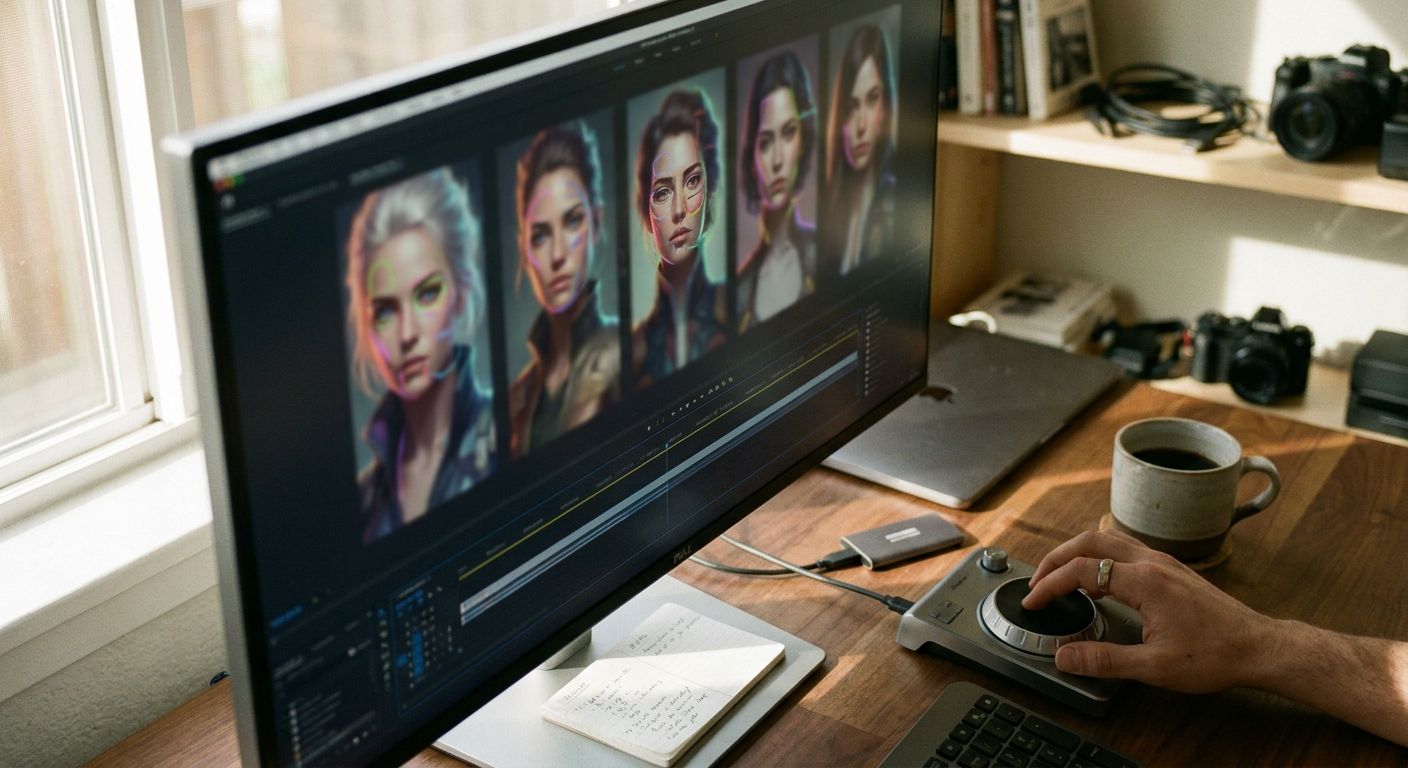
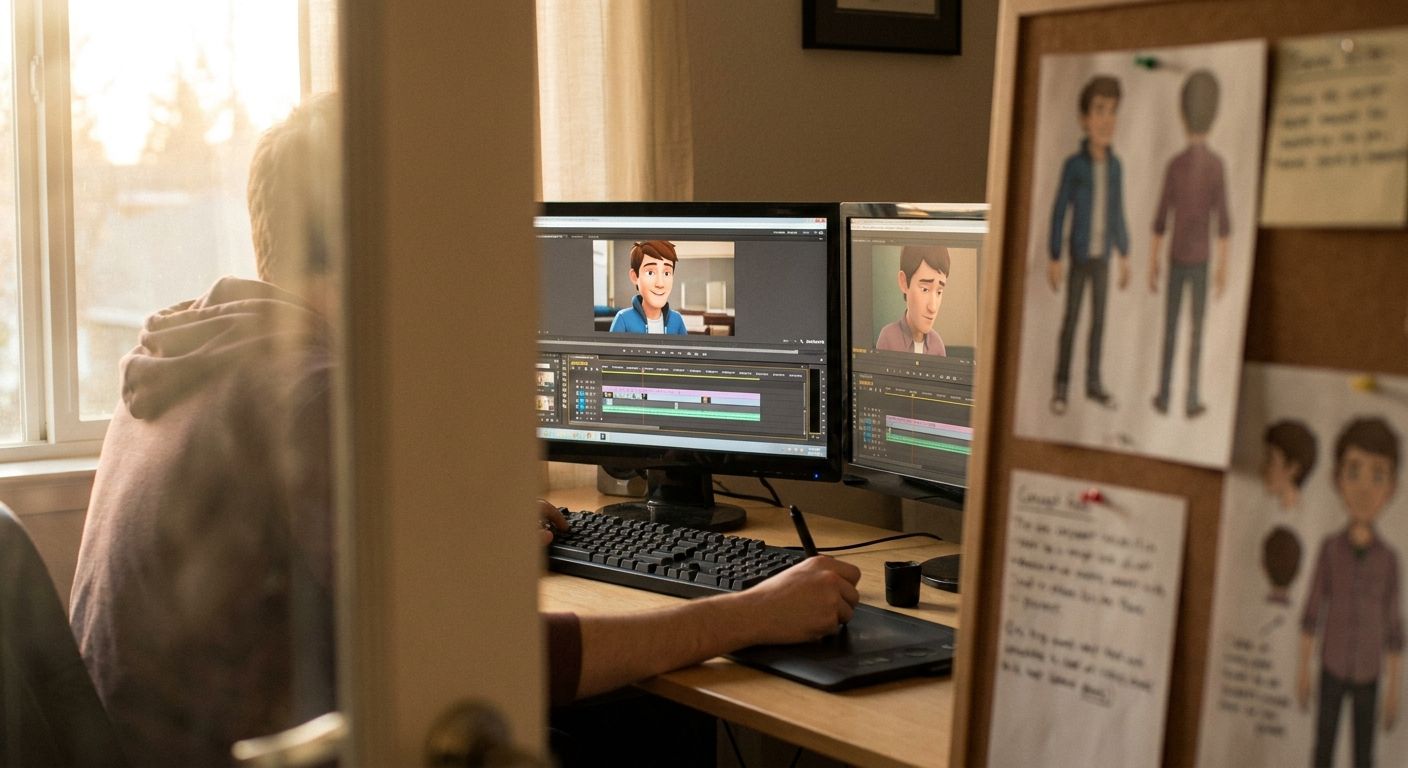
As @ohneis652 observed in a widely-watched breakdown: character morphing between scenes isn't a bug in a specific model -- it's the baseline behavior of text-to-video pipelines that don't have identity locking baked in. Most creators treat it as inevitable. The ones building consistent AI characters treat it as a solvable engineering problem.
The three failure modes (and which tools address each)
1. No identity anchor at generation time
- Symptom -> character looks different in every clip even with identical prompts
- Fix -> generate a canonical reference sheet first; use IP-Adapter, ControlNet, or a character LoRA to condition every subsequent generation on that exact face
- Tools that help -> Stable Diffusion with IP-Adapter, Flux-based pipelines with face LoRA training, or any image generator that supports reference-image conditioning
2. Video model regenerates identity per frame
- Symptom -> face is stable in the seed frame but morphs by frame 30
- Fix -> use a video generation model with native subject/character consistency -- @bossmediatech has highlighted Seedance specifically for its cinematic character-lock capability, which keeps identity stable across motion sequences rather than drifting mid-clip
- Tradeoff -> models with stronger identity lock often have more constrained motion range; you're trading expressive movement for facial stability
3. Prompt system entropy across scenes
- Symptom -> first clip looks right, but clip 4 drifts because the prompt was re-written for a new scene angle
- Fix -> separate your character description from your scene description; lock the character block as a constant across all prompts, vary only scene/environment tokens
- Operational note -> a daily-posting creator running 5-7 clips per post can spend 2-3 hours per week just re-writing and quality-checking character prompts without this discipline
Workflow: building a consistent AI character from scratch
- Define the identity spec. Write a 50-80 token character description covering face structure, hair, skin tone, distinguishing features, and clothing. This becomes your locked constant -- never paraphrase it between generations.
- Generate a reference sheet. Produce 6-8 images of the character from different angles and expressions using your image model. Pick the best 2-3 as your canonical references. Every video generation gets conditioned on these images.
- Test identity lock in your video model. Run a short test clip with your reference image as the subject anchor. Check frame 1 vs. frame 30 for drift. If the model doesn't support reference-image conditioning natively, use an IP-Adapter layer before passing to video.
- Templatize your scene prompt structure. Format:
[CHARACTER BLOCK -- locked] + [SCENE/ACTION -- variable] + [STYLE TOKENS -- semi-locked] + [NEGATIVE PROMPTS -- locked]. Never edit the character block mid-series. - Run a scene coherence check before publishing. Watch all clips back-to-back at 1.5x speed -- this mimics how a viewer's brain tracks identity across cuts and surfaces drift faster than frame-by-frame review.
- Build a feedback loop into your publishing pipeline. Track which clips get flagged in comments for "looks different" -- that's your qualitative signal that identity lock broke down at platform compression.
Tool comparison: where each layer gets handled
| Layer | What it solves | Representative tools | Key tradeoff |
|---|---|---|---|
| Identity anchor (image) | Locks face + style at source | Flux + LoRA, SD + IP-Adapter, ChatGPT Images with reference input | LoRA training takes time; IP-Adapter is faster but softer lock |
| Motion lock (video) | Keeps identity stable across frames | Seedance, Kling (subject-reference mode), Runway Gen-3 with ref image | Stronger lock = more constrained motion range |
| Scene assembly (prompts) | Prevents prompt entropy across clips | Custom prompt templates, n8n automations, Notion prompt libraries | Requires upfront discipline; breaks if team members freelance prompts |
| Distribution + feedback | Catches drift post-compression at scale | GEN (autonomous publish + trend monitoring), Buffer, native schedulers | Manual schedulers don't surface consistency issues; autonomous agents do |
Where automation changes the consistency calculus
The consistency problem isn't just technical -- it's operational. A creator managing a faceless AI character across TikTok, Instagram Reels, and X simultaneously is running 3 separate compression environments, 3 aspect ratios, and 3 algorithm feedback loops. Manually checking character consistency across all three before every post is how hours disappear.
Autonomous agents like GEN sit at layer 4 of the stack. They don't generate the character, but they close the feedback loop automatically: publishing to all platforms, monitoring engagement signals, and flagging which content formats are driving retention. That feedback is what tells you whether your character lock is actually working in the wild, not just in preview. Tools like HeyGen handle avatar-based character consistency for talking-head formats; Arcads handles ad creative with consistent presenter faces. Each solves a specific slice of the problem.
The non-obvious insight: consistent AI characters aren't primarily a generation problem after the first few clips. They're a system discipline problem -- keeping prompts locked, references accessible, and feedback visible across a publishing cadence that runs faster than any human can manually QA.
Frequently asked questions
What's the fastest way to get consistent AI characters without training a LoRA?
Use a video model with native reference-image input (Seedance, Kling's subject-reference mode) and a strong canonical reference image. You won't get the same hardness of lock as a trained LoRA, but you can get workable consistency in under an hour without training time. The tradeoff: finer facial details (birthmarks, specific eye shape) are more likely to drift under novel motion.
Do I need a different approach for talking-head characters vs. action/cinematic characters?
Yes. Talking-head consistency is primarily a lip-sync + face-swap problem -- tools like HeyGen are built specifically for this and handle it better than general video models. Cinematic or action characters require full-body consistency across camera angles and motion, which is where subject-lock video models and LoRA conditioning matter most.
How do I maintain character consistency when working across platforms with different aspect ratios?
Generate your master clip in the highest-quality format first (typically 16:9 or 9:16 depending on primary platform), then use an aspect-ratio crop that keeps the character's face in frame across all variants. Avoid re-generating per platform -- every new generation is a new consistency risk. The same clip reformatted is always more consistent than a new generation at the right ratio.
What's the most common mistake operators make when trying to build consistent AI characters at scale?
Treating the reference image as optional. Operators often iterate on the character description in text, assume the model will "remember" what it generated last time, and only realize consistency has broken down after publishing 20 clips. The reference image is not a nice-to-have -- it's the only reliable anchor a diffusion model has to your specific character's identity.
The bottom line: consistent AI characters are an architecture decision, not a luck-of-the-draw generation outcome. Lock the identity at layer 1, pick a video model that holds it at layer 2, templatize prompts at layer 3, and build feedback into your publishing pipeline at layer 4. Every missing layer multiplies your drift risk -- and drift is what viewers notice first.