How to Become a Video Clipper: The Complete Guide for 2026

The real reason people want to become video clippers — and what it actually takes
You've seen the channels: a podcast clip drops on TikTok, racks up hundreds of thousands of views, and the original creator barely had to lift a finger after the recording ended. Someone else found the moment, trimmed it perfectly, added captions, and hit publish. That person is a video clipper — and right now, demand for that skill is quietly outpacing supply.
Path to becoming a clipper
Start where you understand the audience
Cut the first few seconds aggressively
Prove taste before pitching clients
Turn repeatable edits into volume
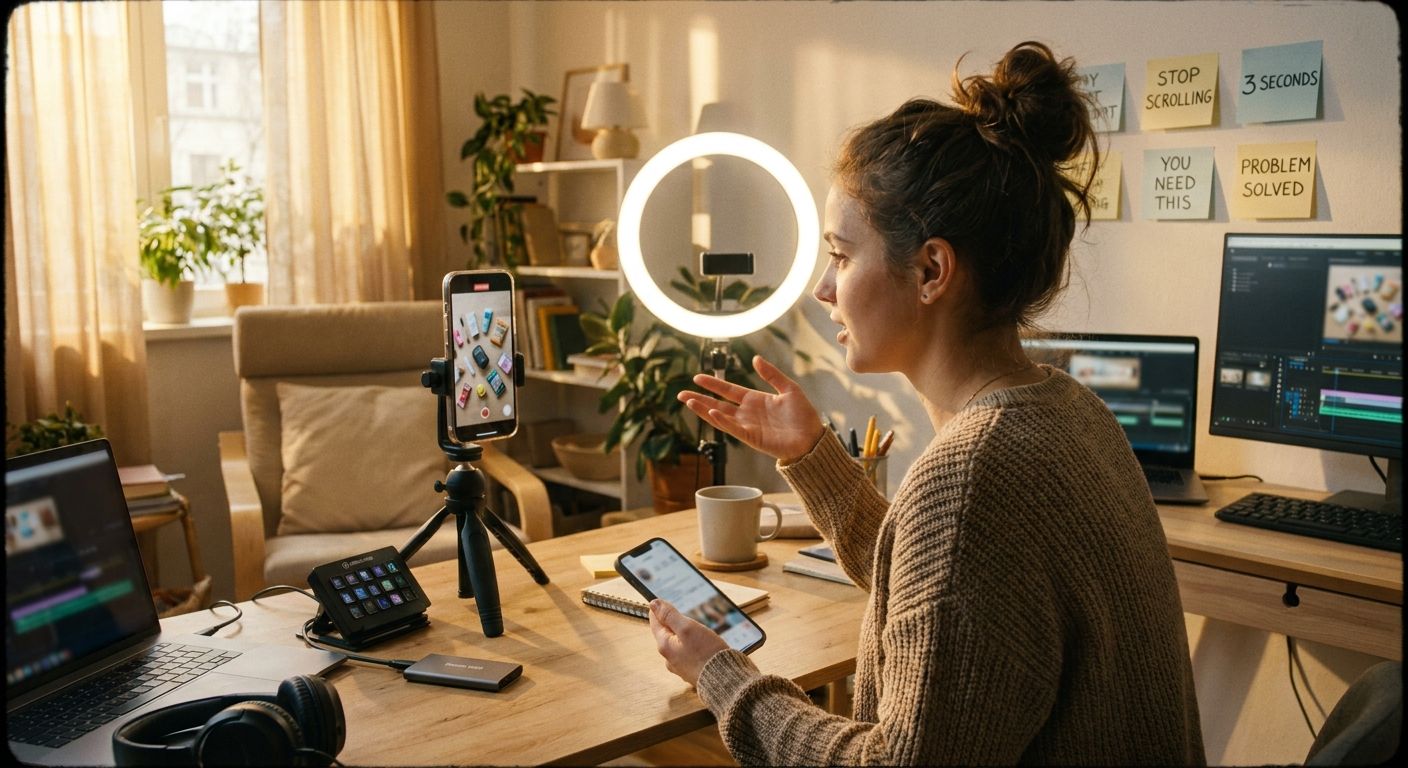
But most "how to get started" threads skip the important part: clipping is not just trimming. The difference between a clip that dies at 200 views and one that gets reshared relentlessly comes down to judgment — knowing which moment matters, why it will stop a scroll, and how to frame it in three seconds before a viewer swipes away. That judgment is learnable, and this guide will show you how to build it.
Whether you want to clip for clients, build your own faceless channel, or eventually automate and scale, the path starts the same way: understanding what the job actually is.
What is a video clipper?
A video clipper takes long-form content — podcasts, live streams, YouTube videos, interviews, gaming sessions — and extracts short, high-impact segments optimized for short-form platforms like TikTok, Instagram Reels, and YouTube Shorts. The output is typically 15-90 seconds long, captioned, aspect-ratio-corrected (9:16 vertical), and ready to publish.
Clippers work in two main modes:
- Client-side clipping: You're hired by a creator, brand, or media company to handle their repurposing. They record; you clip and deliver.
- Channel clipping: You build and run a faceless channel around a niche (finance, motivation, comedy, sports, true crime) and monetize through views, affiliate links, sponsorships, or account flips.
Both are legitimate. Both require the same core skills. The business model is just different.
Step 1 — Learn what makes a clip actually work
Before you open any editing software, you need a mental model for what "good" looks like. Watch clipping-forward channels obsessively and ask: why does this specific clip work?
A few consistent patterns emerge from studying high-performing short-form content:
The hook is the whole game
The first two to three seconds determine almost everything. A great hook creates an open loop ("the thing nobody tells you about..."), delivers a surprising statement, or drops the viewer mid-action. Clips that start with someone still setting up their thought — "So, basically what I wanted to talk about today was..." — lose viewers before the idea even lands.
Tension drives watch time
The best clips borrow from storytelling: there's a problem, a twist, or a reveal. A financial advice clip that opens with "I lost everything in 2019 doing this one thing" holds attention not because the editing is fancy, but because the viewer needs to know the ending. When you're scanning long-form source material, look for moments where the speaker's voice changes, where conflict appears, or where a counterintuitive claim is made.
Visual clarity beats visual complexity
Clutter kills. A clean talking-head clip with bold captions, decent audio, and good framing consistently outperforms over-designed clips loaded with animations and b-roll cuts. Captions are non-negotiable — a significant portion of short-form video is watched muted.
Platform-specific rhythm
TikTok audiences are conditioned to a faster cut rhythm than YouTube Shorts. Instagram Reels tends to reward slightly more polished aesthetics. X (formerly Twitter) clips often perform best when they feel raw and immediate. Part of becoming a skilled clipper is developing an eye for which clip belongs where.
Step 2 — Build your editing toolkit
You don't need an expensive setup to start. Here's a realistic toolkit for different stages:
| Stage | Editing software | Captions | Workflow |
|---|---|---|---|
| Beginner (free) | CapCut (desktop or mobile) | CapCut auto-captions | Manual selection, manual export |
| Intermediate | DaVinci Resolve or Premiere Pro | Opus Clip, Captions.ai, or auto-sub tools | AI-assisted clip selection + manual polish |
| Scale | Automated pipeline (AI agent) | Baked-in during AI processing | Mostly automated: identify -> clip -> caption -> publish |
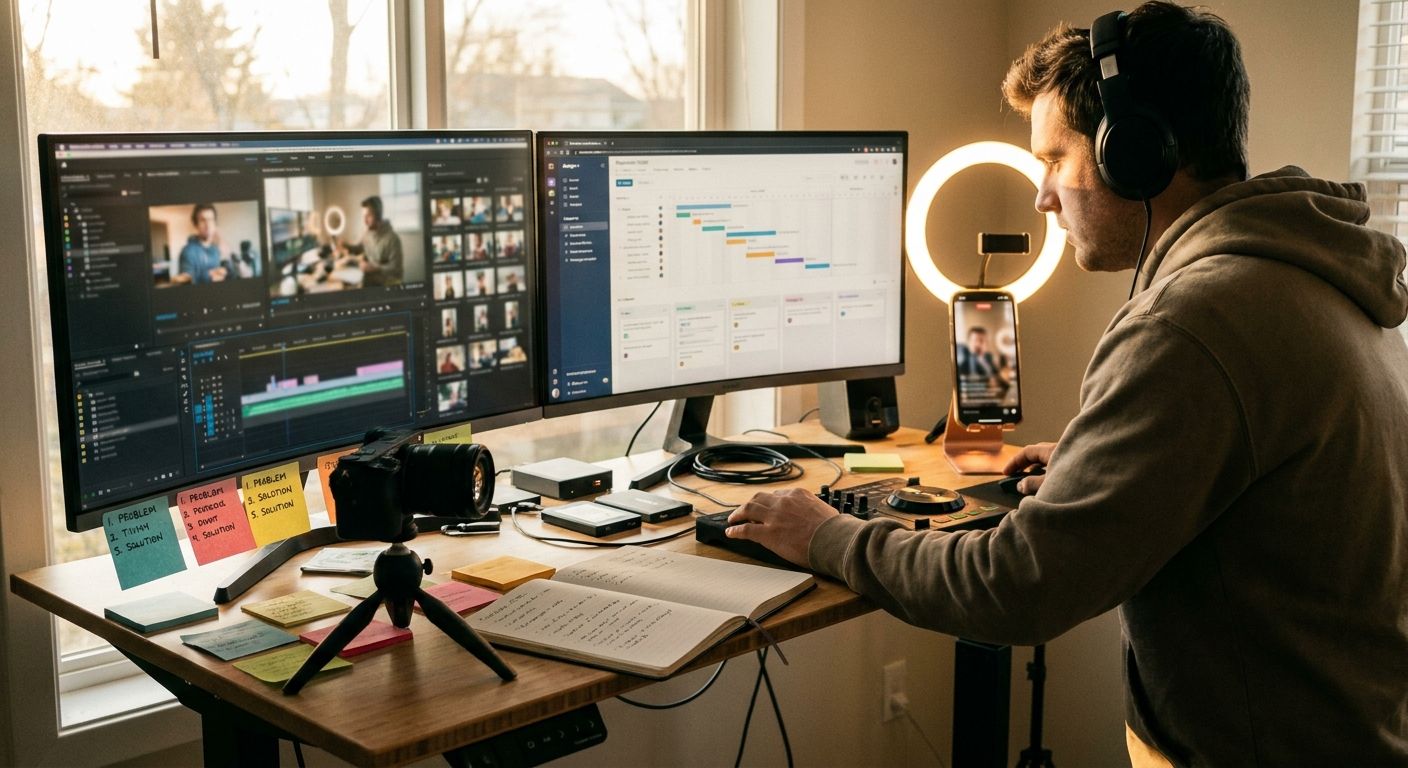
Most new clippers start with CapCut because the barrier to entry is zero and the auto-caption feature saves hours. The limitation is that manual workflows don't scale — if you're clipping a two-hour podcast into eight assets, doing it entirely by hand is slow and exhausting.
Tools like Opus Clip and Descript have made AI-assisted clip identification mainstream. They scan transcripts, score moments by engagement potential, and surface candidates. They're genuinely useful for speeding up discovery. The remaining human work — judgment calls, title writing, caption styling, platform-specific framing — is still substantial.
For creators who want to move past clip-by-clip manual work entirely, autonomous publishing tools like AI social-media agents can take the pipeline further: watching source content, identifying clips, generating captions, and scheduling posts without requiring a human to touch every asset. That's a later-stage optimization — start with the manual workflow first so you actually understand what's happening.
Step 3 — Practice with real material before pitching anyone
The fastest way to develop clipper judgment is to clip content you genuinely enjoy watching. If you don't care about the subject, you won't feel what's interesting — and that shows in the output.
A practical exercise:
- Pick a two-hour YouTube video or podcast episode in a niche you understand (finance, fitness, tech, comedy — anything).
- Watch it with a notepad and timestamp every moment that made you lean forward, laugh, or think "that's wild."
- Go back and clip five to eight of those moments. Keep each under 60 seconds.
- Add captions (styled, not just plain text — use bold for emphasis, contrasting colors).
- Reformat to 9:16. Export at 1080p minimum.
- Upload to a test account (doesn't need to be public) and watch them back as a viewer would.
Do this across different content types — an interview, a live stream, a lecture, a debate. Your pattern recognition will sharpen noticeably after ten to fifteen sessions.
Step 4 — Build a portfolio that gets you hired
Clients hiring clippers care about one thing: does this person understand what performs? A portfolio that shows three before-and-after examples — here's the 90-minute source, here are the five clips I extracted, and here's how they performed — is more persuasive than a reel of generic edits.
What to include in a clipper portfolio
- Three to five clip samples from different content types (interview, live stream, educational)
- A short note on your selection reasoning — why did you pull this moment? This demonstrates judgment, not just technical skill
- Platform-specific variants — show you know the difference between a TikTok cut and a YouTube Shorts cut
- A live account or channel — even a small one with real posts shows you can execute end-to-end
Channels running motivational or finance clips have attracted brand sponsorships with modest subscriber counts because the content was consistent and clearly optimized. You don't need viral numbers in your portfolio; you need evidence of competence and judgment.
Step 5 — Find your first clients
The most direct paths to your first paid clipping work:
Outreach to creators you already watch
Find a podcast or YouTube creator whose content you genuinely enjoy and who clearly isn't clipping consistently. Check their social profiles — if they're posting every few weeks and their clips have inconsistent quality, there's an opening. Send a short, specific email or DM: identify a missed moment from a recent episode, clip it for free, and attach it. Don't pitch a service — deliver a sample. That format converts far better than cold pitches.
Freelance platforms
Upwork and Fiverr have active markets for video clipping and short-form repurposing. Rates vary widely — positioning yourself around a specific niche (podcast clipping for B2B brands, or clipping for fitness creators) gets better results than generic "video editing" listings.
Creator communities and Discord servers
Many medium-sized creators manage their communities in Discord. Being genuinely active in those spaces, sharing useful feedback on content, and being known as someone who understands short-form makes warm outreach far more effective.
Agency model
Once you've built a reliable workflow and have two or three happy clients, you can productize the service — fixed price, fixed deliverables per week — and eventually bring on other clippers to fulfill while you handle accounts. The model is replicable and well-documented publicly by creators running social media management agencies on YouTube.
Step 6 — Understand the economics before you scale
Client-side clipping rates vary substantially by market, niche, and deliverable volume. A few honest benchmarks from what's observable in the market:
- Entry-level clippers working for individual creators typically start in the range of a few hundred dollars per month for a defined deliverable package (e.g., eight to twelve clips per week)
- Experienced clippers with a track record and strong portfolio can command significantly more, particularly in niches where content directly drives revenue (finance, business, coaching)
- Faceless channel income is less predictable — it compounds over time but can take several months before meaningful monetization kicks in
The leverage point in this business is workflow efficiency. A clipper who manually processes every asset hits a ceiling on hours. A clipper who builds systems — templates, caption presets, batch export workflows, and eventually automated publishing — can handle more clients or more channels without proportionally more time.
This is where tools like autonomous AI publishing agents become relevant at scale: not as a replacement for judgment, but as infrastructure that handles repetitive execution so the human stays focused on strategy and quality.
The skills that separate average clippers from great ones
Technical editing skill is table stakes. Here's what actually differentiates top clippers in a competitive market:
Trend awareness
Short-form trends move fast — audio trends, format trends (talking-head vs. text-on-screen vs. split-screen), and niche-specific meme formats can shift within days. Clippers who are chronically online in their niche catch these windows early. Those who aren't miss them entirely.
Copywriting instinct for titles and captions
The text that appears on-screen or in the caption is often doing as much work as the clip itself. Writing tight, punchy on-screen text — not a transcript summary, but a reframed hook — is a skill most beginner clippers underinvest in.
Understanding the algorithm's goals
TikTok, Instagram, and YouTube Shorts all reward watch-through rate, reshares, and saves over raw view counts. A clip that gets saved felt useful or memorable. A clip that gets reshared made the sharer look good. Designing clips with those outcomes in mind changes how you select and frame moments.
Fast feedback loops
Clippers who publish regularly and study their own analytics improve faster than those who spend all their time in editing software. Posting ten clips and analyzing which three performed best teaches more than any course.
Common mistakes new clippers make
- Clipping for length instead of impact: "This is 45 seconds, it should perform" — length is irrelevant; the moment is everything
- Ignoring audio quality in the source: No amount of editing saves a clip recorded in a room with bad echo
- Over-designing: Three animations, a logo bug, an intro card, and a subscribe reminder crammed into 40 seconds is noise, not content
- Not studying the destination platform: A clip formatted for podcast clip culture on Spotify will not perform on TikTok without rethinking the hook
- Clipping the whole story instead of the peak: Viewers don't need the setup if the peak is self-contained. Start as late as you possibly can.
Frequently asked questions
Do I need expensive software to start video clipping?
No. CapCut's free desktop version handles the core workflow — trimming, captions, aspect ratio adjustment, and basic text styling — well enough to build a real portfolio and land initial clients. Invest in more sophisticated tools once you're generating income from clipping.
How long does it take to become good at clipping?
Pattern recognition for what makes a good clip develops faster than most people expect. After clipping forty to sixty pieces of content across different formats, most people notice a significant jump in their instincts. The more important variable is feedback: are you posting the clips and observing what happens, or just editing in isolation?
Can I become a video clipper without showing my face?
Yes — the majority of clipping work is done entirely off-camera. Client-side clippers deliver files, not on-screen presence. Faceless channel operators build entire brands without ever appearing on camera. The work is behind the lens, not in front of it.
How do I find podcast creators who need clippers?
Search for podcasts in your niche on Spotify or Apple Podcasts, then check the creator's TikTok, Instagram, and YouTube Shorts presence. If there's a gap between their long-form output and their short-form activity, that's a potential client. Listen to a recent episode, clip your favorite moment, and send it as a sample — no pitch, just the deliverable.
What niches pay best for video clipping?
Finance, business, and personal development creators tend to pay more because their content directly drives revenue — a well-performing clip can generate qualified leads for courses or coaching programs, making the ROI of good clipping easy to justify. High-volume entertainment niches (sports, gaming, comedy) have more work available, which can compensate for lower per-clip rates.
Is video clipping still a viable business in 2026?
Short-form video remains one of the dominant content formats across every major platform. Long-form content production has increased — more podcasts, more YouTube hours, more live streams — and demand for skilled repurposing has grown with it. The tools have gotten better, but the judgment layer — knowing what moment to pull and how to frame it — remains genuinely human and genuinely valued.
How do AI tools fit into a clipping workflow?
AI tools are most useful for the mechanical parts of clipping: transcript analysis to surface candidate moments, auto-captions, format conversion, and scheduling. They don't replace editorial judgment — choosing the right moment, writing a great hook, styling the final output for a specific platform and audience. The strongest clippers use AI to handle repetitive execution and keep their own attention on the parts that require taste and strategy.
Where to go from here
Becoming a video clipper is a learnable craft with a clear progression: build your eye for what works, develop a fast and clean editing workflow, publish consistently enough to get real feedback, and position yourself in front of creators who need what you do.
A solo clipper with good taste and efficient systems can run a meaningful freelance practice or a growing faceless channel. Those who go further tend to do it by systematizing — building workflows that handle more volume without trading proportionally more time. Automation tools, publishing pipelines, and eventually AI-assisted agents become infrastructure for that scale, not shortcuts past the fundamentals.
Start with the fundamentals. Clip something today. Post it. See what happens. That feedback loop is worth more than any tool.
This article is published by GEN (gen.pro), an autonomous AI social-media agent that watches trends, clips content, and publishes to TikTok, Instagram, and X automatically. We write about the content creation workflows we're built to support — and we think the fundamentals matter whether you use us or not.