Top 10 Hooks to Try for AI Art (And Why Each One Works)

Your AI art is good. Your first two seconds are killing it.
The AI art feed is full of identical reveal clips: slow zoom, dramatic music, static prompt reveal. If your hook looks like everyone else's, the algorithm treats you like everyone else. The fix isn't better art -- it's a sharper opening that tells the viewer what they're getting before they scroll past.
Hook -> Hold -> Payoff -> Replay Loop
Show or say the most surprising thing first -- not a logo, not a title card, not "hey guys".
Open a loop -- a process, a contrast, a controversy -- that can only close if they keep watching.
The final image, the process reveal, the comparison -- must land exactly as the hook implied.
A detail in the image, a prompt fragment, a process step -- gives the algorithm a second loop of watch-time.
Winners vs. losers in the AI art niche
- Winners show the result or the transformation in the first frame, speak directly to a curiosity gap, and make the process visible -- not just the output.
- Losers open with a title card or logo, hide the payoff until the final second, or assume the art is good enough to sell itself with no context.
- Winners use contrast: before/after, prompt vs. reality, expected vs. actual output, cheap tool vs. pro result.
- Losers stack generic adjectives ("stunning," "insane," "mind-blowing") with no specific claim -- the viewer has heard all of them dozens of times today.
- Winners keep the first line specific: a style name, a subject, a constraint, a price point.
- Losers lead with "I used AI to create art" -- the viewer already knows that.
10 hook templates for AI art
-
"I gave [tool] the worst possible prompt -- here's what it made."
Why it works: Conflict plus curiosity. The viewer wants to see failure or surprise.
Adapt it: Use a genuinely bad or absurd prompt (not staged-bad). The contrast with a strong output is the reveal.
Loser pattern avoided: The generic "I made this with AI" opener that tells the viewer nothing new. -
"This style doesn't exist yet -- I had to invent it."
Why it works: Originality claim plus authority signal. Makes the creator look like a pioneer, not a user.
Adapt it: Describe the style hybrid specifically in the next line ("baroque surrealism meets pixel art"). Vague claims die in 1.5 seconds.
Loser pattern avoided: Naming a well-known style (cyberpunk, vaporwave) with no twist -- seen a thousand times. -
"POV: You typed one sentence and got [specific result]."
Why it works: POV format puts the viewer in the seat. The specificity of the result (not "amazing art") earns the watch.
Adapt it: Show the actual one-line prompt on screen immediately -- the contrast between input simplicity and output quality is the hook.
Loser pattern avoided: Hiding the prompt. Prompt transparency is now a trust signal, not a trade secret. -
"Art directors are going to hate this."
Why it works: Mild controversy plus in-group signal. Tells creatives, designers, and professionals this is for them.
Adapt it: Follow immediately with a specific claim about what the AI replaced or disrupted -- not vague disruption rhetoric.
Loser pattern avoided: The "AI vs. human artists" debate framing, which generates heat but not saves. -
"I recreated [recognizable reference] entirely in AI -- spot the difference."
Why it works: Game mechanic. The viewer has to keep watching to play. Works even if the difference is obvious, because the watch-time is the point.
Adapt it: Use a reference the audience already knows -- a painting style, a film aesthetic, a well-known photographer's signature look. Don't fabricate the reference.
Loser pattern avoided: Comparison posts with no interactive element -- the viewer is passive, not engaged. -
"The prompt that broke [tool name]."
Why it works: Tool-specific curiosity. Surfaces in tool-related searches. Positions you as someone who pushes limits, not a casual user.
Adapt it: Show the broken/glitched/unexpected result first, then reverse into the prompt. Error-first is more arresting than result-first here.
Loser pattern avoided: Tool tutorial framing where the creator walks through menus -- low retention, wrong audience. -
"Free vs. paid AI art -- same prompt, same subject."
Why it works: Comparison is one of the most durable formats in any niche. It saves the viewer a decision they were already trying to make.
Adapt it: Use a genuinely identical prompt across tools. Any variation undermines the comparison and loses trust fast.
Loser pattern avoided: Comparison posts that cherry-pick -- one good image from the preferred tool, one bad from the competitor. Viewers notice. -
"I asked [tool] to draw my [personal thing] -- it knew too much."
Why it works: Personal stakes plus mild unease. The "it knew too much" frame taps into ambient AI anxiety without being alarmist.
Adapt it: The personal thing should be oddly specific -- a childhood bedroom, a recurring dream, a specific phobia. Generic inputs kill the premise.
Loser pattern avoided: Pure aesthetic flexing with no personal narrative -- looks like a portfolio, not a story. -
"No prompt engineer. No Photoshop. Just this one trick."
Why it works: Removes a perceived barrier. Targets intermediate creators who feel outgunned by power users.
Adapt it: The "trick" must be genuinely simple and specific -- a single setting, a one-word modifier, a workflow shortcut. If it takes more than 20 seconds to explain, the hook lied.
Loser pattern avoided: Gatekeeping prompts behind long tutorials -- loses anyone who isn't already committed. -
"This image took 4 seconds. A photographer would charge [real-world context]."
Why it works: Value contrast without fabricating a number -- use real-world context the viewer already knows (stock photo pricing, freelance day rates). Anchors the value without a fake stat.
Adapt it: Show the image first, then the time stamp or generation speed. The visual leads; the context lands after.
Loser pattern avoided: Vague "save time" claims with no tangible frame of reference -- the viewer has no way to calibrate.
Workflow: one source idea -> 3-5 posts
- Identify the core contrast. Every good AI art post has a before/after, expected/actual, or fast/slow tension. Name yours explicitly before you script anything.
- Write the hook five ways. Take hooks 1, 3, 5, 7, and 10 from above. Rewrite your same idea through each frame. You now have five openings for one piece of content.
- Split by format. Prompt reveal works as short-form video. Style comparison works as a carousel. Process walkthrough works as a longer tutorial cut. Same source, different formats, different distribution bets.
- Vary the lead visual. One post starts on the finished image. One starts on the prompt. One starts on your face reacting. Same content, different first-frame signal to the algorithm.
- Test, then double down. Whichever hook holds watch-time longest in the first 48 hours gets a follow-up post that goes one layer deeper. An agent like GEN can monitor which variation is holding attention and auto-generate the next script variation before momentum fades -- useful when you're running multiple hooks across platforms at once.
Frequently asked questions
Should I show the prompt in the hook or save it for the end?
Show it early, or at least tease its existence early. Prompt transparency is now a viewer expectation in this niche, not a reveal mechanic. Saving it for the end only works if you've built genuine tension -- otherwise it reads as withholding, and viewers bounce.
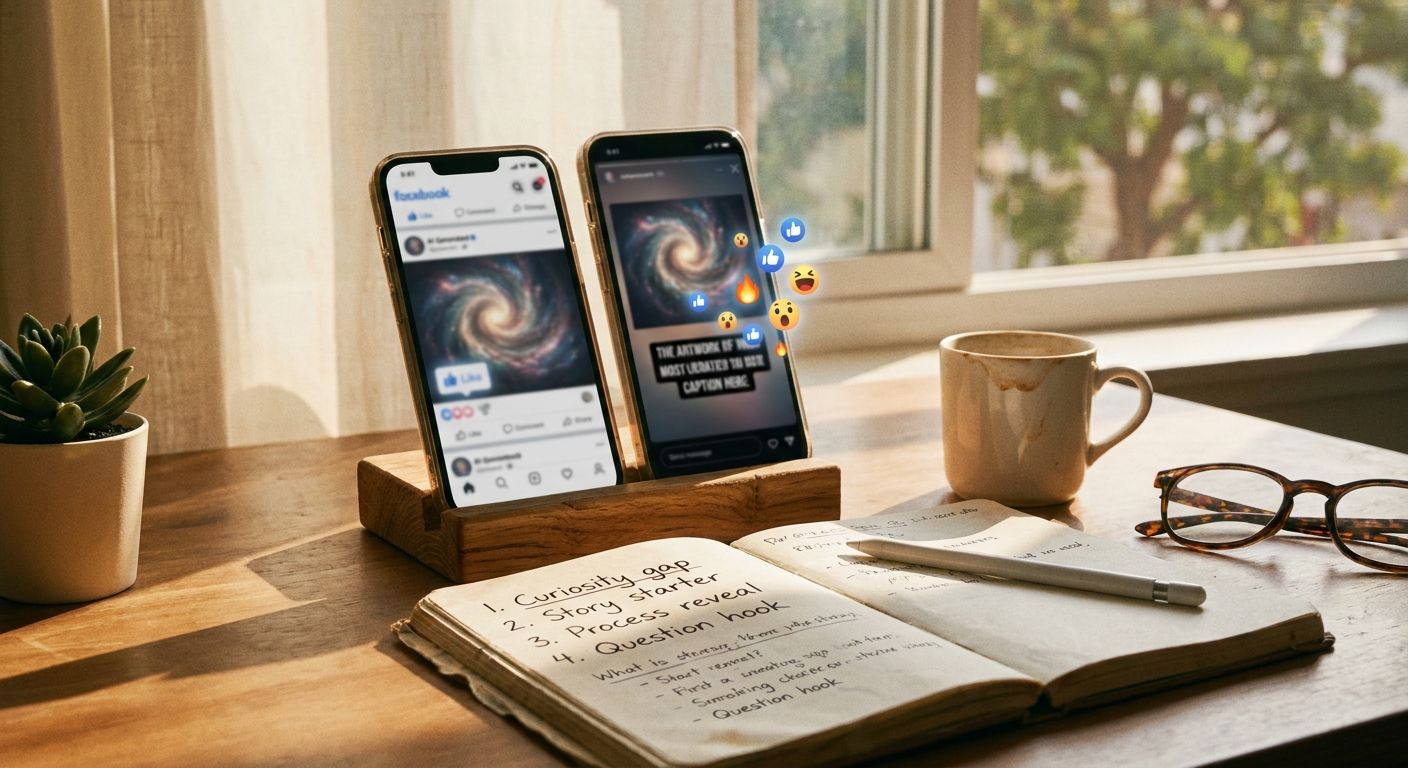
Do these hooks work for both short-form video and static carousel posts?
Most do, with a format shift. For carousels, the hook lives in the cover slide as a text overlay -- treat it exactly like a verbal hook: specific claim, no generic setup. The "spot the difference" and comparison hooks (5 and 7) are especially strong as carousels because the swipe mechanic does the interactive work naturally.
How often should I rotate hooks instead of running the same one?
Run a hook until it clearly drops in hold-rate relative to your baseline, then rotate. Don't switch every post -- you won't accumulate enough signal to know what's working. Give any new hook at least three posts before judging it, varying only the subject matter, not the hook structure.
My art is genuinely high quality -- why isn't it performing without a strong hook?
The algorithm can't evaluate quality before watch-time tells it the content is worth distributing. Quality determines saves and shares; the hook determines whether anyone gets far enough to experience the quality. Both matter, but they operate at different points in the funnel.
Start here: Take your last three posts, rewrite only the first line using any hook from this list, and repost as a variation. The art stays identical. If hold-rate improves, you've isolated the problem -- and the fix costs you nothing but 10 minutes of scripting.