Top 10 Hooks to Try for Video Editing Content (And Why They Work)
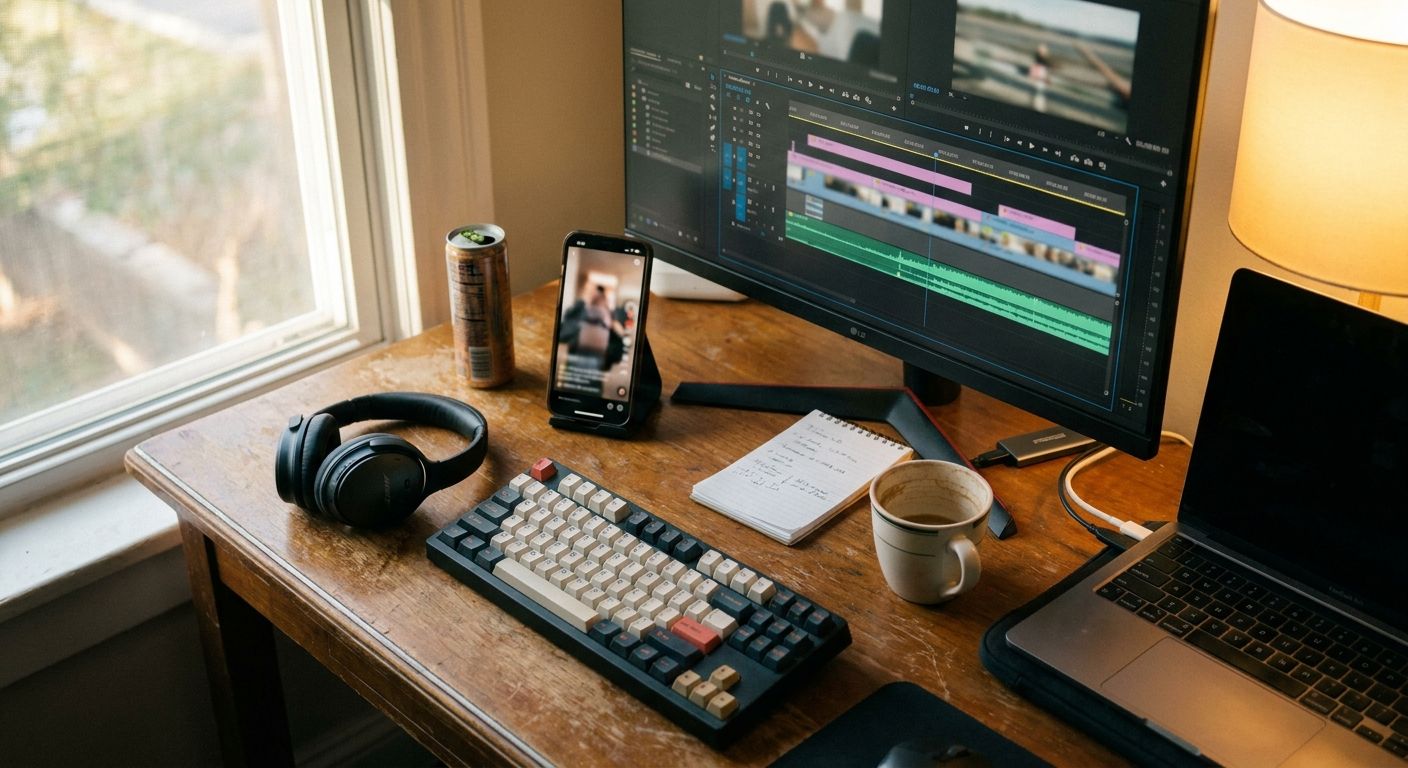
Most video editing content fails in the first two seconds
Not because the edit is bad—because the hook doesn't give the viewer a reason to stay. The fix isn't a longer video or more hashtags. It's a sharper opening frame. Here are 10 hook templates that consistently outperform for video editing creators, plus the weak patterns they replace.
Why Most Editing Hooks Fail (And What to Do Instead)
Opening with "Hey guys, today I'm going to show you…" burns your first two seconds with zero tension or payoff signal.
A strong hook names a specific result, a counter-intuitive claim, or a before/after gap the viewer wants closed.
Once a viewer has a reason to stay, watch time and saves follow--both stronger signals than raw reach.
Repeat the winning hook structure across multiple posts; one strong template can power an entire content series.
Winners vs. losers: the real split
- Winners → show the result or reveal the trick in the first frame; make the viewer feel like they're about to learn something they didn't know they needed
- Winners → pair a tight visual (timeline close-up, before/after cut, screen capture) with a spoken or text hook that promises a specific payoff
- Losers → hide the payoff behind a long intro; the viewer scrolls before the actual technique appears
- Losers → lead with the tool name or software logo as the hook--software identity is not tension
- Losers → rely on hashtag volume or video length as the distribution lever instead of recutting the opening frame
10 hook templates for video editing content
1. "I spent [X time] figuring this out so you don't have to"
Why it works: Signals effort already spent; the viewer gets the shortcut. Adapt it: "I spent a week breaking down why my cuts looked amateur--here's the single thing I changed." Avoids: Generic "tips and tricks" framing with no skin in the game.
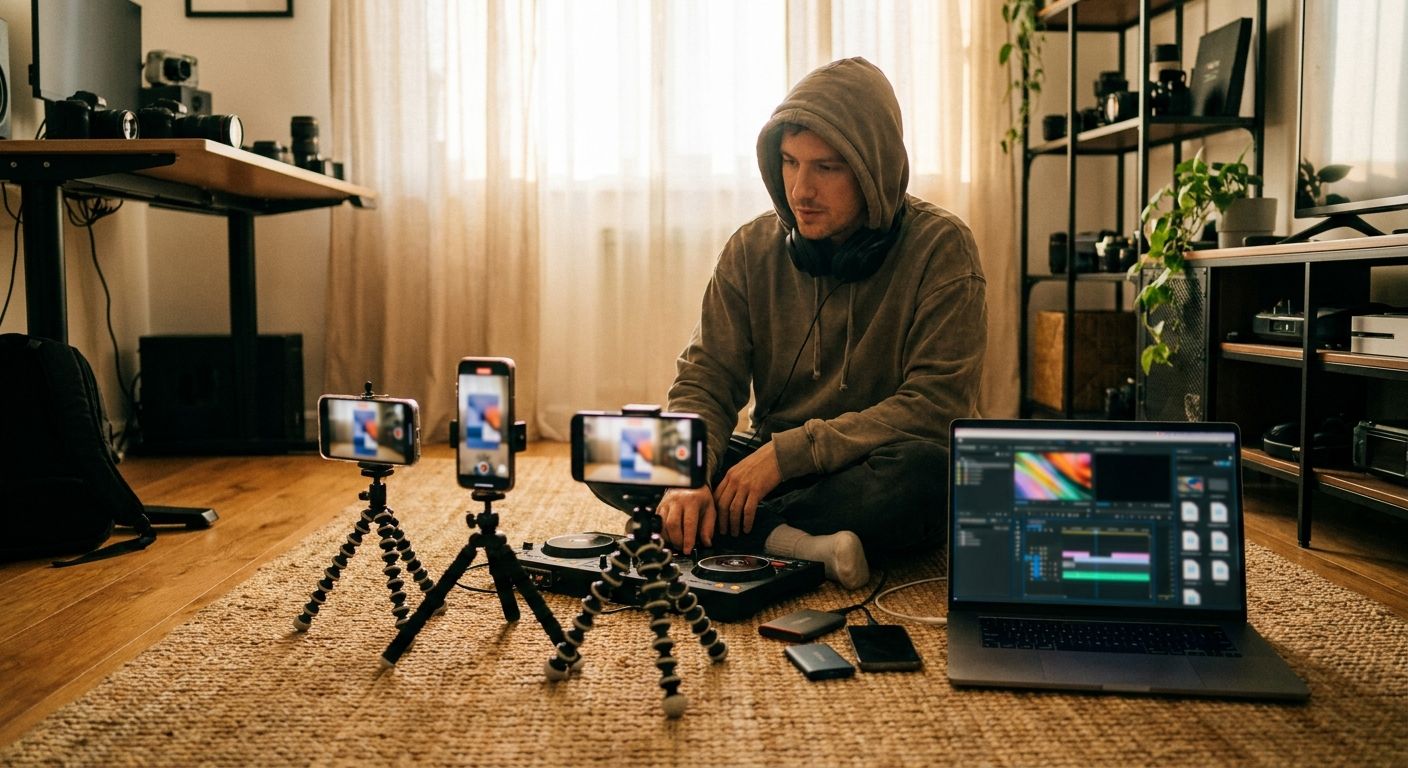
2. "This edit would have taken me [timeframe]. Now it takes [shorter timeframe]."
Why it works: Concrete time compression is instantly relatable to any editor. Adapt it: Lead with the screen recording of the fast workflow, then explain it. Avoids: Vague "speed up your workflow" claims with no reference point.
3. "Stop doing [common habit]--here's what actually works"
Why it works: Challenges an assumption the viewer already holds, which creates instant cognitive tension. Adapt it: "Stop color grading before you fix your audio levels--here's the order that actually matters." Avoids: Purely additive list content that never gives the viewer a reason to question what they're already doing.
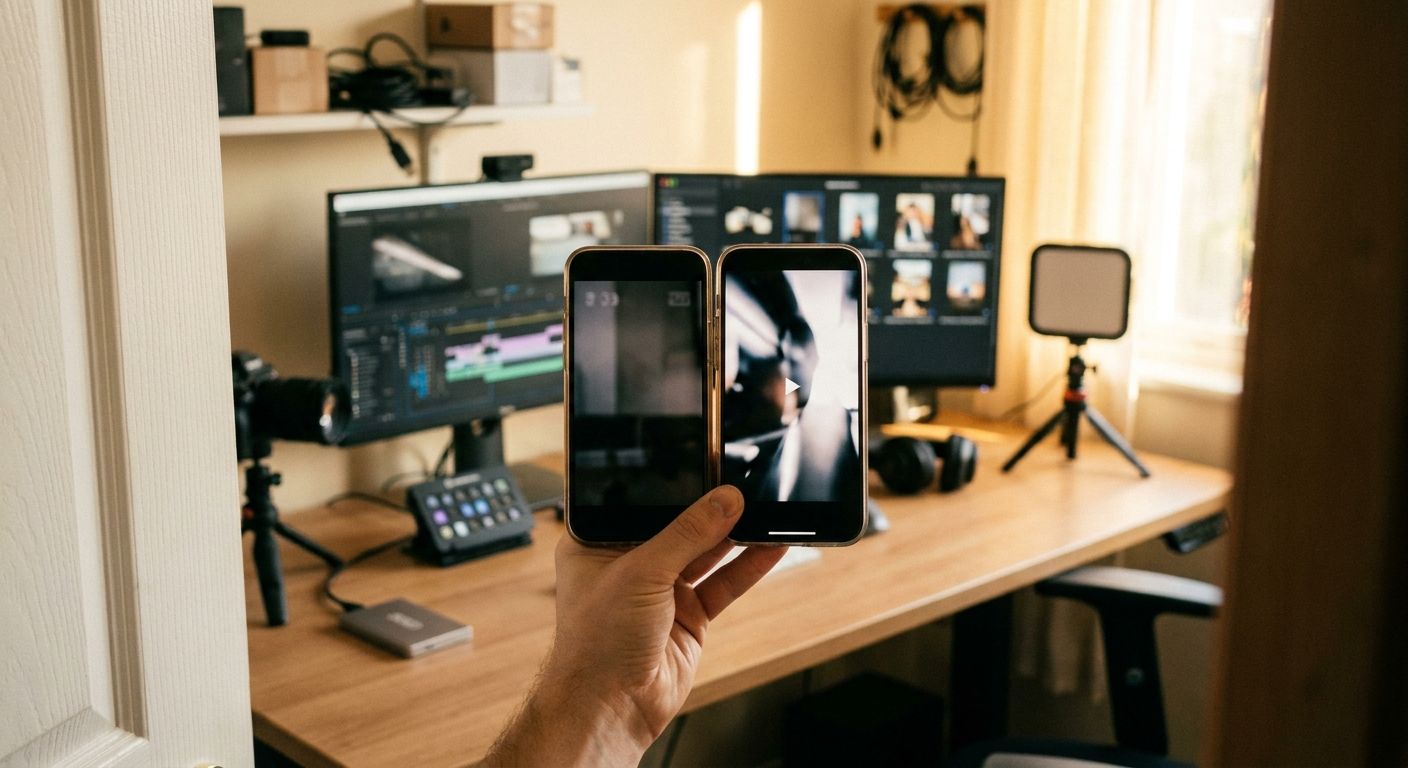
4. "Before → after [show the clip, no explanation yet]"
Why it works: Visual proof before any verbal claim. The gap between before and after creates the question the rest of the video answers. Adapt it: Open with the rough cut, cut to the polished version, then say "here's exactly how." Avoids: Text-heavy intros where the viewer has to imagine the result.
5. "Most editors don't know this [specific feature/shortcut] exists"
Why it works: Exploits FOMO on professional knowledge. The specificity ("this feature") signals it's not a list of obvious tips. Adapt it: Name the software and the obscure panel or shortcut immediately on screen. Avoids: Generic "hidden secrets" framing that promises depth but delivers basics.
6. "Here's what [client/brand/professional project] actually looked like before I edited it"
Why it works: Raw footage is universally messy; showing it is an instant credibility and relatability move. Adapt it: Pull a genuine rough clip--shaky, flat, badly lit--and let it play for two seconds before cutting to the final. Avoids: Polished-only showcases that feel aspirational but unattainable.
7. "The [number]-second trick that changed how I edit [specific thing]"
Why it works: Time-boxes the effort required; ultra-low commitment threshold. Adapt it: "The 3-second J-cut trick that changed how I edit dialogue." Keep the technique genuinely fast to demo. Avoids: Overpromising a "trick" that turns into a 4-step process.
8. "I recreated [recognizable visual style] and here's how"
Why it works: Anchors the content to a reference the viewer already finds aspirational. Adapt it: Side-by-side reference frame vs. your recreation in the first three seconds. Avoids: Style tutorials with no reference anchor, where the viewer can't immediately judge quality.
9. "What editors charge for this vs. what it actually costs you to learn"
Why it works: Frames the content as value arbitrage--a sharp angle for the creator who wants to close skill gaps without hiring out. Adapt it: State a real service price category, then say "you can do this yourself in [timeframe] with this method." Avoids: Pure skill-flex content that doesn't answer "why does this matter to me?"
10. "Watch this cut fail--then watch me fix it in real time"
Why it works: Failure-first hooks are underused in editing content. Showing a bad cut then fixing it live is more instructive--and more watchable--than showing a finished result and explaining backward. Adapt it: Record the fix as a continuous screen capture; don't cut around the mistakes. Avoids: Polished tutorials that skip the diagnostic thinking that actually teaches craft.
1 source video -> 3-5 posts: a fast repurposing workflow
- Identify the single most instructive moment in your raw edit session--the fix, the mistake, the shortcut. That's your anchor clip.
- Post 1 -- Before/after hook (Hook #4): Raw clip vs. finished. No explanation in the caption; let the visual gap do the work.
- Post 2 -- Technique breakdown (Hook #7): Zoom into just the one move. Voice-over the steps in real time over the screen recording.
- Post 3 -- Failure-first variant (Hook #10): Show the bad version of the same technique, then the fix. Different angle, same source material.
- Post 4 -- Contrarian take (Hook #3): Pull the assumption your original edit challenged ("I used to think X--here's why that was wrong").
- Post 5 -- Platform reformat: Trim the breakdown to under 30 seconds for Stories or Shorts; swap the opening frame to a text-on-screen hook if your audio doesn't carry cold.
An agent like GEN can watch which opening frame retains the most viewers, then automatically generate the next hook variation to test--without you manually A/B testing each post.
Frequently asked questions
Which hook type works best if I'm just starting out with no portfolio?
Hook #1 ("I spent X time figuring this out") and Hook #10 (failure-first) both work without a finished portfolio because they center your learning process, not your output. The viewer doesn't need to trust your results yet--they trust the transparency.
Should I put the hook in the caption or on screen?
On screen, always. Caption hooks only reach viewers who've already paused. Text overlay or spoken audio in the first two seconds is the only reliable delivery mechanism for retention.
How often should I rotate hook templates?
Run a template for at least three posts before you judge it--one underperforming post proves nothing. If a template consistently fails across multiple variations, retire it. If one outperforms, build a short series around it before pivoting.
Can I use multiple hooks in a single video?
Yes, but stack them deliberately: one hook to open (seconds 0-2), and a secondary re-engagement hook at the midpoint to recover drop-off. Don't layer two opening hooks--you'll dilute both.
The fastest improvement you can make today: take your last three posts, rewatch only the first two seconds of each, and ask if a stranger with no context would have a clear reason to keep watching. If the answer is no for any of them, recut just that opening frame and repost. Hook quality is the highest-leverage edit you're not making often enough.