Automate YouTube Shorts Upload and Analytics With Claude MCP: The 4-Part Loop Operators Actually Need


If you want to automate YouTube Shorts upload and analytics with Claude MCP, do not stop at "upload a file from Claude." Build a closed operating loop: package the Short, publish it with the right metadata, pull performance fields back into planning, and use those signals to shape the next batch.
The Shorts automation loop
Claude validates the asset, title, description, tags, thumbnail frame, and publishing state before anything touches YouTube.
The MCP server calls the YouTube Data API, handles resumable upload, and records the returned video ID.
Analytics are pulled by video, day, traffic source, and retention proxy instead of copied manually from YouTube Studio.
The next batch changes hooks, topics, length, and posting windows based on channel-specific results.
- Manual upload -> slow feedback: the biggest cost is not the clicking. It is that performance data rarely reaches the next script in time.
- Claude MCP -> controlled automation: works well when you have engineering capacity and want Claude to operate approved tools through a local or hosted MCP server.
- YouTube APIs -> two jobs: use the YouTube Data API for upload and metadata; use the YouTube Analytics API for reporting.
- GEN -> autonomous social loop: useful when you want trend watching, creative generation, video assembly, publishing, and analytics in one workflow rather than a custom stack.
The real pain: your Shorts process has no memory
The classic "automation" stack is usually ChatGPT for scripts, ElevenLabs for voice, an image or stock tool for visuals, CapCut for captions, then manual YouTube Studio upload. Each tool can do its job, but the system forgets what worked.
A realistic handoff estimate for one Short can land around 45-90 minutes once you include exporting, naming files, moving assets, checking captions, adding metadata, uploading, scheduling, and later copying performance into a spreadsheet. That is not a universal benchmark. It is a planning estimate for operators still moving assets across five separate tools.
The bigger loss is creative latency. If a hook format underperforms on Monday, but the lesson does not affect scripts until next week, your automation is making mediocre work faster.
What Claude MCP can automate for YouTube Shorts
Claude MCP gives Claude a structured way to call external tools. For Shorts, the MCP server is the controlled middle layer between Claude and YouTube, your asset storage, your database, and your analytics store.
A serious implementation usually needs these pieces:
- YouTube Data API v3: upload videos, set title, description, privacy status, tags, category, made-for-kids status, and schedule time.
- YouTube Analytics API: retrieve performance by video, date range, geography, traffic source, and selected metrics.
- OAuth 2.0 consent: authenticate the channel owner and request only the scopes your workflow needs.
- Asset storage: local folder, S3-compatible bucket, Google Drive, or another store where rendered Shorts and thumbnails are accessible to the MCP server.
- State database: a simple table that maps internal asset IDs to YouTube video IDs, publish status, errors, and analytics snapshots.
The main design choice: do not give Claude raw "do anything" access. It should call narrow tools with typed inputs, validation, and human approval gates where mistakes carry real cost.
A practical MCP tool set for Shorts upload and analytics
Start smaller than you think. The first useful version is not a full YouTube automation company in a box. It is six boring tools that never lose state.

| MCP tool action | What it does | Failure to handle |
|---|---|---|
validate_short_package |
Checks video path, duration, aspect ratio, title length, description, tags, and publish mode. | Reject missing files, wrong format, duplicate title, or unapproved metadata. |
upload_short_draft |
Creates a YouTube video upload as private or draft-like workflow state. | Retry resumable uploads; record partial upload IDs. |
schedule_short |
Sets privacy status and scheduled publish time after validation. | Block invalid time zones, past dates, and missing compliance fields. |
get_video_status |
Checks processing, privacy, URL, and metadata after upload. | Detect stuck processing or API response mismatch. |
fetch_short_analytics |
Pulls metrics for a video or batch of videos by date range. | Handle analytics lag and empty rows without overwriting prior data. |
write_learning_note |
Summarizes what changed, what worked, and what should be tested next. | Prevent unsupported conclusions from thin data. |
Analytics fields worth pulling back into Claude
Do not dump every available field into the model. Give Claude the metrics that change creative decisions.
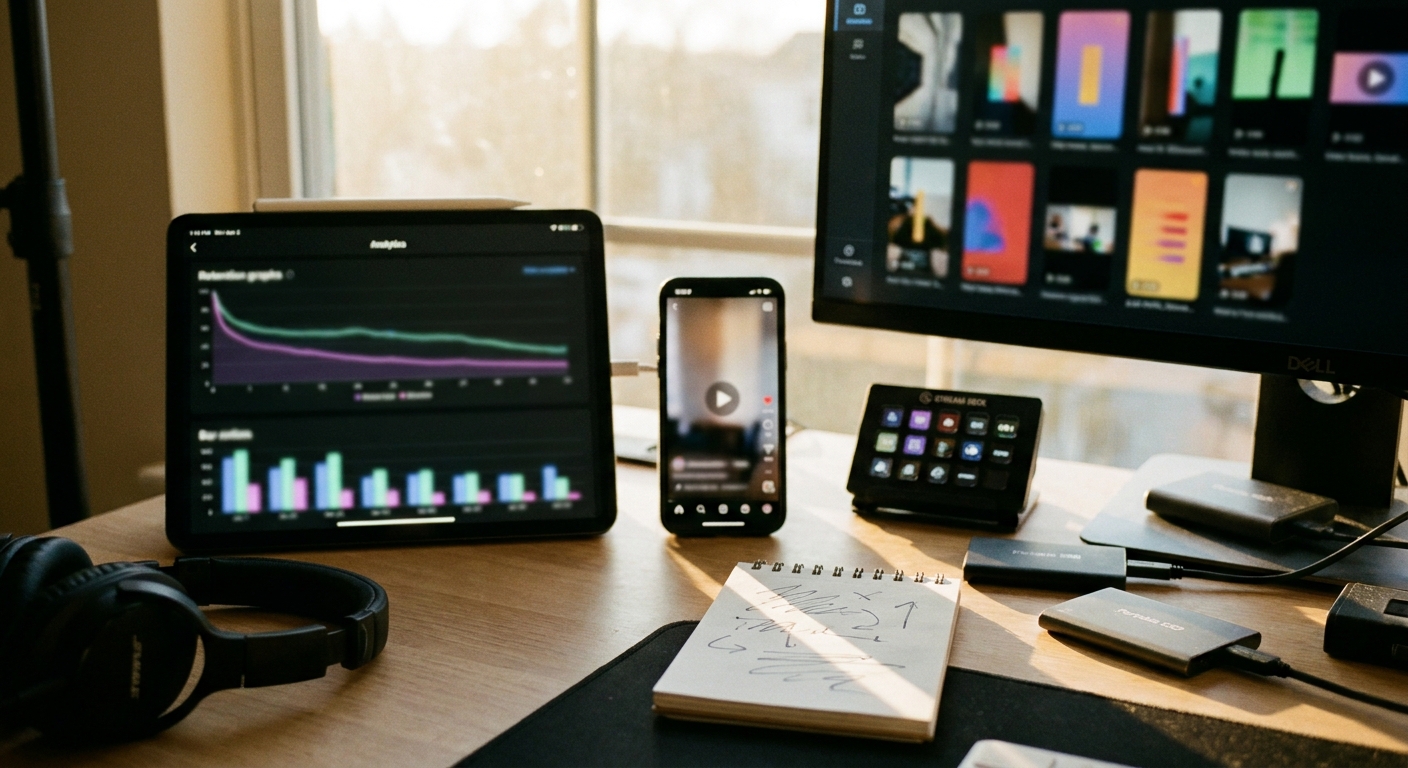
- Views: useful as a distribution signal, but dangerous alone because packaging and topic velocity can swamp creative quality.
- Estimated minutes watched: better for comparing videos with different lengths.
- Average view duration: helps flag weak openings or pacing problems.
- Likes and comments: useful for resonance, especially when mapped to topic and angle.
- Subscribers gained: separates attention from channel-fit attention.
- Traffic source: helps distinguish Shorts feed behavior from browse, search, external, or channel page traffic.
- Published time and day: useful only after you have enough repeated posts to avoid overfitting.
The working move is to join these fields to your creative spec: topic, hook type, first visual beat, voice style, video length, caption density, and CTA. Without that join, analytics stay a dashboard instead of becoming a learning system.
Numbered workflow: automate upload and analytics with Claude MCP
- Create a Shorts package schema. Define required fields: asset path, title, description, tags, category, language, privacy status, schedule time, thumbnail frame or image, and internal campaign ID.
- Build the MCP server around narrow actions. Expose only upload, schedule, status, analytics, and note-writing tools. Keep credential handling outside Claude.
- Connect YouTube OAuth. Use the scopes needed for upload and analytics. Store refresh tokens securely; do not pass secrets through prompts.
- Validate before upload. Claude can propose metadata, but the MCP tool should enforce file and policy requirements before calling YouTube.
- Upload as private first. This gives you a checkpoint to confirm processing, title, description, visibility, and compliance fields.
- Schedule or publish. Record the returned YouTube video ID immediately. This ID becomes the join key for analytics.
- Pull analytics on a cadence. A practical pattern is first check after early processing, then daily snapshots for the first few days, then a longer-range snapshot later.
- Generate a learning note. Claude should compare performance against recent channel baselines, but phrase conclusions as hypotheses when the sample is thin.
Where Claude MCP is strong, and where it is not enough
Claude MCP is good for controlled tool use. It is less useful as a complete social-media operating system unless you build the surrounding machinery.
| Approach | Best for | Main tradeoff |
|---|---|---|
| Manual YouTube Studio | Low-volume channels and final human review. | Reliable, but slow and disconnected from creative planning. |
| Claude MCP DIY stack | Technical teams that want custom upload, reporting, and approval logic. | You own OAuth, retries, schemas, storage, analytics joins, and maintenance. |
| Point tools like CapCut, ElevenLabs, HeyGen, or Arcads | Specific production steps: captions, voice, avatars, ad-style creative. | Strong per task, but usually not a closed feedback loop. |
| Autonomous social agent like GEN | Teams that want trend watching, content generation, video assembly, scheduling, publishing, and feedback in one loop. | Less bespoke than a custom engineering build, but much faster to operate. |
This is where GEN fits. Instead of treating upload as the finish line, GEN treats publishing as one step in a continuous agent loop: watchlists and competitor analysis, content ideas, Vidsheets for multi-layer video assembly, then direct publishing and scheduled tasks across YouTube Shorts, TikTok, and Instagram Reels.
That distinction matters in niches where creators and brands move quickly. Channels built around faceless explainers, AI avatar ads, Reddit-story formats, or high-frequency product education need more than faster upload. They need the next creative batch to reflect what the market is rewarding now.
Failure handling most teams forget
The brittle parts are rarely the Claude prompts. They are the edge cases around publishing state.
- Duplicate uploads: generate an idempotency key from asset hash plus campaign ID before upload.
- Analytics lag: store "no data yet" separately from zero performance.
- Partial uploads: use resumable upload and persist upload session state where possible.
- Bad metadata: validate titles, links, claims, and restricted words before publishing.
- Overfitting: do not let Claude rewrite the whole strategy from one outlier Short.
If you want a broader view of agentic publishing systems, read how an AI social-media agent works and how to design a social automation workflow without losing creative control.
Frequently asked questions
Can Claude MCP upload YouTube Shorts directly?
Claude does not upload directly by itself. An MCP server can expose a tool that calls the YouTube Data API, and Claude can invoke that tool with approved inputs.
Which YouTube APIs do I need?
Use the YouTube Data API for upload, metadata, privacy status, and scheduling. Use the YouTube Analytics API for performance reporting. Keep OAuth scopes narrow and store credentials outside the prompt layer.
Should I build a Claude MCP stack or use GEN?
Build with Claude MCP if you need custom internal tooling and have engineering time. Use GEN if the real goal is an autonomous content loop: trend monitoring, ideation, video generation, publishing, and analytics feedback without stitching together the whole system yourself.
What analytics should Claude review after publishing?
Start with views, estimated minutes watched, average view duration, likes, comments, subscribers gained, traffic source, and publish time. The important part is connecting those fields to the original creative spec, not just summarizing a dashboard.
The takeaway: automate upload only after you design the feedback loop. A Claude MCP uploader saves clicks; a real Shorts agent changes what you make next.