Connect Claude to TikTok, Instagram, and YouTube via MCP: The 5-Step Workflow That Removes the Publishing Handoff


If you want Claude to work with TikTok, Instagram, and YouTube through MCP, the win is not "Claude can post." The win is fewer broken handoffs. Trend scan, script, asset generation, edit structure, render, and scheduling can run inside one controlled production loop.
Claude-to-social production loop
Claude checks watchlists before writing, so the brief starts from current platform patterns.
The idea becomes rows for avatar, B-roll, voiceover, captions, music, and timing.
Low-cost edits happen in structure first; media generation happens only after approval.
The agent schedules vertical MP4s and feeds platform signals back into the next batch.
- Best path: add
https://mcp.gen.proas an MCP connector, authenticate once, then let Claude work with GEN's watchlists, Vidsheets, rendering, and publishing tools. - Where teams lose time: not in writing the caption, but in reformatting, caption syncing, approvals, exports, failed uploads, and "which version is final?" coordination.
- What MCP changes: Claude can call production tools directly instead of handing you a plan you still have to execute manually.
- What still needs governance: account permissions, platform policy, music rights, likeness rights, disclosures, and final publish controls for regulated brands.
The real problem: Claude drafts, but your team still operates like a media assembly line
Most advanced teams already use Claude or ChatGPT for briefs, hooks, script variants, and repurposing. The bottleneck comes next: paste into a video tool, choose a voice, generate scenes, rebuild captions, export 9:16, upload to TikTok, repeat for Instagram Reels, repeat for YouTube Shorts, then schedule or publish.
For a daily short-form program, those handoffs can easily burn several hours a week before anyone looks at performance. The exact number depends on review layers, asset complexity, and channel count, but the cause is the same: every separate tool creates another place for the workflow to stall.
The operator question is not "Can Claude write a TikTok script?" It is "Can Claude move a trend-grounded idea into a publishable asset without creating another manual queue?"
How MCP fits: Claude becomes the operator, not just the copywriter
MCP, or Model Context Protocol, lets Claude connect with external tools in a structured way. In this workflow, GEN is the autonomous AI social-media agent Claude can call. Watchlists, creative production, rendering, scheduling, and multi-platform publishing sit behind one connector.
That matters because social content is not a single API call. A post includes format, angle, scene order, caption timing, aspect ratio, thumbnail, platform metadata, account permissions, and publish timing.
| Approach | What works | Where it breaks |
|---|---|---|
| Zapier or Make glue | Simple routing, alerts, file movement | Multi-step edits, social auth edge cases, creative iteration |
| Custom Python scripts | High control for technical teams | Maintenance burden, platform changes, non-technical marketers blocked |
| Standalone creation tools like HeyGen, Arcads, CapCut, or Descript | Good point solutions for avatars, ads, editing, or clipping | Still require coordination across trend research, approvals, and publishing |
| Claude + GEN MCP | One conversational operator loop from trend to scheduled post | Requires connected accounts, clear permissions, and sensible publish guardrails |
Prerequisites before you connect Claude to TikTok, Instagram, and YouTube
Do this before you touch the connector. It prevents most "automation is broken" complaints, which are usually permission or policy issues dressed up as technical problems.
- Connected social accounts: confirm you have admin or publishing access for the TikTok, Instagram, YouTube, and X accounts you plan to use.
- Correct account types: some platform publishing workflows depend on account type, business settings, or channel permissions. Verify this before building recurring tasks.
- Asset rights: use approved music, licensed visuals, approved brand marks, and consented voice or likeness assets.
- Disclosure rules: paid partnerships, synthetic media, health claims, financial claims, and political content need stricter review.
- Human approval mode: if the brand has legal or reputational risk, start with "draft and schedule for approval," not fully automatic publishing.
Numbered workflow: connect Claude to GEN's MCP server
1. Add the GEN MCP connector
In Claude.ai or ChatGPT, add https://mcp.gen.pro as a custom MCP connector and authenticate with OAuth. If you are using Claude Code, run:
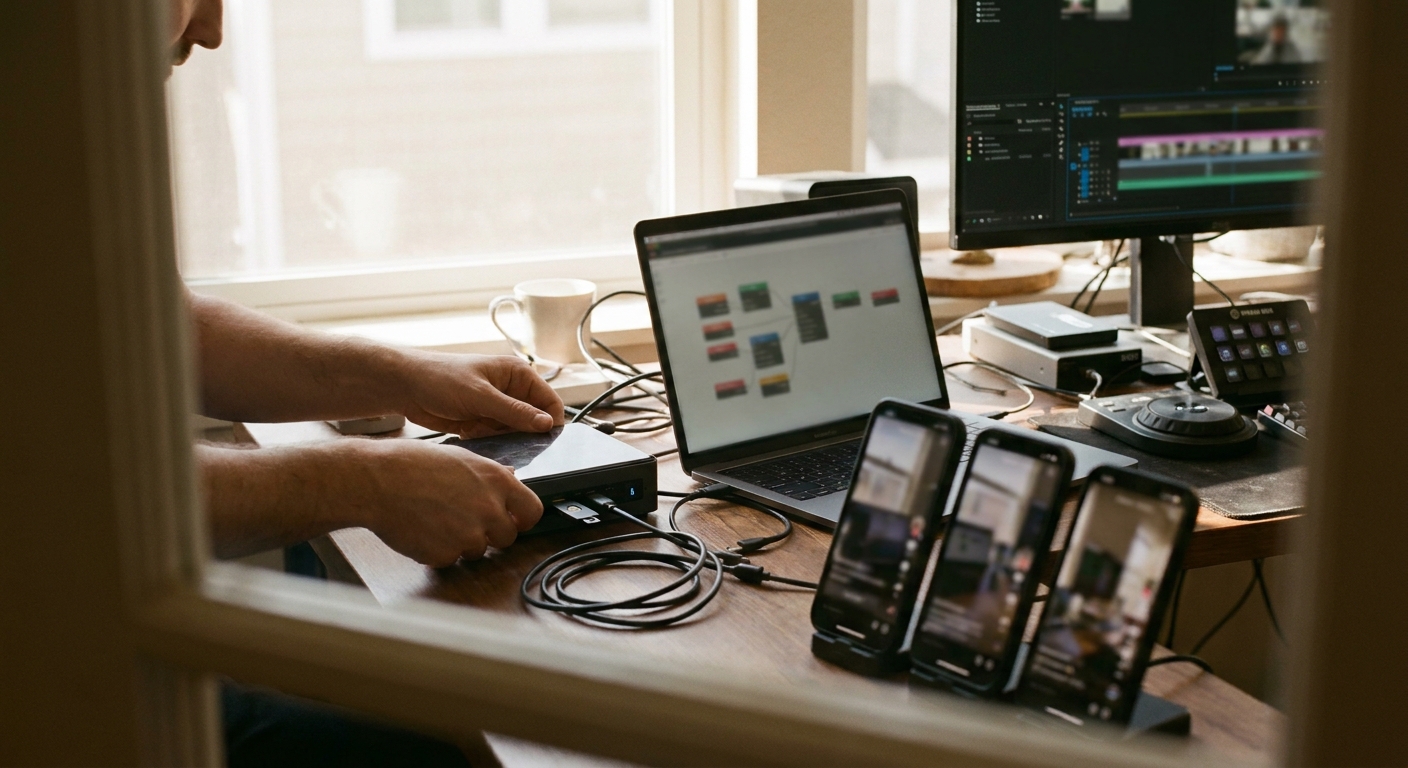
claude mcp add --transport http gen https://mcp.gen.pro
Then authenticate with /mcp. For teams that use personal access tokens, confirm who owns the token and what it can publish before connecting it to production accounts.
2. Ask Claude to inspect available GEN tools
Start with discovery, not generation. A strong first prompt is:
"Use GEN MCP to discover the available production tools and connected social accounts. Summarize what you can do, what requires confirmation, and which accounts are ready for publishing."
This catches missing permissions early. If Claude cannot see a connected account or a rendering capability, do not proceed to a full content batch yet.
3. Ground the idea in a live watchlist
GEN Watchlists can track hashtags, competitor handles, niche keywords, and conversation patterns across TikTok, Instagram, YouTube, Reddit, and X. The goal is not to chase every trend. It is to keep Claude from writing from stale averages.
"Check the GEN Watchlist for our niche. Find 5 content formats that are gaining attention in the last 48-96 hours. For each, explain the format pattern, why it fits our audience, and one angle we should avoid."
Operators should be selective here. A format that works for entertainment creators can fail with a B2B SaaS buyer unless the underlying mechanism transfers: contrast, proof, speed, specificity, or founder point of view.
4. Convert one idea into a Vidsheet
Once you select an angle, ask Claude to create a Vidsheet instead of a loose script. A Vidsheet is the production object: structured rows and layers for character or avatar, B-roll, voiceover, captions, music, timing, and platform notes.
"Create a Vidsheet for the selected idea. Keep it under 35 seconds. Use a direct first line, three visual beats, captions that can stand without sound, and a final CTA for a B2B operator. Do not generate media yet; only update the Vidsheet."
Use gen_vidsheet_action with update for structural edits. This is the cheap phase. Do not spend render credits fixing weak sequencing that could have been corrected as rows and cells.
5. Render, review, and publish or schedule
When the Vidsheet is approved, use gen_vidsheet_action with generate. GEN should ask for user confirmation before rendering media. After the vertical MP4 is ready, publish or schedule to connected TikTok, Instagram, YouTube, and X accounts.
"Generate the approved Vidsheet after confirmation. Export as a vertical MP4. Prepare platform-specific captions for TikTok, Instagram Reels, YouTube Shorts, and X. Schedule for review before publishing."
For recurring output, create scheduled Tasks: daily trend digests, weekly batch generation, or a review queue every weekday morning. For a deeper operating model, see how an AI social-media agent should actually work.
Prompts that produce better social output through MCP
Claude gets more useful when you give it production constraints, not just creative preferences.
- Trend filter: "Ignore formats that require celebrity news, private data, or copyrighted audio we cannot license."
- Brand fit: "Score each idea by buyer relevance, proof burden, production difficulty, and risk."
- Platform split: "Keep the core video identical, but adapt caption, title, and CTA separately for TikTok, Instagram Reels, YouTube Shorts, and X."
- Approval control: "Do not publish automatically. Create a scheduled draft and list anything a human should review."
- Learning loop: "After publishing, summarize which topics and formats should be repeated, modified, or retired."
Where automation should stop
Autonomous does not mean careless. The safest setup is often "autonomous research and production, human approval for publish" until your brand trusts the guardrails.
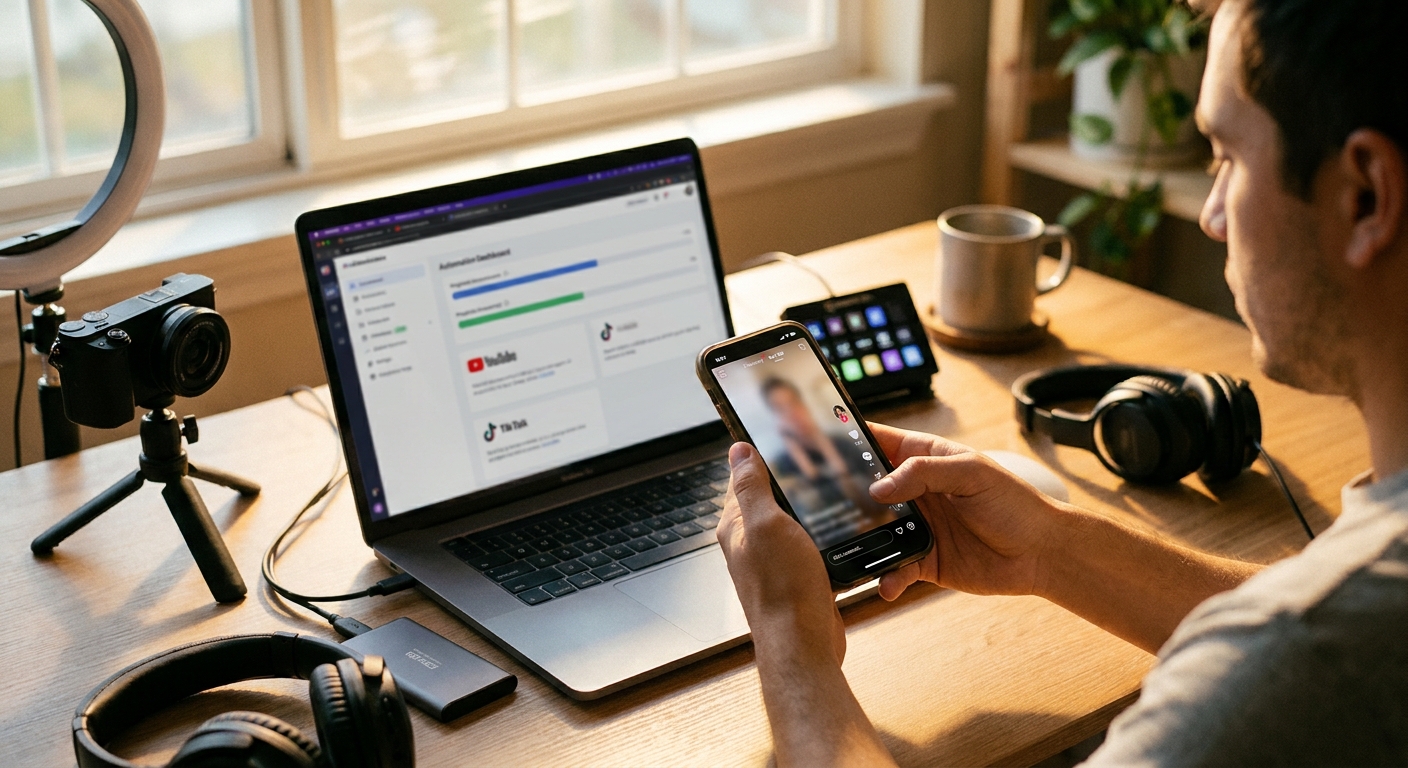
Be especially careful with synthetic spokespersons, medical or financial claims, competitor comparisons, political content, and anything using a real person's likeness. Tools can speed up production, but legal responsibility still sits with the account owner.
Also expect occasional platform friction. OAuth sessions can expire, platform permissions can change, and uploads can fail because of file requirements or account status. A good MCP workflow should show those errors clearly instead of silently dropping posts.
Frequently asked questions
Can Claude post directly to TikTok, Instagram, and YouTube through MCP?
Claude can operate through an MCP-connected tool that has the right publishing permissions. With GEN, Claude connects to https://mcp.gen.pro, then uses GEN's connected accounts, Vidsheets, rendering, scheduling, and publishing workflow.
Do I need Claude, or can I use ChatGPT?
The workflow is designed for MCP-capable assistants. Claude is the common operator interface, and ChatGPT can also connect where custom MCP connectors are supported. The point is that the assistant can call GEN tools instead of only generating text.
Is this better than Zapier or Make?
For simple notifications or file movement, Zapier and Make are often enough. For social video production, the hard part is creative state: trend context, timeline structure, captions, render confirmation, platform variants, and approvals. That is where an agentic workflow is more practical.
Should I allow fully automatic publishing?
Only after you trust the account permissions, policy guardrails, asset rights, and review rules. Many B2B teams should start with automatic drafts and scheduled review, then allow full autopublishing only for low-risk formats.
The practical takeaway: connect Claude to TikTok, Instagram, and YouTube through MCP only if the connector can handle the messy middle of social production. GEN is built for that middle layer: live trend grounding, Vidsheet creation, confirmed rendering, and governed publishing from one agent loop.