TikTok Shop Video Automation: The Daily Hook-Test System That Beats Sample-Chasing

TikTok Shop video automation is hook-test automation
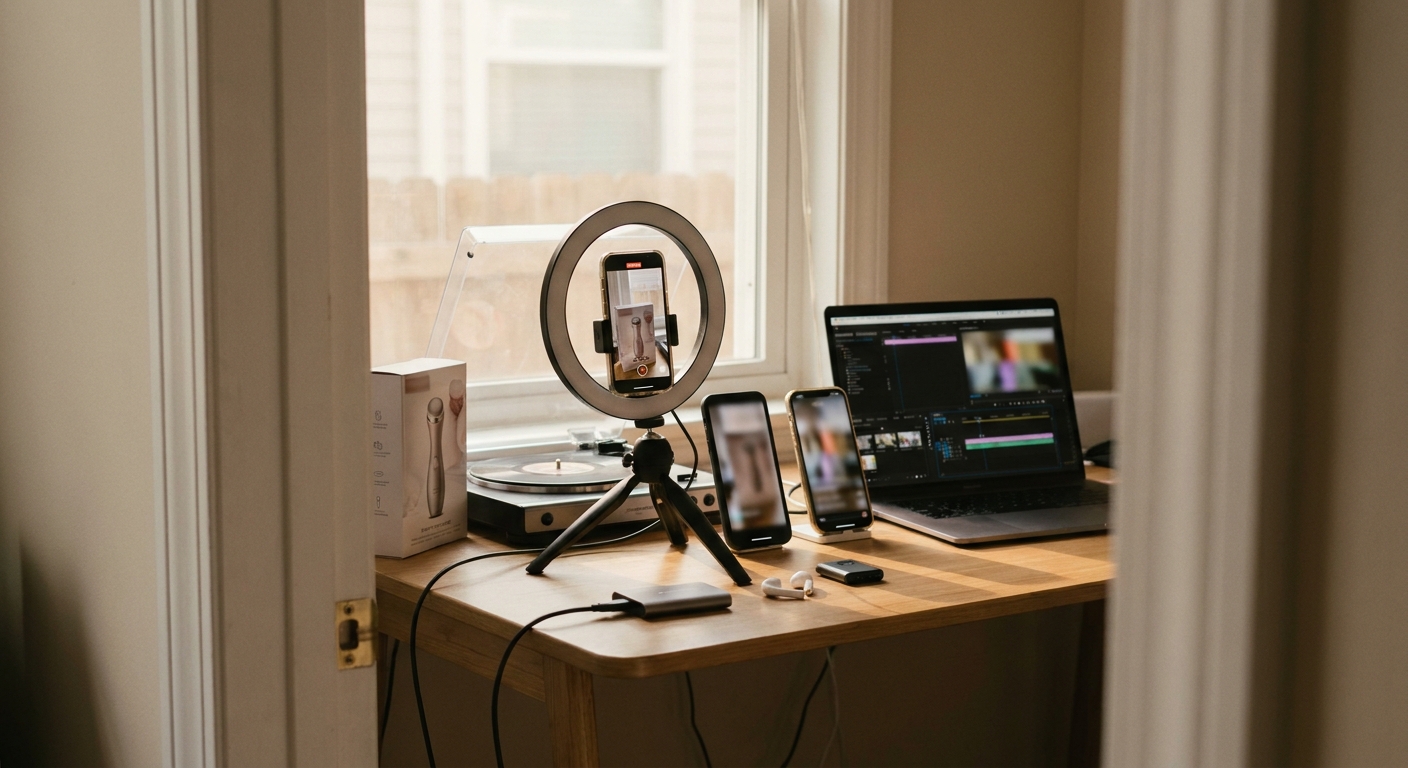
TikTok Shop video automation is not about making one polished AI UGC clip. The real gain is replacing a slow creator-sample cycle with a daily system that tests product angles, opening hooks, objections, and formats before the market moves on.
The TikTok Shop automation loop that matters
Track hooks, objections, demos, comments, and competitor angles before they become obvious.
Generate distinct angles: problem, proof, comparison, objection, price anchor, comment reply.
Create AI UGC, product-led cuts, captions, voiceovers, and Vidsheets without waiting for new samples.
Ship on a consistent schedule so each SKU gets repeated market contact, not occasional bursts.
Turn early signals into the next batch of scripts instead of restarting from a blank page.
- Manual creator sourcing -> slow validation: sending 20 samples can take 2–4 weeks before you know which hook deserves spend.
- One hero video -> fragile learning: a single polished asset can hide whether the product, hook, creator, format, or offer did the work.
- Automation -> controlled variation: the point is to isolate the opening angle, demo sequence, caption, and CTA across many product videos.
- Best use case -> high-SKU velocity: TikTok Shop sellers, affiliate teams, and agencies managing repeatable product categories benefit most.
Why TikTok Shop creative breaks the normal UGC workflow
The old UGC workflow assumes you can brief creators, wait for samples, collect drafts, ask for revisions, and still hit the timing window. TikTok Shop punishes that assumption.
Product videos fatigue quickly because the winning variable is rarely "good video" in the abstract. It is usually a specific opening mechanism: "I stopped using X," "this fixed the annoying part of Y," "watch the left side," "TikTok made me test this," or a comment-reply objection that feels pulled from the feed.
If you ship samples to 20 creators, you are not buying 20 clean learnings. You are buying a messy bundle of shipping delay, creator availability, lighting quality, delivery risk, and inconsistent angle selection. That can still pay off for proof-heavy products, but it is a poor first pass for hook discovery.
The useful definition of TikTok Shop video automation
For serious operators, TikTok Shop video automation means automating the creative loop around a SKU, not just generating a video file.
A working system has five parts:
- Trend and competitor monitoring: watch the product niche, adjacent categories, comment patterns, and recurring visual formats.
- Hook family generation: create several distinct angles instead of rewriting the same script ten ways.
- Product-aware production: generate AI UGC, demo-style cuts, caption-first edits, and product-focused Vidsheets with enough specificity to avoid generic filler.
- Scheduled publishing: post consistently across TikTok and supporting channels without a human rebuilding every caption and format.
- Iteration memory: feed winners, losers, and comments back into the next batch.
Tools like HeyGen and Arcads can help with avatar-style or AI UGC production. GEN operates one layer higher as an autonomous AI social-media agent: Watchlists track market motion, the Content Ideas Engine creates structured hook variants, Vidsheets produce product-focused creative, and publishing automation keeps the loop running.
The hook families that usually matter more than the creator
Most TikTok Shop testing plans focus on "creator fit" too early. Before you know the angle, creator selection is a distraction.
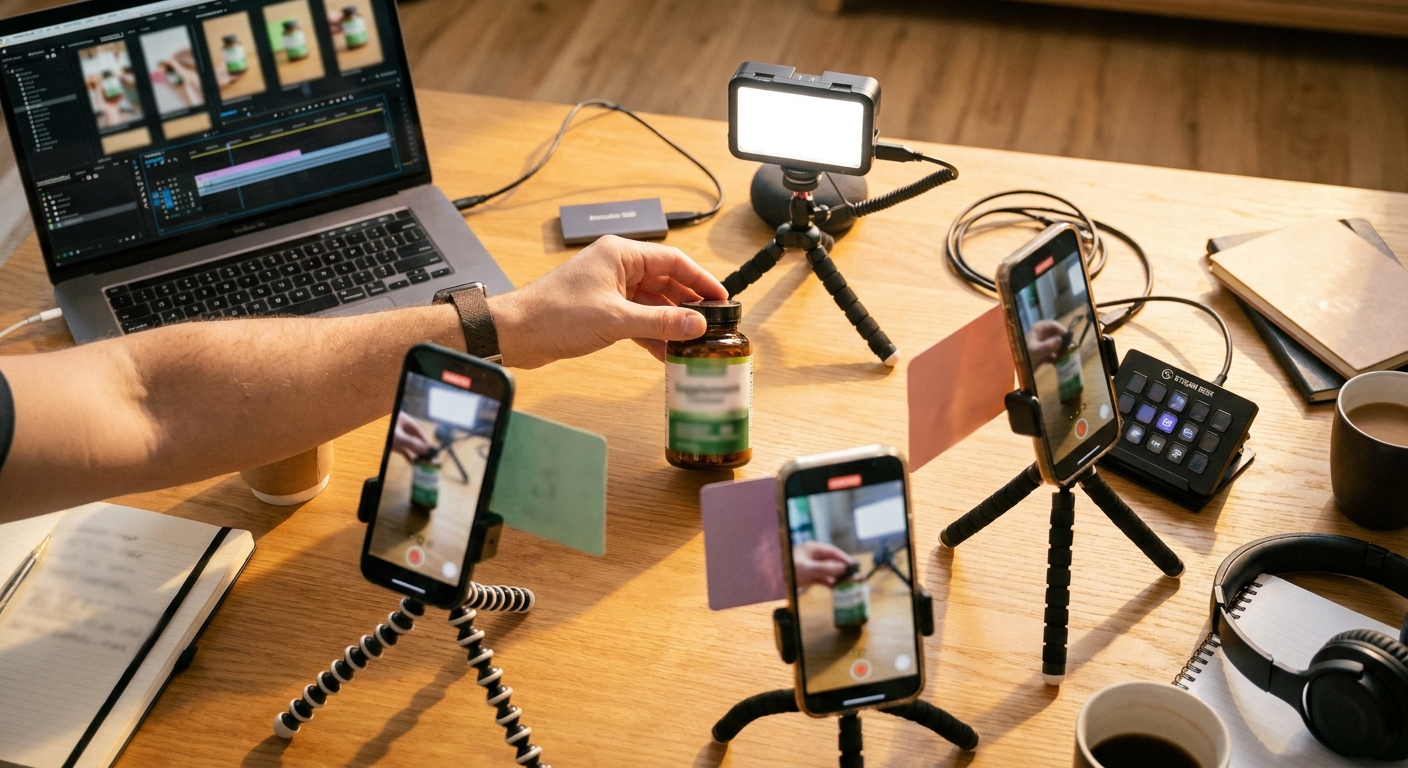
Start by separating hook families:
- Problem-agitate: opens with the irritating moment the product removes.
- Side-by-side demo: shows the before/after, old/new, cheap/expensive, or with/without comparison immediately.
- Comment-reply objection: answers the buying hesitation directly: size, durability, taste, setup, shipping, fit, cleaning, battery life.
- Price-anchor: reframes the product against a more expensive alternative or a recurring annoyance.
- Use-case stack: shows three specific moments where the product earns its place.
Cleaning products like The Pink Stuff became widely recognizable on short-form video because the product is naturally visual: the satisfying demo is the proof. Beauty devices, kitchen gadgets, pet products, phone accessories, and storage products behave similarly. If the product has a visible transformation, your first automation job is to produce more ways to introduce that transformation, not more ways to describe the product.
A practical automation workflow for one SKU
Use this operating cadence when a TikTok Shop seller or affiliate team needs volume without creative chaos.
- Build a Watchlist around the SKU category. Track direct competitors, adjacent problem categories, affiliate-style creators, comment sections, and recurring demo structures. For example: not just "portable blender," but gym meal prep, office lunches, dorm kitchens, and smoothie cleanup objections.
- Extract 6–10 hook premises. Do not ask for ten scripts yet. First decide the angle: speed, mess reduction, cost avoidance, gifting, portability, embarrassment, skepticism, comparison, or objection handling.
- Generate 2 scripts per premise. One should be creator-led UGC. One should be product-led, where captions and demo sequence carry the video even if the face is secondary.
- Create the first batch of AI UGC and Vidsheets. Use AI voices, captions, avatar or faceless structures, and product shots where appropriate. Keep each variant tied to one premise so you can learn cleanly.
- Publish on a fixed schedule. A team posting one video per day across 10 SKUs is handling 70 deliverables per week before revisions, repurposing, or affiliate coordination. Automation matters because the calendar gets heavy before performance analysis even starts.
- Promote only after organic signal or clear creative logic. If you cannot tell what the video is testing, paid amplification just makes the ambiguity more expensive.
- Feed comments back into the next batch. Comments are often better briefing material than the original product page because they surface the buyer's real hesitation language.
If you want better monitoring for fast-moving formats, pair this with a TikTok trend analysis workflow rather than relying on manual scrolling.
Manual vs semi-automated vs autonomous workflows
| Workflow | Best for | Hidden cost | Creative learning speed |
|---|---|---|---|
| Manual creator UGC | Proof-heavy products, testimonial depth, premium brand feel | Sample shipping, creator ghosting, revision lag | Slow until assets arrive |
| Semi-automated AI video | Quick avatar videos, faceless explainers, script testing | Still requires manual trend selection and publishing | Moderate |
| Autonomous social workflow | Daily hook testing across SKUs, affiliate operations, agencies | Requires strong product inputs and review rules | Fastest when feedback loops are maintained |
Where automation fails
Bad automation scales the wrong abstraction. It takes one mediocre product page, generates 30 interchangeable scripts, and calls that testing.

The failure modes are predictable:
- Same hook, different wording: ten variants that all make the same claim teach almost nothing.
- No product truth: AI UGC that ignores size, texture, setup, limitations, or real use cases feels generic.
- Over-polished pacing: many TikTok Shop videos work because they feel like a fast proof clip, not a brand campaign.
- Untracked publishing: if no one knows which hook family went live, the next batch repeats guesses.
The fix is simple but operationally annoying: define the variable before generating the video. GEN's Content Ideas Engine helps here because it produces structured variants by angle instead of a pile of near-duplicate captions. The human job shifts from writing every script to choosing which hypothesis deserves distribution.
What to automate first
Do not begin with the most cinematic output. Begin with the bottleneck that blocks more learning.
- If you lack angles: automate trend monitoring and hook generation.
- If you have angles but no assets: automate AI UGC, voiceover, captions, and Vidsheets.
- If you have assets but inconsistent output: automate scheduling and cross-channel publishing.
- If you have views but weak conversion: automate objection mining from comments and rebuild scripts around buyer hesitation.
For teams already posting across TikTok, Instagram Reels, and YouTube Shorts, the operational win is often not "AI made the video." It is that one product insight turns into multiple native executions without rebuilding the whole workflow. See also how an AI social-media agent changes the publishing loop.
Frequently asked questions
Can TikTok Shop video automation replace human creators?
Not completely. It can replace a lot of early hook discovery, faceless testing, avatar-led explainers, and product demo variants. Human creators still matter when physical proof, personality, trust, or niche authority is the differentiator.
Is AI UGC allowed for TikTok Shop videos?
Sellers should review TikTok's current commerce and synthetic media rules before publishing. Operationally, the safer approach is to avoid deceptive claims, disclose where required, and keep product demonstrations accurate.
How many video variants should I make per product?
Start with 6–12 meaningfully different variants, not 30 tiny rewrites. Cover several hook families first: problem, demo, objection, comparison, price anchor, and use case. Expand only after you see which family deserves more volume.
What is the biggest mistake in TikTok Shop video automation?
Automating production before automating learning. If your system does not track what angle each video tested, you are just making content faster, not getting smarter.
Takeaway: Treat TikTok Shop video automation as a daily creative testing machine. Use GEN to watch the market, generate distinct hook hypotheses, produce product-aware variants, publish consistently, and turn comments into the next batch before the winning angle goes stale.