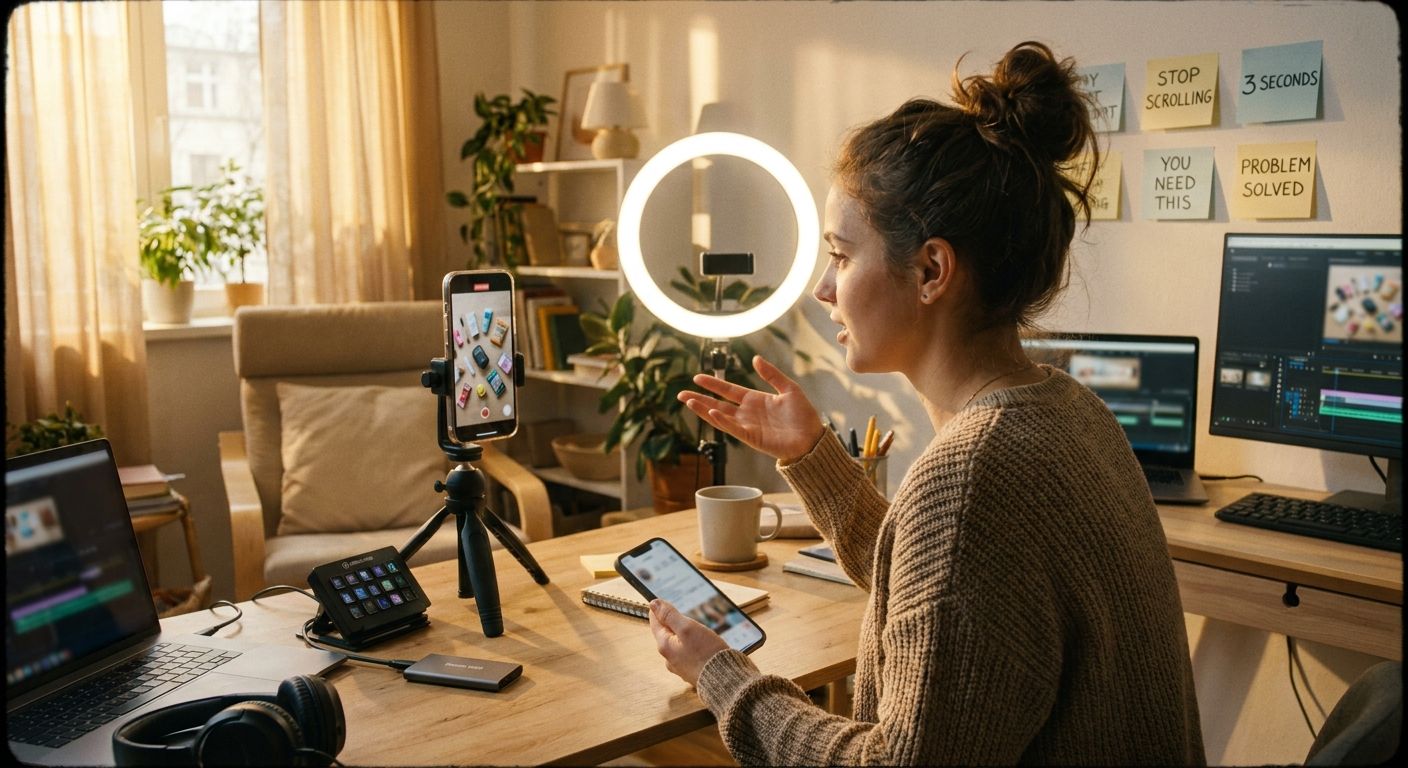
Top 10 Hooks to Try for AI Apps (Templates + Why They Work)


Most AI app content dies in the first two seconds -- here's what actually stops the scroll
The failure mode isn't the app. It's the opener. Creators lead with "this AI tool is insane" or "you need to try this" and lose viewers before the value lands. The hooks that consistently pull saves and shares do one thing first: they make the viewer feel the before-state so precisely that skipping feels like leaving money on the table.
The hook-to-save flywheel for AI app content
Name a specific cost, mistake, or invisible problem the viewer already has but hasn't articulated.
Screen-record or direct-to-cam demo -- the process has to be visible, not described.
Give one specific, tangible output -- a number, a saved file, a finished thing -- not "it's so good".
Prompt lists, exact prompts, or step breakdowns earn saves -- the strongest long-term distribution signal.
Winners vs. losers at a glance
- Winner: opens with a felt problem, demos the tool visibly, ends with a concrete output
- Winner: uses specific role/use-case framing ("if you're a freelance designer...")
- Loser: leads with "this AI tool is crazy" -- zero information, instant skip
- Loser: describes the feature without showing the output
- Loser: buries the payoff after 30 seconds of setup
- Loser: relies on hashtag volume or video length as the main growth lever
@nielshg_ runs the winner pattern well: the hook names an invisible problem ("you have a visibility problem, not a skill problem"), then delivers a specific numbered prompt list -- which is why that format earns deep saves.

The 10 hooks to try for AI app content
1. The hidden-cost reveal
Template: "You're already doing [X] -- you just don't know it's costing you [Y]."
Why it works: Creates immediate relevance without requiring buy-in. The viewer is the subject of the sentence before they decide to care.
AI apps angle: "You're writing every client email from scratch -- you don't know it's costing you several hours a week."
Loser pattern it avoids: Generic "save time with AI" opener that applies to everyone and therefore no one.
2. The invisible skill audit
Template: "I gave [AI tool] my [background/work/data] and it found [X things] I'd stopped noticing."
Why it works: Self-discovery framing -- the viewer immediately wonders what the AI would find in their own situation. @nielshg_'s Claude career-history post runs this exact pattern.
AI apps angle: "I gave it my last 6 months of projects and it found 4 services I could charge for."
Loser pattern it avoids: "AI can analyse your career" -- vague, no personal stakes.
3. The before-state identity lock
Template: "If you're still [doing old thing] in [current year], watch this."
Why it works: Triggers mild identity threat. The viewer self-selects and keeps watching to resolve the dissonance.
AI apps angle: "If you're still building content calendars manually, watch this."
Loser pattern it avoids: "AI is changing everything" -- no action, no stakes for the specific viewer.
4. The numbered prompt list tease
Template: "Here are [N] prompts I use every day for [specific job] -- save this."
Why it works: Save is the highest-intent action on most platforms. Leading with "save this" frames the content as a resource, not entertainment. Prompt lists are reusable, so saves stay high.
AI apps angle: "7 prompts I run every week to find clients as a solo dev -- save this."
Loser pattern it avoids: "Check out these cool AI prompts" -- curiosity without utility.
5. The income-model demo
Template: "Here's exactly how I use [AI tool] to [specific income activity] -- step by step."
Why it works: @gabi.hustles runs a strong version of this. The viewer gets a replicable model, not an aspiration. Specificity ("kids YouTube channels with AI video generation") outperforms vague income claims every time.
AI apps angle: Pair screen-record with direct-to-cam reaction. Show the actual output file or dashboard.
Loser pattern it avoids: "You can make money with AI" -- zero mechanism, zero trust.
6. The mistake correction
Template: "Stop [doing X with AI]. Do this instead."
Why it works: Pattern-interrupt for existing users. It assumes the viewer already uses AI tools -- flattering and specific. High comment bait because people either agree or push back.
AI apps angle: "Stop asking AI to write your captions. Ask it to rewrite yours."
Loser pattern it avoids: Talking to complete beginners when your audience already uses the tools.
7. The live output reveal
Template: "I just asked [AI tool] to [task]. Here's what it gave me -- word for word."
Why it works: Removes abstraction. Showing the raw output is more credible than describing it. Works especially well for writing, image gen, and code tools.
AI apps angle: Screen-record the response appearing in real time. Don't edit out the wait -- it makes the reveal more satisfying.
Loser pattern it avoids: Describing what the AI produced without showing it.
8. The comparison flip
Template: "What [task] looks like without AI vs. with AI -- same brief, same goal."
Why it works: Side-by-side or sequential comparison is the fastest way to show value. The viewer can see the gap without being told what to think.
AI apps angle: Run the same brief through a manual process and an AI workflow. Show the time difference visually -- a clock or a step count works well.
Loser pattern it avoids: Claiming "X times faster" without demonstrating it.
9. The niche-specific role hook
Template: "If you're a [specific role], this AI workflow will change how you work."
Why it works: Role specificity beats broad targeting in short-form. A freelance copywriter, a solo founder, and a social media manager all have different pain points -- and they know when content is written for them vs. written for everyone.
AI apps angle: One video per role. Reuse the same underlying workflow; change only the role framing and the example task.
Loser pattern it avoids: "AI is great for everyone" -- zero self-identification for the viewer.
10. The contrarian result
Template: "Everyone told me [AI tool] couldn't do [X]. I tried it anyway."
Why it works: Stakes the creator's credibility on a test. The viewer watches to find out if the conventional wisdom was wrong. The comment section almost writes itself.
AI apps angle: Pick a genuinely non-obvious use case -- not image generation or writing, which are expected. Audio cleanup, spreadsheet logic, or client onboarding flows are fresher territory.
Loser pattern it avoids: "AI surprised me!" with no specific claim and no test the viewer can run themselves.
One source -> five posts: a repeatable workflow
- Pick one AI output -- a prompt response, a generated asset, a workflow result. This is your raw material.
- Post 1: The hook-first reveal -- use Hook #7 (live output). Screen-record the output appearing. Minimal edit.
- Post 2: The problem framing -- reframe the same output using Hook #1 or #3. New voiceover, same underlying content.
- Post 3: The prompt list -- strip out the exact prompts you used. Package as a numbered list with Hook #4. This drives saves independently of the first video.
- Post 4: The role-specific version -- use Hook #9. Swap the generic intro for a single job title. Reuse the demo footage.
- Post 5: The comparison -- film the manual version of the same task. Intercut with the AI version (Hook #8).
An agent like GEN can watch which of those five variations gains traction earliest, then generate the next batch of scripts around the winning hook pattern -- so the testing loop runs without you managing a content calendar by hand.

Frequently asked questions
Which hook type drives the most saves for AI app content?
Prompt-list hooks (Hook #4) and role-specific hooks (Hook #9) consistently drive saves because the content is reusable. Saves signal intent to return -- which matters more for account growth than raw views.
Should I use text-on-screen hooks or speak the hook direct-to-camera?
Direct-to-cam with a visible demo running behind you outperforms text-only for AI app content. Text overlays work when you're screen-recording a complex workflow, but hiding your face behind a green-screen or text wall reduces trust and watch time for most audiences.
How often should I rotate hook types?
Run each hook type at least twice before drawing conclusions. One underperforming post tells you nothing about the hook -- it tells you about that specific execution. Pattern recognition requires at least a small sample per template.
Can the same hook work across TikTok, Instagram Reels, and YouTube Shorts?
Yes, but the pacing differs. Shorts viewers tolerate slightly longer setups; TikTok and Reels reward getting to the demo within the first few seconds. Adapt the timing, not the hook structure.
The move: Pick two hooks from this list that match content you've already produced, reframe the opening line, and post both this week. The gap between "I have good AI content" and "my AI content performs" is almost always in the first sentence.