AI Video Creation Platform: The Complete Guide to Automated Video Production

AI video creation platforms can assist with scripts, visual generation, editing and export. Evaluate the steps your team needs and test them on a real brief; generation alone does not establish marketing performance.
Tool evaluation map
How quickly usable clips or assets are produced
How much human taste remains in the final output
Whether the workflow gets content onto channels
Whether results improve the next batch
How do AI video creation platforms transform traditional video production?
AI video tools integrate multiple production aspects into streamlined workflows that fundamentally change how video content is created and distributed. These platforms automate labor-intensive tasks while providing data-driven insights that enhance content performance and relevance across digital channels.
Different tools support different production steps. Compare script editing, avatar or scene generation, resizing, captions and export using the same sample brief.
Trend research: Use recent audience and platform data to choose ideas worth testing; a trend signal is not a prediction of virality.
Personalization: Check whether the tool supports the script and asset variations you need.
Integrated Workflow Management: Platforms consolidate multiple tools into single interfaces, eliminating the need to juggle separate applications for scripting, editing, and distribution
What are the top AI video creation platforms and their specific use cases?
The AI video platform market has diversified to address different user needs, from corporate training to viral social content. Understanding the specialization of each platform helps users select the right tool for their specific requirements and budget constraints.
HeyGen focuses on avatar-led video, Synthesia offers business-video creation and translation, and Runway offers generative media tools. Compare their current product documentation against your production needs.
Platform | Core Specialization | Key AI Features | Pricing Model | Best For |
|---|---|---|---|---|
| GEN | Social content workflow | Research, ideas, production and publishing | Check current usage and plan terms | Social-first workflows |
| HeyGen | Avatar-led video | Avatar and voice tools | Check current plans | Presenter-led content |
| Synthesia | Business video | Avatar, translation and video-creation tools | Check current plans | Training and business communication |
| InVideo | Video creation | Evaluate the current creation and editing tools | Check current plans | Test against a marketing brief |
| Runway | Generative media | Video, image and audio generation and editing | Check current plans | Creative production |
How can you create an effective AI video for product marketing?
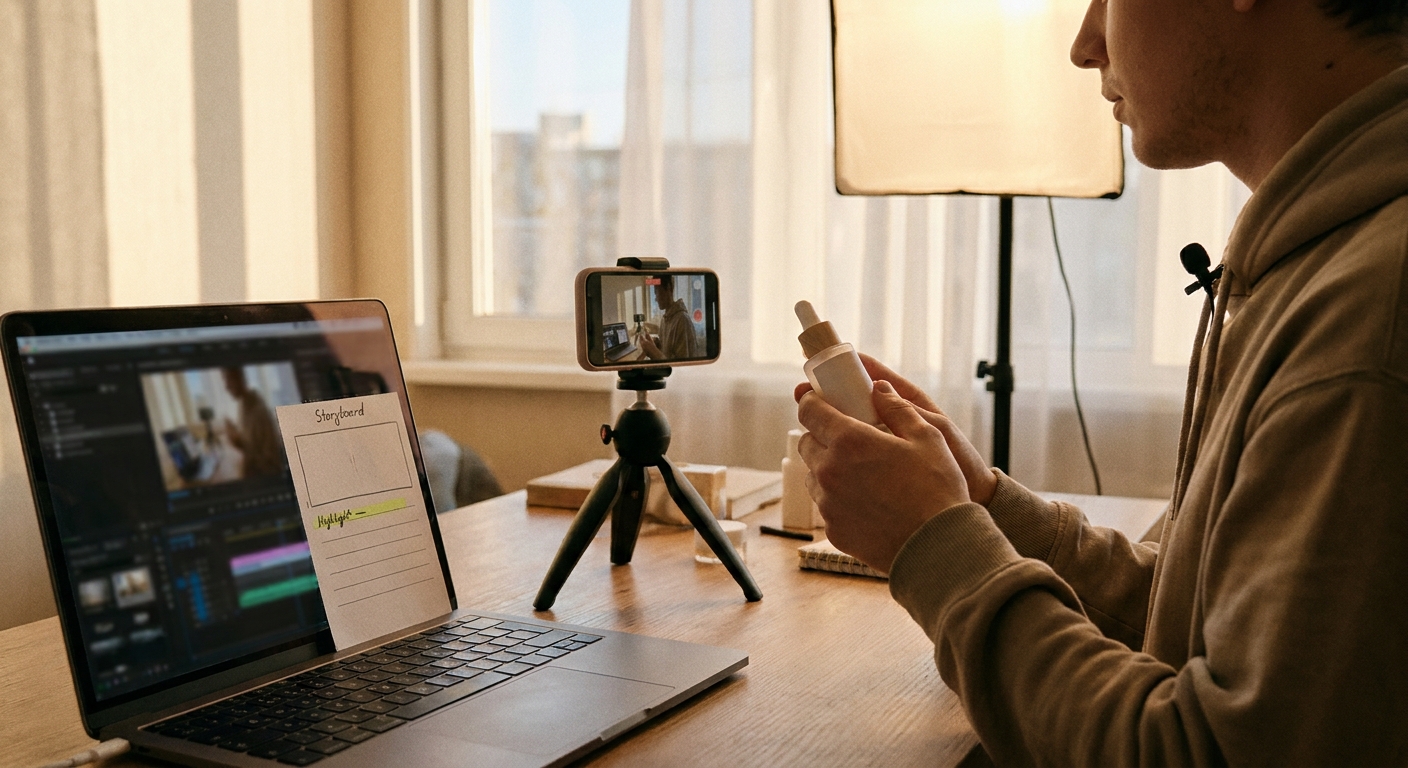
Build a product video around a defined claim, a visible demonstration and a clear next step. Measure the complete workflow, including review and revisions, rather than assuming a universal production time.
Define the audience and the product claim, draft and edit the script, select assets that show the product accurately, and review the finished video before publishing.
Define Goal and Audience: Choose the message and the audience you will measure.
Generate and Refine Script: Edit the draft for accuracy, voice and clarity.
Select Visual Format: Choose dimensions and pacing for the target placement.
Choose a Presenter or Scenes: Select the approach that makes the product claim easiest to verify.
Customize and Brand: Add approved brand assets and readable captions.
Review, Export, and Schedule: Check the complete video before distribution.
Time the first complete production cycle, including failed generations and revisions. Use that result to set the next production budget.
What makes an AI video production platform production-ready?
An AI video production platform is production-ready when it can move from idea to finished, publishable video without forcing the team to rebuild the workflow in separate tools.
The practical difference is not just generation quality. It is whether the system can handle the operating sequence: find a relevant angle, write the script, assemble the video, apply captions and brand elements, export the asset, and support publishing. That is where professional video generation separates from novelty output.
For user-generated video production, the same rule applies. The goal is not to imitate casual content for its own sake; it is to produce short-form videos that feel native to the feed while still matching the brand’s voice, offer, and audience. AI helps most when it can create multiple angles from the same source material, not when it simply changes a template.
AI personalized video production adds another layer: adapting message, visuals, narration, or structure for different audiences or campaign segments. The risk is fragmentation. If every variant is generated in isolation, quality drifts. A stronger platform keeps the production logic connected, so personalization does not break consistency.
For teams: the platform should reduce handoff latency between strategy, production, and publishing.
For creators: it should turn raw ideas or footage into usable short-form assets faster.
For agencies: it should support repeatable production across clients without making every video a manual project.
What a video production platform needs for automated video creation at 100+ videos per year
A video production platform for a business producing 100+ videos per year should reduce the number of manual decisions per video, not just make one asset faster.
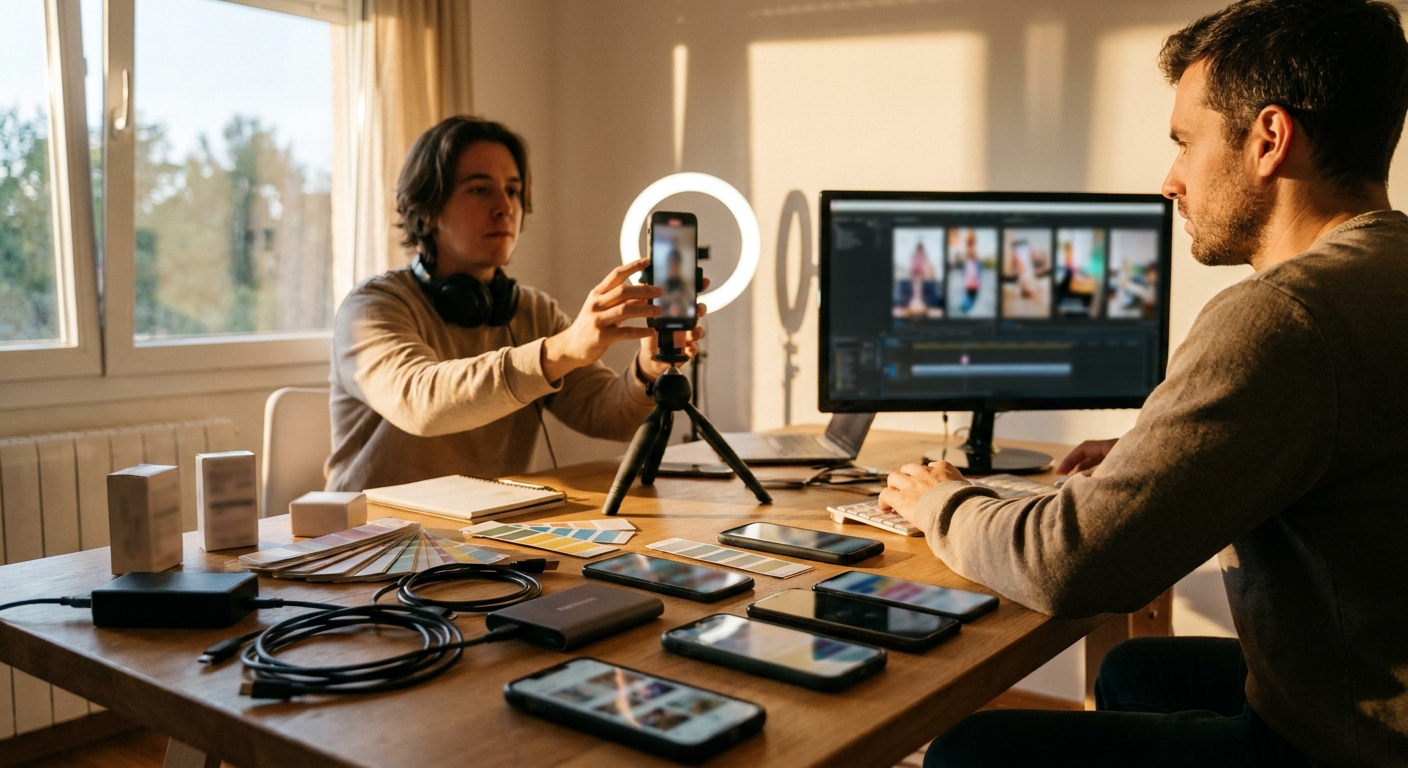
At that volume, the bottleneck usually moves from editing to operations: choosing angles, keeping brand voice consistent, routing reviews, exporting the right formats, and getting the finished videos into a publishing rhythm. Automated video creation is useful only if it removes those handoffs without flattening every video into the same template.
The top video creation platforms for businesses producing 100+ videos per year tend to fall into different production roles:
- Avatar and presenter platforms: Useful when a company needs repeatable demos, explainers, or training videos with consistent on-screen delivery.
- Template-led marketing platforms: Useful when teams need fast promotional variants from existing copy, visuals, and product assets.
- Creative generation platforms: Useful when editors or creative teams need AI-assisted visuals, effects, or scene generation.
- Social-first production platforms: Useful when the workflow has to connect trend research, ideas, short-form production, export, and publishing.
For teams asking what AI video production tools support multiple creators, the evaluation should focus less on the word “collaboration” and more on production repeatability. Can different creators, strategists, or clients work from the same brand logic? Can the system turn raw ideas or footage into consistent outputs? Can review happen before publishing without rebuilding the asset? Those questions matter more than a feature checklist.
Frequently Asked Questions
Is there an AI program that can create videos?
Yes, there are many AI video generators available, such as gen.pro, which offers advanced AI tools to create high-quality videos efficiently.
Can ChatGPT make AI video?
Use a video-generation product or an available integration for the visual output; verify the capabilities and plan limits in that product before choosing a workflow.
What is the free AI video editing site?
Compare editing controls, export limits and plan terms using a sample project. A free plan may be sufficient for a test but should not be assumed to cover a production workflow.
How do I create an AI video for my product?
For a more streamlined process, consider using GEN.pro to generate professional product videos efficiently.
Which AI tool is best for video making?
There is no single "best" AI video tool as it depends on your needs; for user-friendly portrait mode videos, CapCut is a strong option. For creating professional AI videos, you can also try GEN.pro, which offers advanced customization and control.
How much do AI video makers cost?
Pricing depends on the provider, plan, generation usage and export requirements. Check current plan terms and include editing and revision time in the budget.
What should an AI video production platform include?
An AI video production platform should include the core workflow needed to create usable videos, not just a single generation step. That usually means ideation, scripting, visual assembly, captions, editing control, export, and a path to publishing. The stronger systems also use trend or audience signals before production, so the video is shaped by demand rather than guesswork.
What is professional video generation?
Professional video generation is AI-assisted video creation that is reliable enough for brand, marketing, or creator workflows. The output needs more than clean visuals: it needs coherent scripting, consistent voice, appropriate pacing, usable formatting, and enough control for review. In practice, “professional” means the video can enter a real content calendar without being rebuilt from scratch.
How does AI support user-generated video production?
AI supports user-generated video production by helping teams create native-feeling short-form videos from scripts, source footage, avatars, captions, and b-roll. The best use is not making everything look artificially polished. It is producing more testable angles while preserving the direct, informal style that makes user-generated videos work in social feeds.
What is AI personalized video production?
AI personalized video production means creating video variations for different audiences, offers, or contexts without manually producing each version. Personalization can involve the script, call-to-action, visuals, narration, or structure. The key is maintaining one production system underneath the variations, so every version still feels consistent with the brand and campaign strategy.
What is a video production platform?
A video production platform is software that helps a team plan, create, edit, export, and often publish video from one workflow. In an AI context, the platform may also support script generation, avatars, b-roll, captions, music, formatting, and trend-informed ideas. The stronger platforms reduce production handoffs instead of only generating isolated clips.
What are the top video creation platforms for businesses producing 100+ videos per year?
Choose tools by the production job: avatar-led presentation, business training, template-based marketing or generative visuals. Test collaboration and review requirements before committing to a workflow.
What does automated video creation mean?
Automated video creation means using AI to handle repeatable parts of production, such as ideation, scripting, scene assembly, captions, formatting, export, and sometimes publishing. It does not mean removing human judgment entirely. In serious business workflows, automation is most valuable when it reduces routine execution while preserving brand voice, taste, and final review control.
What AI video production tools support multiple creators?
Evaluate shared assets, permissions, review flow and export options in the current product. A multi-creator workflow needs a practical test with the people who will use it.
Sources & Research
For choosing a video platform, GEN’s research-to-video workflow provides a concrete checklist: source discovery, script development, editable assets and publishing. Compare the complete task rather than treating an unrecorded stopwatch result as a product ranking. This describes the documented research process and the guide’s editorial scope; it does not assert an unrecorded platform sample or controlled performance test.
Primary sources checked for the factual and product context in this guide:
https://gen.pro/docs/
https://www.synthesia.io/
https://www.heygen.com/
https://runwayml.com/
Additional primary-source credits retained from the article:
Synthesia, official product overview.
Runway, official Creative and Dev product overview.
HeyGen, official product overview.