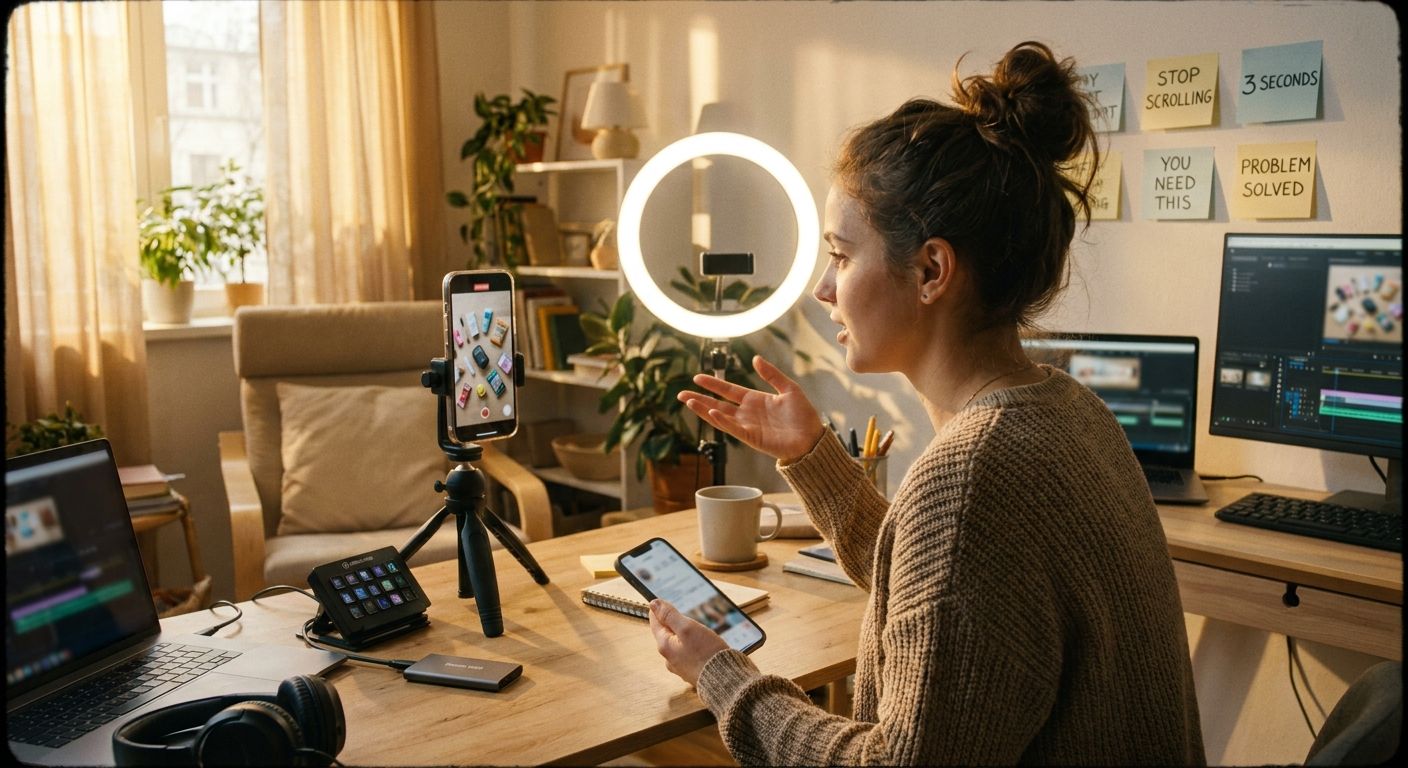
Top 10 Hooks to Try for No-Code Content (And Why They Actually Work)


If your no-code content isn't pulling saves, the hook is almost always the problem
No-code is a high-intent niche. Viewers want to build something--they're not scrolling for entertainment. A vague or generic hook bleeds the audience you actually want. The patterns that work here are specific, outcome-first, and make the viewer feel slightly behind if they scroll away. Here are ten tested templates, why each one wins, and the weak pattern each one replaces.
The anatomy of a high-performing no-code hook
The viewer must see what they'll be able to do--or what they're currently missing--within the first two seconds.
Frame what happens if they don't watch--lost time, a workflow they're building the hard way, or a tool they don't know exists.
Screen recording, tight UI close-up, or live demo--no-code audiences save content they can follow along with, not content that describes.
A template link, a step they'll want to revisit, or a result they can replicate--saves signal deep intent and train the algorithm to push to similar builders.
Winners vs. losers in no-code content
- Winners lead with the finished workflow or tool, then explain how it's built. The viewer understands the result in the first three seconds.
- Winners show the actual UI. Screen recordings with tight zoom, visible clicks, and real data generate saves. Abstract explainers don't.
- Winners sound like a practitioner, not a presenter. "I almost shipped the wrong version of this" beats "today we're going to learn about automation."
- Losers bury the output. Starting with "so I've been thinking about no-code lately..." is a skip pattern.
- Losers over-index on tool names in the hook. Nobody searches their feed for "Bubble tutorial"--they search for "build an app without code."
- Losers rely on hashtag volume or post length as the main distribution lever. In a high-intent niche, watch time and saves drive reach far more than tag count.
The 10 hooks: templates, mechanisms, and adaptations
1. The gatekeeping drop
Template: "I'm done gatekeeping [specific workflow/tool/trick]."
Why it works: It implies the viewer has been missing something real practitioners already know. The promise of insider access keeps fingers off the skip button--@rennerclips sees this pattern consistently in high-save content.
No-code adaptation: "I'm done gatekeeping the Airtable -> Make.com pipeline I use for client onboarding."
Loser pattern it avoids: Generic "here's a tutorial on..." framing that signals nothing proprietary.
2. The power ladder
Template: "[X] skills/tools for [goal]--and they get increasingly more powerful."
Why it works: Sequential payoff keeps the viewer watching because each step compounds. @nocode.joshua uses this structure to pull strong save rates on AI-tool walkthroughs--people bookmark the whole list, not just the first tip.
No-code adaptation: "5 Notion automations for client work--and they get more powerful as you go."
Loser pattern it avoids: Flat lists with no sense of progression or reward for watching to the end.
3. The numbered secret
Template: "There are [N] ways to do [X]. Here's the one that actually [specific outcome]."
Why it works: Numbered lists trigger completion psychology--viewers want to know all N items. The "actually" qualifier signals that the obvious approach is wrong, which holds retention.
No-code adaptation: "There are three ways to build a client portal without code. Here's the one that doesn't break when you scale."
Loser pattern it avoids: "How to build a client portal" -- zero tension, zero reason to watch past the first 10 seconds.
4. The time-cost reveal
Template: "This [task] was taking me [painful time estimate]. I fixed it with one [tool/workflow]."
Why it works: It anchors a real cost before offering the solution. The viewer immediately calculates their own version of that pain.
No-code adaptation: "Manually updating client reports was eating my Mondays. One Zapier workflow fixed it."
Loser pattern it avoids: Leading with the solution before the viewer understands why they'd need it.
5. The assumption flip
Template: "You don't need [assumed requirement] to build [desirable outcome]."
Why it works: It removes the barrier the target viewer believes is stopping them. High-intent audiences with a specific misconception are highly motivated to watch.
No-code adaptation: "You don't need a developer to build a working SaaS MVP. Here's how I did it in a weekend."
Loser pattern it avoids: "No-code is great for non-technical people" -- too vague, addresses nobody specifically.
6. The live build open
Template: [Start mid-build, no intro] "--and this is where most people get stuck. Watch what happens when you do it this way instead."
Why it works: Dropping the viewer into action signals this is a practitioner, not a presenter. "Where most people get stuck" creates immediate identification.
No-code adaptation: Open with your screen already showing the workflow, cursor mid-click. Drop the voiceover in as if you're already mid-thought.
Loser pattern it avoids: "Hey everyone, today I'm going to show you..." -- the longest opener in creator history that says nothing.
7. The before/after contrast
Template: "Before: [painful manual state]. After: [automated outcome]. Here's exactly what changed."
Why it works: The gap between states is the value proposition made visual. No-code audiences are builders--they immediately map the "after" to their own situation.
No-code adaptation: Show a messy spreadsheet for two seconds, then cut to the clean automated dashboard. Let the visual do the hook work before you say a word.
Loser pattern it avoids: Describing the transformation in text when you could show it.
8. The specific audience call
Template: "If you're a [specific role] still doing [painful task] manually, this is for you."
Why it works: A freelancer, agency owner, or solo founder self-selects in within one second. Broad targeting addresses no one.
No-code adaptation: "If you're a freelance ops consultant still building proposals in Google Docs, this workflow will save you several hours a week."
Loser pattern it avoids: "This is for anyone interested in no-code" -- broadcasts to no one.
9. The tool comparison trap
Template: "Everyone's using [popular tool] for [task]. Here's why I switched to [alternative] and won't go back."
Why it works: Opinion plus comparison generates comments and curiosity. No-code communities are opinionated about tooling; this hook pulls engagement from people who agree and those who don't.
No-code adaptation: "Everyone's using Zapier for this. Here's why I switched to Make.com and won't go back."
Loser pattern it avoids: "Here's a comparison of Zapier and Make.com" -- neutral framing kills curiosity.
10. The embarrassing mistake confessional
Template: "I wasted [time/money/effort] doing [X] the wrong way. Here's the one thing I missed."
Why it works: Vulnerability plus specificity builds trust. The viewer wants to avoid the same mistake, so watch-through rate runs unusually high. The "one thing I missed" tease holds them to the end.
No-code adaptation: "I spent three weeks building a client portal in Webflow before I realized Softr would've done it in a day. Here's what I missed."
Loser pattern it avoids: Positioning yourself as all-knowing--it reads as performative and lowers trust in a technical niche.
One source video -> 5 posts: a fast repurposing workflow
- Identify the core mechanism -- strip the source video to its single most valuable insight (the workflow step, the tool trick, the mindset shift).
- Write 5 hook variants using the templates above: one gatekeeping drop, one assumption flip, one before/after, one audience call, one mistake confessional. Same core content, five different entry points.
- Recut the demo footage -- trim to the single most visual moment (the moment the automation fires, the dashboard populates, the form submits). That clip anchors all five posts.
- Write captions that start mid-thought -- each caption opens with the hook text as the first line, no preamble. Treat the caption as a second hook for the scroll.
- Stagger and test -- post one variant, wait for the engagement signal (saves and comments, not views alone), then let a tool like GEN identify which hook pattern is pulling and auto-generate the next round of variants from that winning frame.
An agent like GEN can track which hook pattern drives saves vs. comments vs. shares in your specific niche and surface that signal automatically--so your next batch starts from the pattern that's already working, not a guess.

Frequently asked questions
Do I need a different hook strategy for short-form vs. long-form no-code content?
The same hook types work across formats, but delivery compresses differently. In short-form, the hook must land in the first two seconds visually--often before you've spoken a word. In long-form, you have slightly more runway to build tension, but the opening promise still needs to be explicit within the first 15-20 seconds or you lose the viewer before the algorithm has enough data to push the video.
Should I name the specific tool in the hook?
Only if the tool name is the reason someone would click. "I built this in Glide" is a hook for Glide fans; "I built a client app without writing a line of code" reaches a much wider no-code audience. Lead with the outcome, bring the tool name in as the mechanism once you have their attention.
How many hook variations should I test before settling on a pattern?
Run at least three distinct hook types on similar content before drawing conclusions. One outlier post--high or low--rarely reflects the hook's true performance. The signal you want is consistent saves and completion rate across two or three posts using the same hook structure.
Can I use these hooks for written content, not just video?
Yes--all ten templates transfer to LinkedIn posts, newsletters, and tweet threads. The core mechanism (outcome-first, cost-of-skipping, specific audience) works in any format. The main difference: in written form you lose the visual hook, so the first line has to carry even more weight on its own.
Takeaway: Pick two hooks from this list that fit your current source material, recut your best existing demo around them, and watch whether saves or comments spike. The hook that drives saves is the one your audience wants to act on--build your next ten posts from that pattern.