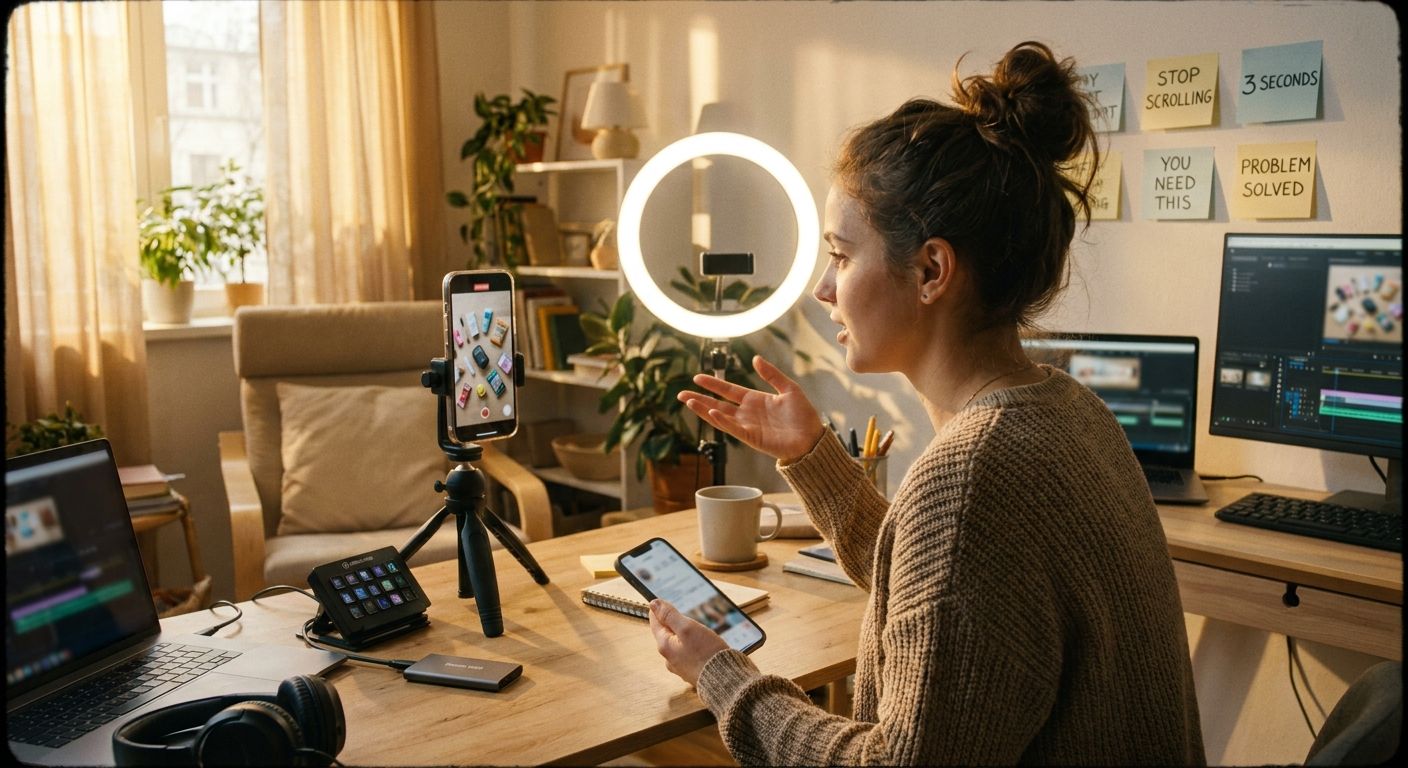
Top 10 Hooks to Try for Project Management Content (With Templates)


Your project management content is probably losing viewers in the first two seconds
The subject matter isn't the problem -- messy timelines, missed deadlines, and chaotic handoffs are universally relatable. The problem is that most PM creators open with a generic setup that buries the payoff. Viewers bail before the useful part starts. The fix isn't a longer video or more hashtags; it's a sharper first sentence.
From raw idea to hook-led post
Name the specific failure mode your viewer already feels -- missed deadlines, scope creep, status meetings that could have been a doc.
Match the pain to one of the 10 patterns below. The hook frames the problem before the viewer can scroll.
Screen-record your Notion board, walk through your rollout doc, or narrate a live status update. Visible process outperforms talking-head claims every time.
Swap only the hook line between posts; keep the body identical. An agent like GEN can auto-generate and queue hook variants so you're always running a live test.
Winners vs. losers in PM content
The same information, framed differently, gets radically different results. Here's what separates posts that perform from posts that die:

- Winners surface the result or conflict in the first line, show a real system or screen, and leave the viewer with something concrete before the video ends.
- Losers open with "Hey guys, today I'm going to talk about...", lead with credentials instead of problems, and bury the useful part behind a 20-second intro.
- Winners treat saves as the signal. Content that solves a specific operational problem gets bookmarked and rewatched.
- Losers chase broad topics for views, then wonder why the audience doesn't convert to followers.
- Winners -- creators like @kelseyggg (construction PM) and @lexileap (campaign planning) -- open on a behind-the-scenes premise before pivoting to the system. That framing holds up far longer than a list video that starts with "5 tips for..."
Top 10 hook templates for project management content
-
"Here's the system I use when [specific chaotic scenario]"
Why it works: Specificity signals authority. "When three stakeholders give conflicting feedback in the same meeting" beats "when things get stressful."
PM adaptation: Name the exact meeting, doc, or tool that breaks down.
Loser pattern avoided: "My top productivity tips" -- too vague to earn a save. -
"The mistake every new project manager makes in week one"
Why it works: Pins a specific career moment that's universally relatable; triggers an immediate "is this me?" reaction.
PM adaptation: Scope it tightly -- week one, first client project, first time managing up.
Loser pattern avoided: "Common PM mistakes" -- sounds like a textbook, not a story. -
"I rebuilt my entire [workflow/board/template] -- here's what changed"
Why it works: Before-and-after structure creates inherent tension; the viewer wants to see the delta.
PM adaptation: Show the old Notion board and the new one side-by-side on screen.
Loser pattern avoided: Explaining a system without showing it -- abstract claims without visible proof lose fast. -
"Nobody told me [counter-intuitive PM truth] when I started"
Why it works: Promises insider knowledge not in the job description. Saves spike when the content genuinely surprises.
PM adaptation: "Nobody told me that the kickoff meeting is actually a negotiation" -- concrete and specific.
Loser pattern avoided: Recycling obvious advice dressed as insider knowledge. -
"This is what my [day/week] actually looks like as a [PM role]"
Why it works: @kelseyggg does this with construction PM day-in-my-life content -- aspirational but grounded in real process. The word "actually" signals authenticity over performance.
PM adaptation: Lean into the unglamorous parts (context switching, fire drills). That's what keeps viewers watching.
Loser pattern avoided: DIML content that only shows the aesthetically pleasing parts -- it reads as aspirational fiction. -
"My ideas were all over the place until I built this [specific system]"
Why it works: Acknowledges a real cognitive state (chaos) and promises resolution. @lexileap and @mirapiaaa use this premise to open campaign-planning and content-organization posts.
PM adaptation: Name the specific system -- a rollout doc, a Google Sheet, a kanban board -- not just "a system."
Loser pattern avoided: "Organization hacks" with no visible system. -
"If you manage [specific team size or type], stop doing [common thing]"
Why it works: Telling someone to stop is more arresting than telling them to start. Naming the team type (remote team of 4, cross-functional squad) filters for exactly the right viewer.
PM adaptation: "If you manage a team of under 10, stop running weekly status meetings."
Loser pattern avoided: Vague "you should try this" energy that addresses no one specifically. -
"The [document/template/meeting] that saved my [project/launch/quarter]"
Why it works: Stakes are clear from word one. "Saved my launch" implies a near-failure -- that's a story the viewer will stay for.
PM adaptation: Show the actual document on screen, even briefly. The artifact is the proof.
Loser pattern avoided: "Here's a template you might like" -- stakes-free and forgettable. -
"Three questions I ask before every [project kickoff/sprint/stakeholder meeting]"
Why it works: A numbered list inside the hook signals density -- the viewer knows exactly what they're getting and roughly how long it'll take.
PM adaptation: Keep the questions genuinely non-obvious (not "what's the deadline?").
Loser pattern avoided: "Tips for better meetings" -- no implied depth, no reason to keep watching. -
"Watch me [handle specific PM scenario] in real time"
Why it works: Live process content removes the performance layer -- the viewer is observing, not being lectured. Works especially well for screen-recorded workflow demos.
PM adaptation: "Watch me turn a messy brief into a scoped project plan in 8 minutes." The specific scenario and the time constraint both raise the stakes.
Loser pattern avoided: Narrating a finished result without showing the thinking process.
One source video to 3-5 posts: workflow
Pick one of your existing videos -- a day-in-my-life, a system walkthrough, a reaction to a project failure. Here's how to extract multiple hooks from a single piece of raw content.

- Pull the core insight -- what is the single most useful sentence in the video? That sentence is a hook candidate on its own.
- Identify distinct viewer problems it speaks to. For a "rebuilding my Notion board" video, those might be: visual overload, too many open tasks, unclear ownership. Each is a separate post with its own hook (#3, #7, #9 above).
- Clip the most surprising moment -- the "nobody told me" beat, the before-and-after reveal, the live stumble. Lead with that clip and rebuild a short post around it using hook #4 or #10.
- Write a text-first version for a feed post: take the same insight, format it as a "3 questions I ask before..." list (#9), and schedule it separately.
- Queue a hook variation test -- same body, different opening line. An agent like GEN can generate four hook rewrites from the same script, post them on a rolling schedule, and flag which one gets the highest watch-through rate, without you touching the queue.
Frequently asked questions
How long should my hook actually be?
One to two sentences, spoken in the first two to three seconds. The hook's job is to create a reason to stay, not to explain the video. Everything after second three is already your body content.
Do these hooks work for niche PM sub-categories like construction or agency project management?
Yes, and they work better with specificity injected. "The system I use when a client changes scope mid-sprint" outperforms the generic version for any PM sub-niche because it mirrors the exact language that niche uses internally. Swap the scenario, keep the template.
Should I test multiple hooks on the same piece of content?
Yes, and this is where most creators leave performance on the table. Posting the same core video with three different opening hooks -- spaced out over days -- gives you real signal on which framing your audience responds to, without creating new content from scratch.
What if my PM content is B2B and feels too dry to hook?
The problem is usually abstraction, not dryness. "Change management strategy" is abstract. "What I said when the CEO reversed a decision our team spent six weeks implementing" is not. Ground the hook in a moment, not a concept, and the B2B label stops being a constraint.
The immediate move: take your next PM post and cut the first sentence entirely. Read it again from sentence two. If it's stronger -- and it almost always is -- that's your new hook. Start there.