AI UGC Video: The 4-Stage Operating Loop That Beats One-Off Avatar Ads

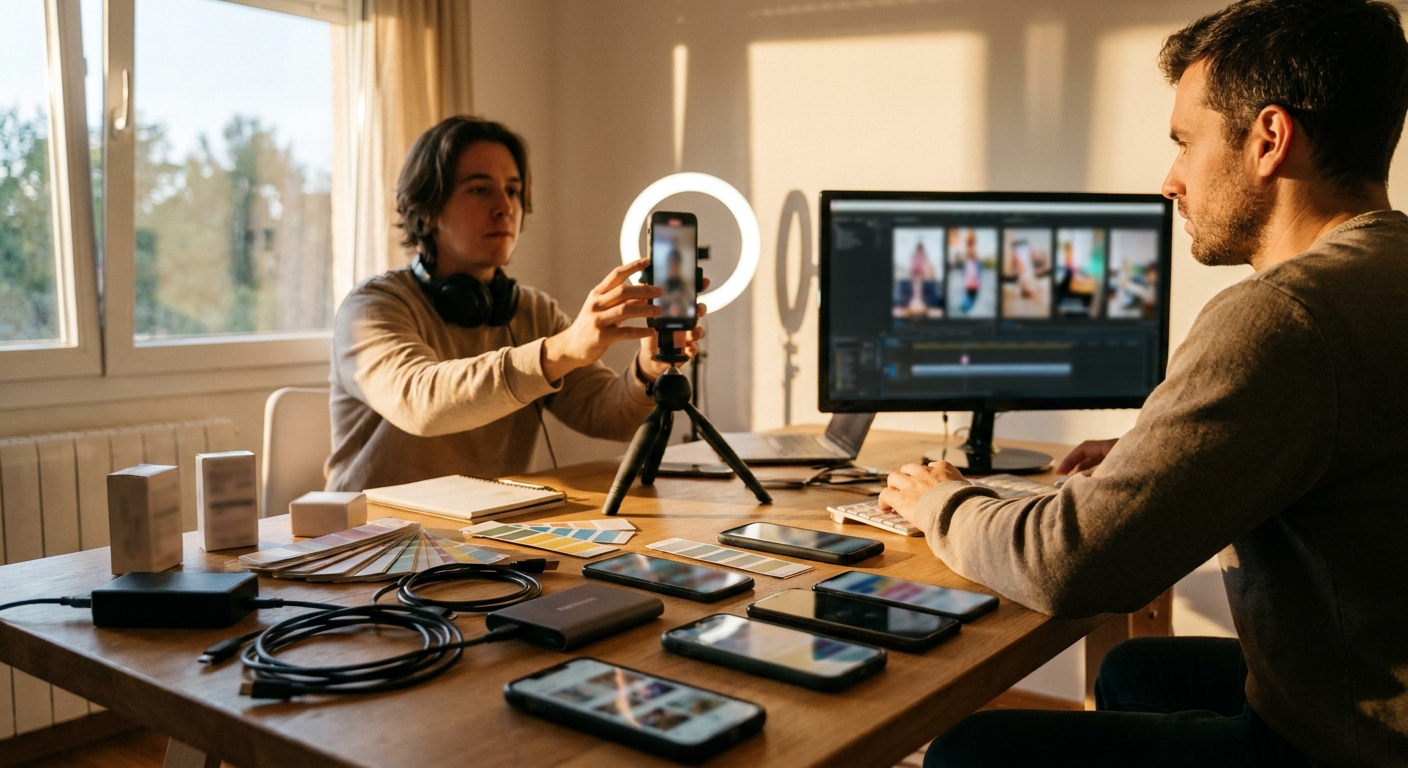
AI UGC video works best when it shortens the creative testing loop, not when it simply replaces a creator holding a product. The win is taking one product claim, turning it into five believable native angles, publishing fast, and letting platform feedback show what deserves real production budget.
The AI UGC video loop that actually compounds
Start with comments, objections, competitor hooks, and trend formats—not a blank script prompt.
Produce controlled variations: same claim, different opener, persona, proof device, and CTA.
Trend-aware AI UGC loses value if it sits in an approval queue until the format cools off.
Use early signal to decide what gets paid spend, creator reshoots, or deeper editing.
- Manual UGC -> high trust, slow iteration. Great for hero assets, weak for testing ten angles this week.
- AI avatar UGC -> fast production, fragile believability. Works best when the format does not need tactile product proof.
- AI-assisted human UGC -> practical middle ground. Use AI for scripts, edits, variants, captions, and repurposing while a real creator handles sensory proof.
- Autonomous AI social posting -> where the workload shifts. Tools like GEN matter because the bottleneck moves from video generation to trend selection, scheduling, and feedback loops.
The wrong question: "Can AI make a UGC ad?"
AI can assist with scripts, avatars, voice and editing. Test a complete product brief rather than treating an unverified creator workflow as evidence of a tool’s output quality.
But the operator-level question is sharper: which part of the UGC system are you trying to accelerate?
If you are trying to replace trust, AI will disappoint you. If you are trying to replace dead production time, briefing, scripting, editing, resizing, posting, and learning what angle is worth a real shoot, AI UGC video becomes useful.
Where AI UGC video is strongest
The best use case is not the polished testimonial. It is the pre-test asset: a native-looking video that tests a claim before you spend on creators, studio time, whitelisting, or paid amplification.
- Offer testing: “Save time” versus “avoid mistakes” versus “look more professional.”
- Persona testing: founder, busy parent, agency owner, first-time buyer, skeptical expert.
- Format testing: face-to-camera, product demo, comment reply, green-screen explainer, comparison.
- Objection testing: price, trust, setup effort, quality, risk, embarrassment.
This is why one AI UGC video rarely changes a business. The useful unit is usually a batch: five to fifteen controlled variants around one commercial hypothesis.
Where it breaks: sensory proof and consequence
AI struggles when the buyer needs proof that depends on touch, timing, taste, texture, fit, or visible transformation. Beauty, food, fashion, fitness, and home products can use AI in the workflow, but fully synthetic UGC often fails when the viewer expects physical evidence.
When the claim depends on touch, fit, texture or actual product use, show relevant real footage. This is a production choice, not a verified named-creator campaign or a comparative performance finding.
The practical rule: use AI for angle velocity; use humans when the product's credibility depends on physical contact.
A practical cost-and-speed model
Compare complete production and review costs for the same brief. The checklist below is not a measured time or cost benchmark.
| Route | Best for | Typical bottleneck | Operator estimate |
|---|---|---|---|
| Human UGC shoot | Actual product handling and experience | Briefing, access and revisions | Measure complete production and review |
| AI avatar / faceless video | Scripted presentation | Output accuracy and consistency | Measure complete production and review |
| AI-assisted human video | Adapting actual footage | Selection and editorial decisions | Measure complete production and review |
| Social-content workflow | Research, production and publishing | Supported steps and review | Measure complete production and review |
The 7-step workflow for better AI UGC video
Most weak AI UGC starts with "write me a viral script." That produces generic influencer voice because the model has no commercial tension to resolve. Use this workflow instead.
- Pick one revenue-relevant claim. Not a feature list. One claim a buyer might believe, doubt, or ignore.
- Collect five objections. Pull them from comments, sales calls, reviews, Reddit threads, competitor replies, or creator comment sections.
- Choose the proof mode. Demonstration, comparison, confession, mistake, teardown, reaction, or before-and-after.
- Write three openers with different psychology. Curiosity, pain recognition, or contrarian correction.
- Generate the video only after the angle is clear. Tools like Flow AI, HeyGen, Arcads, and similar AI video systems work better with a tight creative brief than with a request to invent strategy.
- Publish natively, not as a portfolio asset. Caption, pacing, aspect ratio, and platform context matter more than whether the exported video looks impressive in isolation.
- Promote the learning, not the asset. If a synthetic test finds a strong objection or opener, turn that into human UGC, a landing page section, a paid ad, or a founder-led post.
Why GEN fits this category differently
Most AI UGC tools stop at the asset. That helps, but it is incomplete. The bottleneck is not only "make a video." It is "notice the trend, decide whether it fits, produce the variant, publish it, and learn before the window closes."
GEN is built around that second problem. As an autonomous AI social-media agent, it watches trend patterns, creates content, and publishes to TikTok, Instagram, and X automatically. In an AI UGC video workflow, that means it can sit after creative strategy and before distribution fatigue.
The important distinction: GEN should not replace your taste. It should remove the repetitive execution layer that keeps your taste from reaching the feed often enough to improve.
How to keep AI UGC from looking generic
Generic AI UGC usually has the same failure pattern: polished face, vague claim, no product tension, no believable reason to care. The fix is not "better prompts." The fix is adding constraints that force specificity.
- Ban empty enthusiasm. Replace "I'm obsessed" with a concrete before-and-after condition.
- Add a buying context. "I bought this before a client trip" is stronger than "This product is amazing."
- Use one visible detail. Price point, setup step, packaging moment, dashboard screen, texture, fit, or timing.
- Write for one objection. A video trying to answer every concern feels like an ad. A video answering one concern feels native.
- Separate organic tests from paid winners. A rough organic test can be useful even if it is not ready for paid spend.
Map each tool to the job it actually supports. Do not infer an end-to-end capability from an unverified creator’s tool-stack example.
Compliance and brand risk: the part teams underbuild
AI UGC video creates a disclosure and claims problem faster than most teams expect. If a synthetic person appears to be a real customer, you need to think carefully about platform rules, advertising standards, and your own tolerance for reputational risk.
At minimum, build a review checklist before scaling:
- Does the video imply a real personal experience that did not happen?
- Are health, financial, beauty, or performance claims substantiated?
- Would the same script be acceptable if a human creator said it?
- Is synthetic media disclosure required or prudent for the placement?
- Can customer support defend the promise being made?
The fastest AI UGC teams are not reckless. They are fast because their guardrails are decided before publishing.
Frequently asked questions
What is AI UGC video?
AI UGC video is short-form content made to resemble creator-style user generated content, using AI for scripting, avatars, voice, editing, captions, or full video generation. The best workflows use it to test angles quickly, not to fake customer proof.
Is AI UGC video good enough for paid ads?
Sometimes, especially for simple explainers, software products, faceless offers, and early-stage angle testing. For products where physical proof matters, beauty, apparel, food, fitness equipment, home goods, AI is usually better as a scripting and editing layer around real footage.
What tools can create AI UGC videos?
A common stack combines script tools like ChatGPT or Claude with AI video tools such as Flow AI, HeyGen, Arcads, and similar systems. GEN fits later in the loop by helping turn trend-aware creative into published social content automatically.
How many AI UGC variants should I test?
Start with five to ten variants around one claim. Change one major variable at a time, opener, persona, objection, or proof mode, so the result teaches you something useful instead of creating a pile of unrelated videos.
Takeaway: treat AI UGC video as a creative learning system. Use AI to move from one idea to many market-tested angles, then spend human effort where it still matters: taste, proof, trust, and the assets that deserve scale.
Sources & Research
For creator-style product videos, distinguish the brief, script, presenter, product reference and visible proof. GEN’s documented research and production process supports planning these parts; the suggested four-stage outline is an editorial framework. This describes the documented research process and the guide’s editorial scope; it does not assert an unrecorded platform sample or controlled performance test.
Primary sources checked for the factual and product context in this guide:
https://gen.pro/docs/
https://www.heygen.com/