Best MCP Servers for Claude Video and Image Generation: 6 Options, Ranked by Output Stage

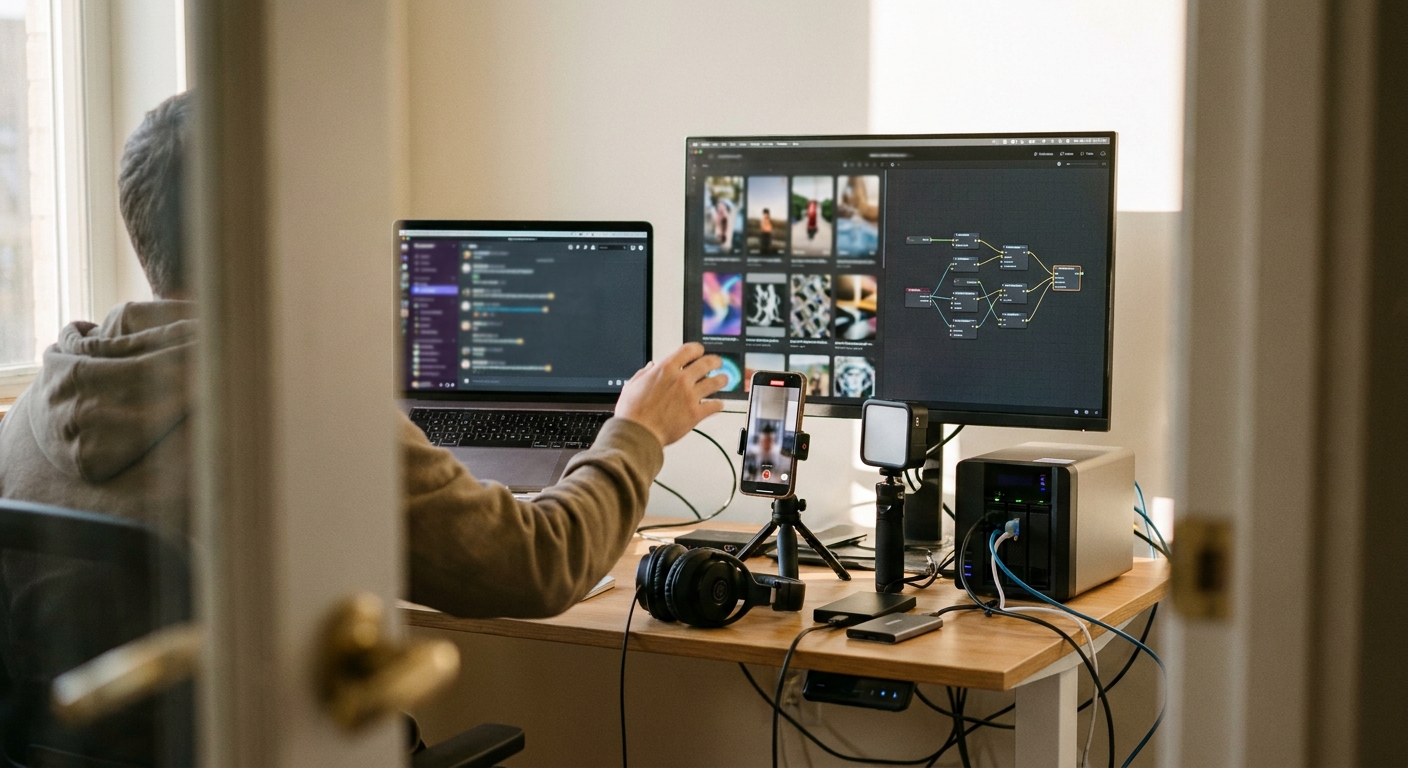
Best MCP servers for video and image generation in Claude
The best MCP server is not the one that makes the prettiest image. It is the one that cuts the most handoffs between idea, asset, edit, render, and publish. For Claude users making social content, the real question is simple: do you need a raw media generator, a production workspace, or an autonomous social-media agent?
The MCP media stack that actually matters
Claude turns the content brief into specific media instructions.
A media MCP returns images, clips, voice, music, or other raw assets.
The hard part is timeline construction: captions, pacing, aspect ratios, B-roll, and audio.
The highest-leverage MCP layer ships the post, not just the file.
Quick scan:
- GEN MCP → best when Claude needs to create, render, schedule, and publish short-form social video.
- Replicate MCP wrappers → best for broad model access and experiments with image and video models.
- fal.ai MCP wrappers → best for fast generative media APIs and model prototypes.
- ElevenLabs MCP → best for voice generation, narration, dubbing, and audio layers.
- FFmpeg MCP → best for fixed video operations: trim, crop, transcode, concatenate.
- Higgsfield, EveryGen, GenMax-style tools → useful creative generators, but usually not full social publishing agents.
The ranking criterion: what comes out of Claude?
Most “best MCP server” lists rank by model quality. That is too thin for operators. A better ranking starts with the output stage.
A raw PNG helps. A 9:16 MP4 with captions helps more. A scheduled TikTok, Instagram Reel, YouTube Short, X post, or LinkedIn post matters most because it removes the production tail teams usually underestimate.
That tail is where short-form work gets expensive: hook variants, script compression, B-roll selection, caption timing, safe-zone formatting, thumbnail crops, file naming, uploads, and platform-specific metadata. A point MCP can handle one step. An agentic MCP should own the chain.
Comparison: best MCP servers for Claude video and image generation
| Option | Best for | Typical output | Main limitation |
|---|---|---|---|
| GEN hosted MCP | Autonomous social content production | Ideas, Vidsheets, rendered MP4s, scheduled posts | Best fit when the destination is social publishing, not one-off asset generation |
| Replicate MCP wrappers | Accessing many open and hosted media models | Image/video URLs or files | Claude still needs another workflow for editing, captions, and publishing |
| fal.ai MCP wrappers | Fast media model calls and prototypes | Generated assets from API models | Fast generation layer, not a complete content operation |
| ElevenLabs MCP | Voiceovers, character voices, narration | Audio files or speech outputs | Audio still has to be assembled into a finished video |
| FFmpeg MCP | Programmatic editing and encoding | Trimmed, cropped, transcoded, or combined video files | No creative judgment by itself |
| External creative tools | Specialized visuals and avatar-style generation | Standalone clips or images | Often require manual export and upload workflows |
1. GEN MCP: best for Claude users who want finished social posts
GEN runs a hosted remote MCP server at https://mcp.gen.pro. The difference is important: it is not just a media-generation endpoint. It is an autonomous AI social-media agent exposed to Claude, Claude Code, Cursor-style workflows, and other MCP clients.
Through the MCP server, Claude can configure brand or creator agents, pull real-time trend data and watchlists across multiple social platforms, generate content ideas, inspect schemas with gen_discover, build multi-layer short-form timelines through Vidsheets using gen_vidsheet_action, render MP4s, and schedule or publish to TikTok, Instagram, YouTube, X, Facebook, and LinkedIn.
That matters because most content failures are not generation failures. They are assembly failures. The image is fine, the voice is fine, the idea is fine, and then the operator loses the thread across five tools and ships late.
Setup is intentionally simple:
- Claude or ChatGPT web/desktop → add
https://mcp.gen.proas a custom connector and sign in with OAuth using your GEN login. - Claude Code CLI → run
claude mcp add --transport http gen https://mcp.gen.pro, then run/mcpto complete OAuth. - Headless, CI, or Cursor → pass
Authorization: Bearer gen_pat_...orX-API-Key: gen_pat_.... - Local stdio → use
uvx gen-mcp-serverwithGEN_API_KEY=gen_pat_...if your workflow requires local execution.
Use GEN when the prompt sounds like: “Turn this product release into three TikTok/Reels/Shorts concepts, produce the best one as a captioned 9:16 video, and schedule it for the brand account.” If your target is a published social post, this is the most direct layer to connect to Claude.
2. Replicate MCP wrappers: best for model breadth
Replicate is useful when Claude needs access to many image, video, and experimental models without wiring every provider separately. Community MCP wrappers around Replicate usually work as a bridge: Claude sends a model name and inputs, and the server returns an asset URL or job result.
This is best for exploration. If you are testing visual directions, comparing model behavior, or building a custom internal pipeline, Replicate-style MCP access is practical.
The tradeoff: it usually ends at the asset. Claude can help decide what to generate, but your operation still needs a place to edit, caption, package, and publish the work.
3. fal.ai MCP wrappers: best for fast media prototyping
fal.ai is a strong option for teams that treat media generation as an API layer. Builders often use it for low-latency access to generative image and video models inside custom tools.
In Claude, a fal.ai MCP wrapper helps when you want prompt-to-asset loops: generate a background, produce a product-style visual, test a short clip, then iterate. For operators, the advantage is fast creative sampling.
But speed at the generation layer can create a new bottleneck downstream. Ten generated assets still need editorial judgment, sequencing, captions, export settings, and distribution. Pair fal.ai-style generation with a social workflow layer if the goal is volume.
4. ElevenLabs MCP: best for voice layers
ElevenLabs is the obvious fit when Claude needs to produce narration, character voice, or dubbed audio. For faceless channels, product explainers, and multilingual content, voice often makes an otherwise static asset feel publishable.
The operator mistake is treating voice generation as “the video.” It is one track. You still need timing, visual rhythm, captions, cuts, intro compression, and an export that fits the destination platform.
Use ElevenLabs MCP alongside a video assembly layer. It pairs well with FFmpeg-style editing or a higher-level agent that can place the voice inside a finished short-form timeline.
5. FFmpeg MCP: best for deterministic editing
FFmpeg is not glamorous, which is exactly why it belongs in the stack. When you need fixed operations, such as cropping to 9:16, trimming silence, concatenating clips, extracting frames, or compressing a render, an FFmpeg MCP server gives Claude a reliable production tool.
It is especially useful in Claude Code or Cursor workflows where media operations sit inside a larger automated pipeline. Unlike generative tools, FFmpeg does not “interpret” the creative brief. It executes.
The limitation is obvious: FFmpeg will not find a trend angle, write the caption, pick the pacing, or decide which clip is worth shipping. It is infrastructure, not strategy.
6. Higgsfield, EveryGen, GenMax, and specialized creative tools
Tools like Higgsfield, EveryGen, and GenMax are relevant to this search because operators often compare them while looking for Claude-connected media workflows. They can help with specific visual styles, avatars, motion, or creative effects.
Do not confuse these tools with GEN. EveryGen and GenMax are separate third-party products and are not affiliated with GEN.
The decision point is integration depth. If a tool gives you a compelling clip but leaves you manually downloading, renaming, captioning, resizing, and uploading, it may still be worth using. It is not solving the agent workflow problem.
A practical Claude workflow for social video generation
- Start with the publishing target. Tell Claude the platform, format, audience, and account style before asking for assets.
- Separate idea generation from media generation. Ask for 5-10 concepts first, then choose one. Do not generate assets for weak premises.
- Use the right MCP for the layer. Replicate or fal.ai for raw visuals, ElevenLabs for voice, FFmpeg for transforms, GEN for full social execution.
- Force timeline thinking. Ask Claude for beats, duration, caption moments, and visual changes before rendering.
- Publish from the same workspace when possible. Every export/import step is another place for the post to die.
If you are building a repeatable content engine, connect this workflow to a broader AI social-media agent strategy instead of treating MCP as a novelty layer. The durable advantage is not “Claude can make an image.” It is “Claude can operate the content system.”
How to choose the best MCP server for your team
Use this rule of thumb:
- If you need one image → use a Replicate or fal.ai wrapper.
- If you need one voiceover → use ElevenLabs MCP.
- If you need to manipulate video files → use FFmpeg MCP.
- If you need a finished social post → use GEN MCP.
- If you need a custom production system → combine point MCPs with an orchestration layer.
The hidden cost is not generation. It is the gap between generated media and published media.
For more on closing that gap, see automated social media posting and how social media AI agents work.
Frequently asked questions
What is the best MCP server for video generation in Claude?
For finished social videos, GEN is the best fit because it can move beyond generation into timelines, rendering, scheduling, and publishing. For raw model experiments, Replicate or fal.ai MCP wrappers are better starting points.
Can Claude generate images through MCP?
Yes. Claude can call MCP servers that connect to image-generation providers such as Replicate-style or fal.ai-style wrappers. The output is usually an image URL or file, not a complete social post.
Do I need Docker or Python to use GEN MCP?
No. GEN provides a hosted remote MCP server at https://mcp.gen.pro. Local stdio is also supported with uvx gen-mcp-server and a GEN API key if your environment requires it.
Should I use one MCP server or several?
Use one server when the job is simple. Use several when each owns a clear layer: visuals, voice, editing, and publishing. The mistake is stacking tools without deciding which one owns the final output.
Takeaway: the best MCP servers for video and image generation in Claude are not interchangeable. Pick by output stage: raw asset, audio layer, file transform, timeline, or published post. If the business outcome is consistent social publishing, choose the server that closes the loop.