How to Create Product Demo Video Ads: The 5-Beat Proof Loop That Sells Without Hiding the Result
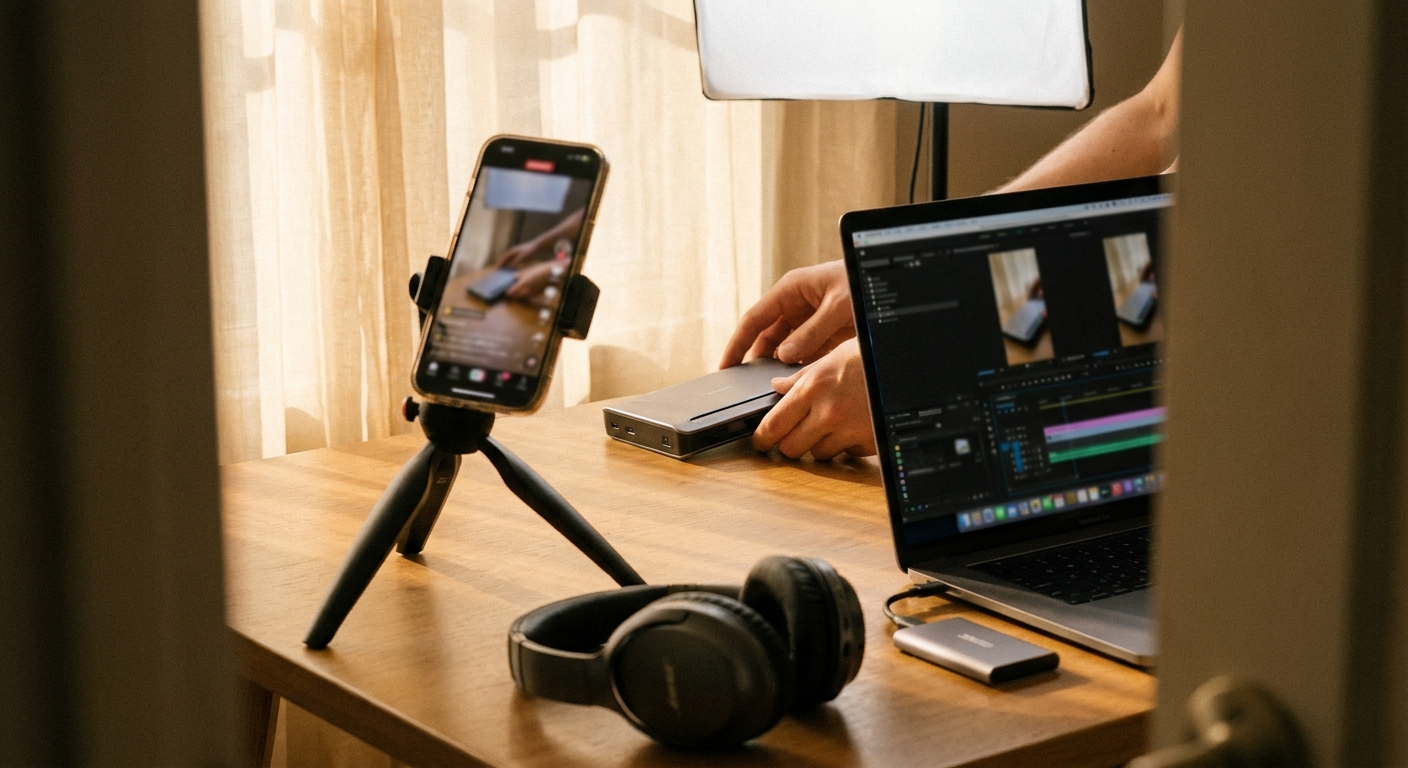
The fastest way to create product demo video ads that convert: stop listing features and prove one mechanism from start to finish. A good demo ad makes a visible promise in the first 3 seconds, shows the product doing the hard part without hiding the result, then turns that proof into 3-5 platform-native variants.
The 5-beat product demo proof loop
Open on the exact friction the buyer already recognizes, not a brand intro.
Say what will change and why this product is different in one plain sentence.
Show the product doing the critical action with enough continuity to feel credible.
Reveal before the viewer starts suspecting the edit is carrying the promise.
Turn the same proof into new hooks, lengths, crops, and objection angles.
Quick scan: what actually matters
- Feature list -> weak demo: viewers cannot verify anything.
- One mechanism -> stronger ad: the buyer sees the product earn the claim.
- Cutaway-heavy edit -> trust leak: too many cuts around the result look like concealment.
- Same-object before/after -> cleaner proof: same lighting, same framing, same target.
- Manual variant production -> slow feedback: the bottleneck is usually new angles, not filming the base demo.
Why product demo ads are pulling attention right now
Short-form feeds have made buyers suspicious of polished explanation. Product demo ads work because they compress the buying question into a visible test: "Does this thing do the thing?"
The late-2026 version is sharper than old UGC. It borrows from creator pacing, reaction formats, AI tool walkthroughs, and live proof videos. The best ones do not feel like ads until the offer appears.
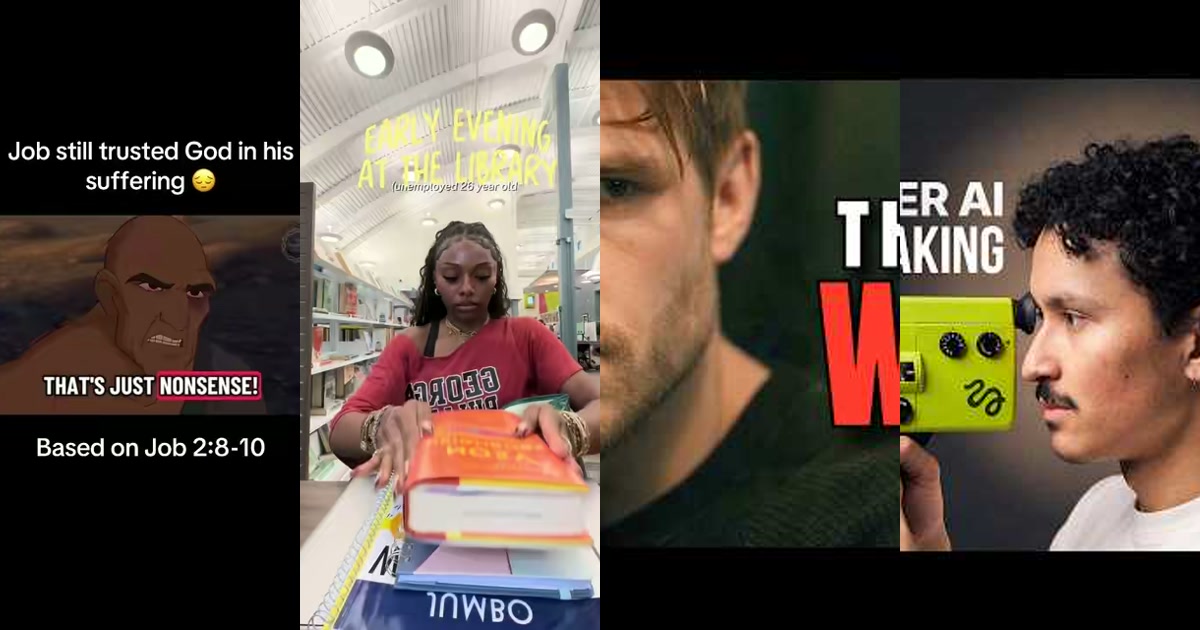
Look at the structure in common strong demos: a facial threading tool shown on an actual chin and upper lip, a Kimi K2.5 walkthrough using rapid screen-recorded proof, or a Google Gemini test where the creator points the camera at a watermelon and asks the model about a "football." Each one opens a small proof gap: the viewer wants to see if the claim survives contact with reality.
The product demo ad is not a tutorial
This is where many brands waste the first 10 seconds. A tutorial teaches usage. A demo ad resolves doubt.
| Format | Viewer question | Best use |
|---|---|---|
| Product tutorial | How do I use it? | Post-purchase, onboarding, retention |
| Product demo ad | Can I believe the claim? | Paid social, creator seeding, retargeting |
| Feature montage | What does it include? | Warm audiences, product pages |
If you only remember one rule, make the demo a contract. "Watch me remove this hair without wax." "Watch this model identify the object through the camera." "Watch this cleaner remove the stain in one pass." The viewer must know what result they are waiting to judge.
How to create product demo video ads: the operator workflow
-
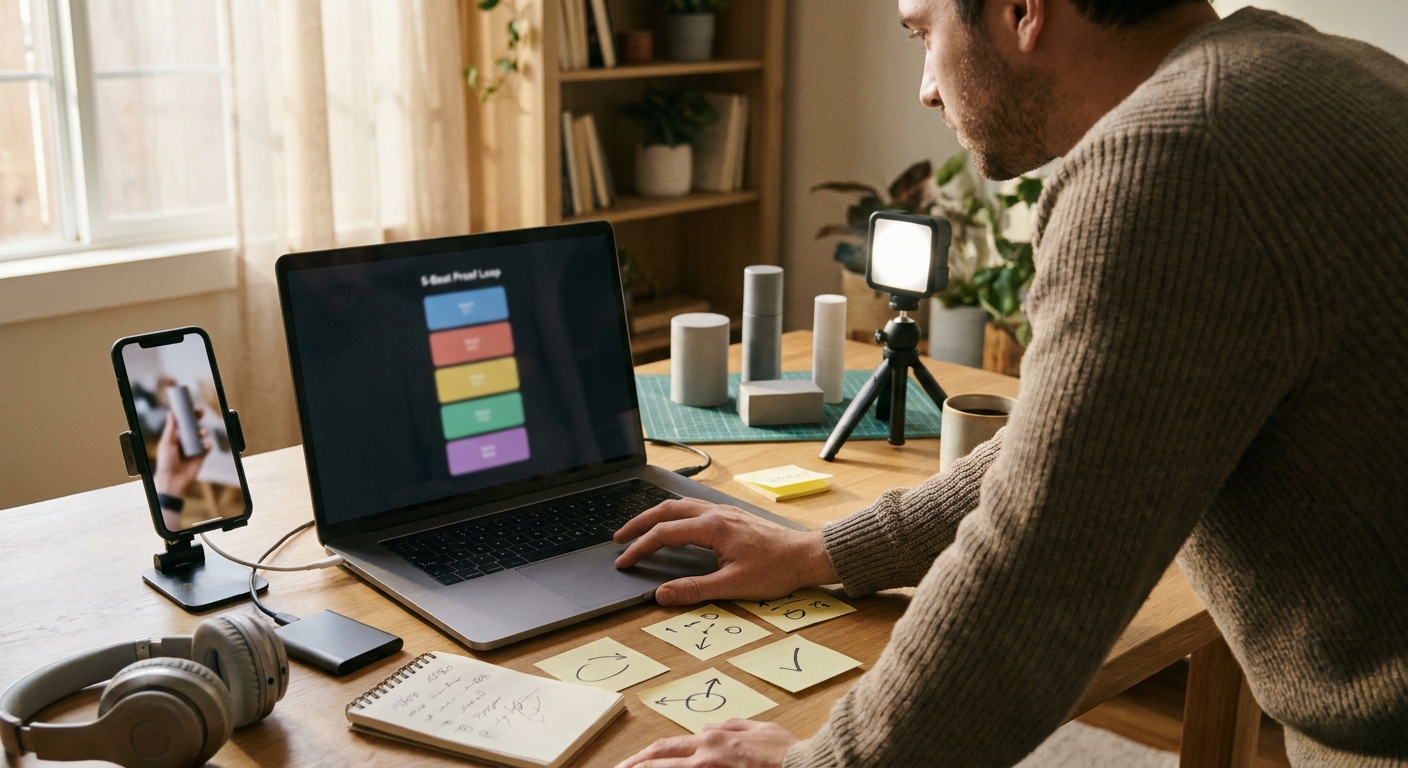
Pick the single proof event.
Do not demo the whole product. Demo the moment where belief changes. For a beauty tool, that may be the first visible strip of removed hair. For AI software, it may be the model correctly interpreting a screen, image, or task that a weaker tool misses.
-
Write the hook as a test, not a claim.
"Has anyone tried this before?" works because it lowers the ad smell and invites judgment. "This removes facial hair in two minutes" is a claim. "I'm testing whether this removes upper-lip hair without wax" is a test.
-
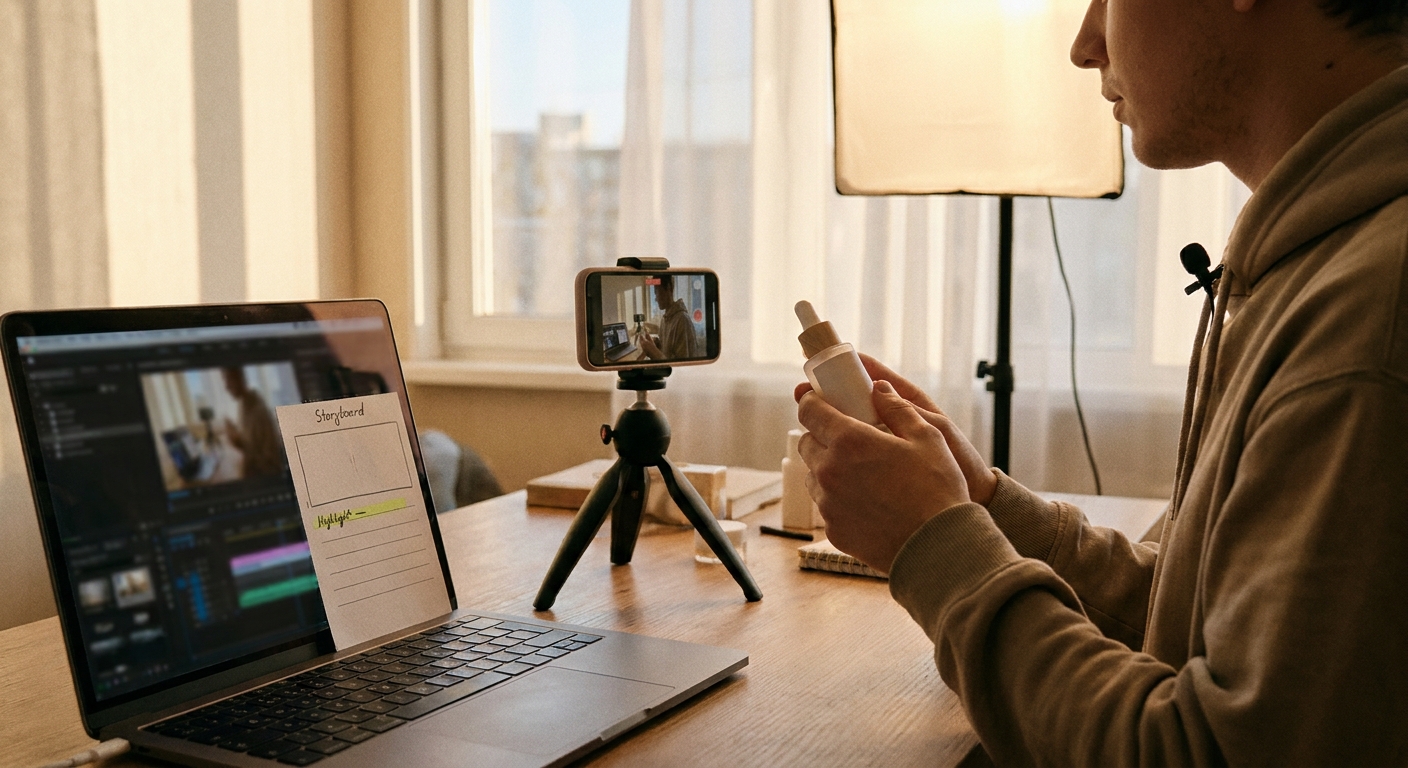
Storyboard the proof in 5-7 shots.
Use a fast setup, then slow down at the proof moment. A reasonable 25-second demo might run: 2 seconds problem, 3 seconds product introduction, 8 seconds real action, 4 seconds result reveal, 5 seconds objection answer, 3 seconds CTA.
-
Protect continuity around the result.
Cut aggressively before and after, but be careful during the critical action. If the ad depends on "no wax, no razor," show enough unbroken motion that the viewer does not feel tricked by editing.
-
Create variants from objections, not adjectives.
Weak variants change "amazing" to "game-changing." Strong variants answer different buying doubts: pain, speed, mess, learning curve, skin sensitivity, setup time, compatibility, price justification.
Five repeatable series engines for product demo ads
1. The "old way vs. product" split
Use this when the existing behavior is annoying but familiar. Show the old way creating friction, then run the product against the same task.
Keep the comparison honest. If the old way is exaggerated, careful viewers discount the whole ad.
2. The real-time speed test
Best for tools where time drives the purchase: grooming, cleaning, editing, food prep, setup workflows. Build the task clock into the concept instead of adding it as a decorative overlay.
A facial threading demo can hold attention because the viewer watches a tiny transformation happen in real time. The product is not being described; it is being audited.
3. The "AI tool under pressure" walkthrough
For software and AI products, screen recordings beat abstract benefit copy. The Kimi K2.5-style pattern works because the creator moves quickly between context, interface, and output instead of lingering on a dashboard.
The mistake is showing too much UI. Show input, decision point, output. Everything else taxes retention.
4. The deliberate trick question
The Gemini watermelon example works because the test is legible in one second. The viewer understands the trap before the model responds.
Use this for products that claim intelligence, detection, automation, or precision. Design a test a human can understand instantly.
5. The "remove one feature" failure demo
This is underused. Show what happens when the key mechanism is absent: no stabilizer, no template, no automation, no attachment, no prompt memory. Then show the product restoring the result.
It turns a feature into a causal explanation, which is far more persuasive than a label.
Pacing rules that keep demo ads from feeling slow
- First visual change within 3 seconds: hand movement, screen transition, object reveal, or result preview.
- Reveal before the midpoint when possible: if the result is delayed too long, the ad starts feeling like a tease.
- Use 2-4 second shots for real proof: faster cuts are fine for setup, but the mechanism needs breathing room.
- Keep voiceover at natural creator speed: roughly 2-3 words per second is dense enough without sounding like a disclaimer read.
- Caption the buying logic, not every word: "no wax," "same chin," "live screen," "result after one pass."
Where AI-UGC helps without making the ad fake
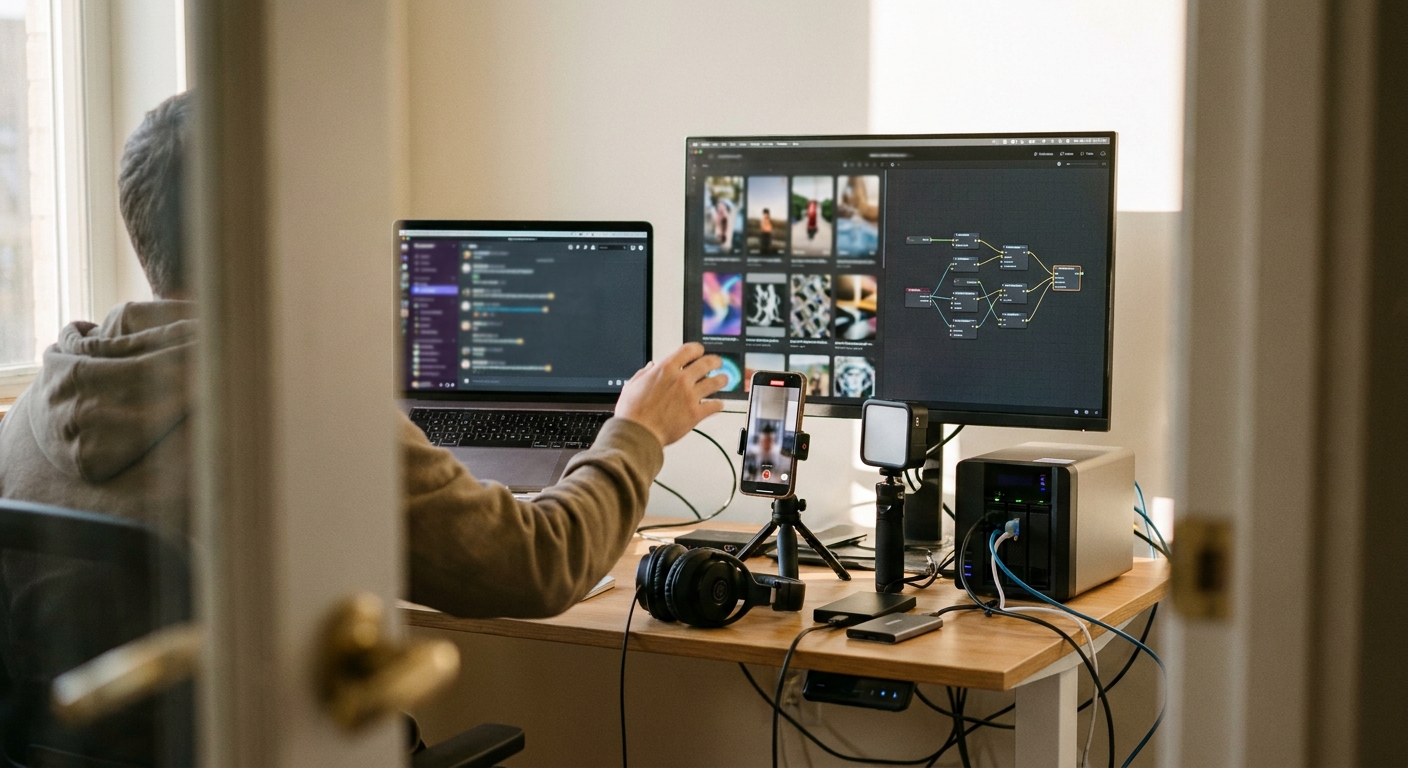
AI works best for production volume, not for pretending a weak demo is real. Tools like HeyGen and Arcads can help with avatar-led explainers or UGC-style variations, while GEN is more useful for continuous social execution: watching trend patterns, generating variants, and publishing across TikTok, Instagram, and X without a manual scheduling pass.
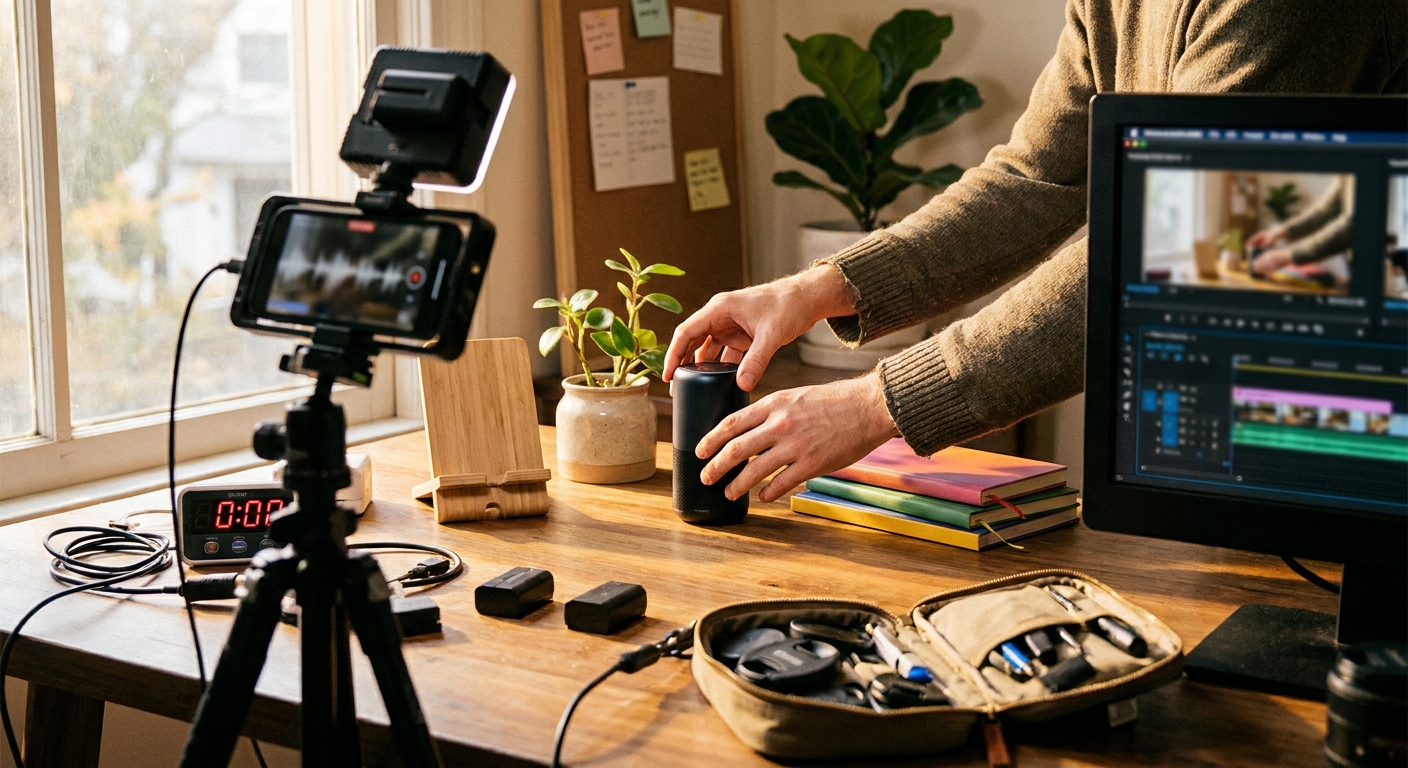
A practical stack looks like this:
- Base proof footage: real product, real task, real result.
- Script variants: different hooks for different doubts.
- AI-UGC layers: voiceover, captions, creator-style framing, localized edits.
- Autonomous distribution: tools such as GEN Vidsheets turn rows of product angles, hooks, and offers into scheduled creative variants.
- Feedback loop: winners become new proof angles, not just duplicated captions.
The operator advantage is throughput. A team posting daily can lose several hours a week to resizing, captioning, scheduling, and reformatting alone. Automating that work matters because demo ads usually improve through iteration: new first frames, new proof order, new objections, new CTAs.
If you are building a broader short-form system, pair this with a dedicated AI UGC video workflow and a separate TikTok content automation process. The demo ad should be one repeatable engine, not a one-off production event.
The creative brief template
Use this before filming or generating variants:
- Buyer doubt: What does the viewer not believe yet?
- Proof event: What visible action resolves that doubt?
- Continuity requirement: Which moment must not be hidden by a cut?
- First frame: What image makes the viewer understand the test immediately?
- Result frame: What image makes the outcome undeniable?
- Objection variant: What is the next likely resistance after they believe it works?
A product demo ad fails when the edit asks for more trust than the product has earned.
Common mistakes that quietly kill performance
- Starting with packaging: packaging is rarely the problem the viewer came to solve.
- Showing five benefits: each additional benefit dilutes the proof event.
- Over-polishing the creator frame: for demo ads, a slightly imperfect camera can feel more evidentiary than a studio shot.
- Hiding the hard part: if the key transformation happens off-camera, the ad becomes a claim again.
- Using AI to replace proof: synthetic presenters can package the message, but they cannot substitute for a credible mechanism.
Frequently asked questions
How long should a product demo video ad be?
Most demo ads should land between 15 and 45 seconds. Go longer only when the product needs a real setup, a credible comparison, or a launch-style explanation that cannot be compressed without losing trust.
Should I use a creator, an avatar, or just hands and product shots?
Use a creator when trust, taste, or personal context matters. Use hands-only when the mechanism is visually obvious. Use AI avatars for scalable explanations and variants, but keep real proof footage at the center.
What is the best hook for a product demo ad?
The best hook frames the ad as a test the viewer can judge. "I'm testing whether this works on my actual upper lip" is usually stronger than "You need this beauty tool."
Can GEN create and publish product demo ad variants automatically?
Yes. GEN is built as an autonomous AI social-media agent, so it can help turn demo angles into platform-ready posts, monitor trend fit, and publish variants across channels. The important input is still a clear proof event and honest product footage.
Takeaway: if you want to create product demo video ads that do not get ignored, build around one visible proof event, preserve continuity where belief changes, and use AI to multiply tested angles instead of covering for a missing demo.