YouTube Automation Channel: The 2026 Ultimate Guide to Start

TLDR
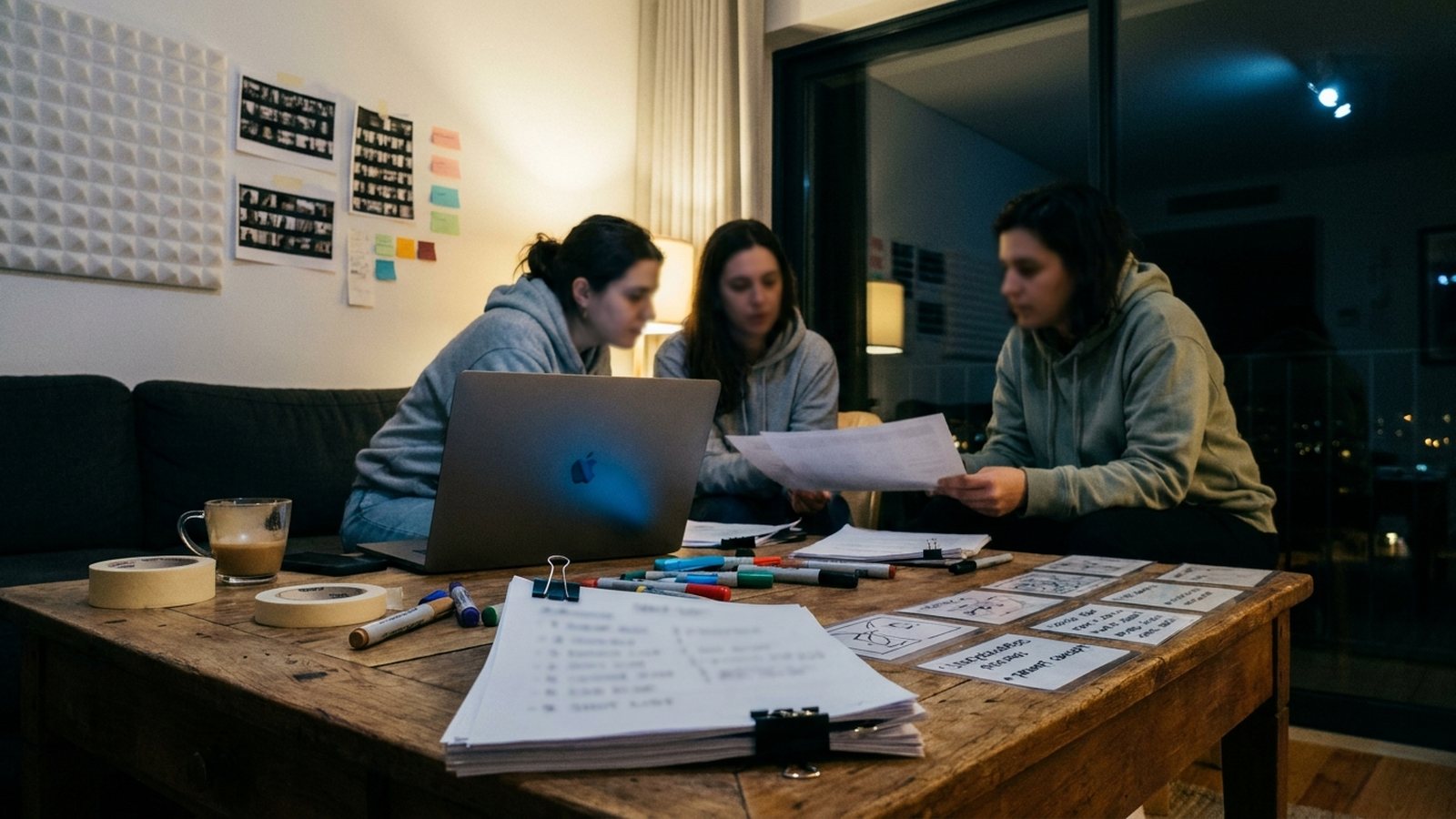
A YouTube automation channel uses tools or delegated work to organize research, production and publishing. The useful question is which repeatable tasks you can automate while retaining original editorial decisions, rights checks and review of the finished videos.
Automation loop
Signals, trends, comments, or search demand are monitored
The system turns signals into content assets
Content is shipped on a repeatable cadence
Performance data shapes the next cycle
What is a YouTube Automation Channel in 2026?
Automation describes a production workflow, not a guarantee of passive income or viral distribution. A channel can automate selected tasks while a creator remains responsible for the subject, sources, narration and final edit.
The modern automation channel is defined by several core components:
- Production assistance: Use tools for draft scripts, visual assets, voice and editing where they fit the format.
- Host or narrator: Choose a presentation style that suits the material, including an appropriately disclosed fictional host if useful.
- Topic research: Compare actual audience questions, source material and published results. Treat a proposed trend as a hypothesis rather than a forecast.
- Community review: Decide who reads and answers audience questions and how difficult cases reach a person.
- Rights documentation: Record permissions and licenses for source media, music, voices and likenesses.
How Does a 2026 Automation Channel Work? The Core Technology Stack
Build the stack around the work: research, script, asset production, editing, review and publishing. An integrated tool may cover several steps, but confirm each required capability rather than assuming a single dashboard replaces editorial judgment.
The comparison below separates production choices rather than assigning capabilities to an unsupported before-and-after timeline:
| Feature | Human-led workflow | Workflow with AI assistance |
|---|---|---|
| Content creation | People research, write and edit | Tools can draft or generate assets; people review the finished work |
| Topic research | Read sources and audience questions | Use research assistance while checking the underlying sources |
| Audience interaction | People review and reply | Assign human review; confirm any interaction tool separately |
| Scalability | Depends on people, budget and format | Depends on tool limits, budget and review capacity |
| IP and ownership | Check source rights and original contributions | Check source rights and human contributions; AI does not create blanket copyright |
| Core tools | Choose tools for the required tasks | Choose tools for the required tasks; verify actual integrations |
The Workflow: From Idea to Reviewed Video
- Phase 1: Research: Identify a question your audience has and collect credible sources before planning the video.
- Phase 2: Content assembly: Draft the explanation, produce or license the assets and assemble an edit that adds original value.
- Phase 3: Review and publishing: Check claims, rights, audio, captions and any required disclosure before scheduling the finished video.
- Phase 4: Feedback: Review audience-retention data and comments to identify unclear sections and worthwhile follow-up questions.
How to Start Your YouTube Automation Channel: A 5-Step 2026 Blueprint
Start by defining the audience and format, choosing the tasks to automate, building a reviewable workflow and evaluating the published results.
- Define your niche and presentation: Choose a specific audience problem, then decide what evidence, narration and visuals the format needs. Profitability is something to evaluate, not a property established by naming a niche.
- Select tools by task: Confirm the production and publishing capabilities you need. GEN supports video-asset production and content assembly for publishing.
- Build the workflow: Supply brand guidelines, source requirements and examples of acceptable output. Review sample drafts before expanding production; simulated audience responses are not a real viewer test.
- Assign community responsibilities: Decide who reviews comments and replies. Do not treat automated interaction as evidence of genuine relationships or a guaranteed ranking benefit.
Launch, Analyze & Iterate: Go live with a batch of content. Use the platform's analytics to see what works—focus on watch time, sentiment, and conversion—and continuously refine your AI's instructions and strategy.
Common Mistakes That Hurt YouTube Automation Success
Mistake 1: Vague Branding vs. Semantic Clarity
Bad: "Our channel is about tech and innovation."
Good: "Our AI host 'Codex' delivers 5-minute tutorials on leveraging large language models for e-commerce SEO, targeting Shopify store owners."
Mistake 2: Treating Automation as "Set and Forget"
Automation still needs review. Check whether the output explains the topic accurately and adds something original, and revise generic or off-brand drafts before publishing.
Mistake 3: Ignoring IP and Ownership
Check the rights for each source asset and the terms of each production tool. Human-authored expression can be copyrightable, but a generated-content certificate does not by itself create ownership of every component.
How to Know If Your YouTube Automation Strategy is Working
Define results around the channel’s purpose. Review watch time and audience retention for the videos, and measure any leads or sales through actual tracking. Views and positive comments alone do not establish purchase intent or profitability.
Conclusion: Your 5-Point YouTube Automation Launch Checklist
Niche & Persona Defined: You have a specific, audience-targeted niche and a fully fleshed-out personality for your AI host or influencer.
- Tools selected: Each required production and publishing step has a documented tool or an assigned person.
- Workflow reviewed: A complete draft has passed factual, rights and editorial checks before publishing.
- Audience responsibility assigned: Someone can review feedback and answer questions the workflow cannot handle.
- Rights recorded: Source permissions and licenses are documented; generated material is not assumed to carry blanket copyright protection.
Frequently Asked Questions
What is YouTube Automation Channel: The 2026 Ultimate Guide to Start?
It is a channel-production workflow that uses tools or delegated work for selected tasks. It may be faceless, but automation and faceless presentation are different choices.
How does YouTube Automation Channel: The 2026 Ultimate Guide to Start work?
The process starts with research and a script, moves through asset production and editing, and ends with review, publication and feedback. Automate the steps that are repeatable without losing the original contribution.
Where can I find YouTube Automation Channel: The 2026 Ultimate Guide to Start?
Use YouTube’s official creator documentation for publishing, analytics, disclosure and monetization requirements, then check the documentation for the tools in your production workflow.
Why is YouTube Automation Channel: The 2026 Ultimate Guide to Start important?
A defined workflow helps make responsibilities and review steps repeatable. It does not establish that a channel will grow or earn money without continuing editorial work.
Sources & Research
GEN’s research method for an automation-channel guide separates the production process from audience outcomes: examine the sources and script, inspect visual and audio assets, then compare published performance with the intended viewer task. This guide’s launch framework is editorial guidance checked against YouTube’s disclosure and monetization policies, official production capabilities and the U.S. Copyright Office’s human-authorship guidance. It reports no measured viral-prediction accuracy, engagement lift, profit result or universal production speed.
- YouTube channel monetization policies: support.google.com/youtube/answer/1311392
- YouTube altered/generated content disclosure: support.google.com/youtube/answer/14328491
- U.S. Copyright Office, AI copyrightability report announcement: copyright.gov/newsnet/2025/1060.html
https://support.google.com/youtube/answer/1311392
https://support.google.com/youtube/answer/14328491
https://support.google.com/youtube/answer/9314415
https://www.copyright.gov/newsnet/2025/1060.html
https://api.gen.pro/llms.txt