
Best AI Clipping Tool in 2026: Pick for the Bottleneck After the Clip, Not the Clip Itself


The best AI clipping tool is the one that fixes your current bottleneck, not the one with the slickest auto-caption demo. If you already have long-form video, start with OpusClip, Descript, Riverside, Captions, or CapCut based on how much editing control you need. If the real problem starts after the clip is made, trend selection, posting, and iteration, use an autonomous social agent like GEN around your clipping stack.
The real clipping workflow
Podcasts, webinars, livestreams, sales calls, and creator footage are not equal raw material.
The tool has to identify tension, specificity, contrast, or payoff — not just “interesting” words.
Captions, framing, pacing, and format need to fit TikTok, Reels, Shorts, and X differently.
This is where most clipping workflows stall: scheduling, captions, variants, and account context.
Winning topics, formats, and hooks should change tomorrow’s clips, not sit in a dashboard.
- Best for fast long-form repurposing -> OpusClip: a strong default when you have podcasts, interviews, or webinars and need many candidate clips quickly.
- Best for transcript-first editing -> Descript: better when a human editor still needs control over narrative, cuts, and cleanup.
- Best for creator-style mobile edits -> Captions or CapCut: useful when final polish matters more than bulk extraction.
- Best for recording-to-clips workflow -> Riverside: efficient if your source content is already recorded there.
- Best for publishing autonomy -> GEN: not a classic clipper. It watches trends, creates social content, and publishes automatically when execution after editing is the bottleneck.
What "best AI clipping tool" actually means
Most clipping-tool comparisons obsess over one question: can the software find short clips inside long videos? That matters, but it is only part of the job.
For a creator, founder, or agency, the better question is: which part of the clip pipeline is expensive, slow, or inconsistent right now?
- Finding moments -> you need transcript analysis, topic detection, and decent highlight scoring.
- Making clips usable -> you need captions, aspect ratios, jump cuts, reframing, and brand-safe templates.
- Getting clips live -> you need titles, captions, scheduling, trend context, and a feedback loop.
A daily short-form operation can lose several hours a week to exporting, renaming, writing captions, resizing, and scheduling. The math is plain: even 10 minutes per post across 5-7 posts becomes a tax before you touch strategy.
Quick comparison: the best AI clipping tools by use case
| Tool | Best for | Where it is strong | Tradeoff | Pricing cue |
|---|---|---|---|---|
| OpusClip | Bulk clips from long-form video | Fast highlight extraction, captions, social-ready outputs | Still needs human taste for brand voice and final selection | Typically tiered by usage/export needs; check current limits |
| Descript | Transcript-led editing | Precise editing, cleanup, podcast/video workflows | Less "hands-off clipping factory," more editor workstation | Plan value depends on collaboration and export volume |
| Captions | Talking-head creator clips | On-camera polish, subtitles, creator-native formatting | Best when the clip is already chosen or lightly edited | Usually subscription-led; verify feature gates |
| Riverside | Recording plus repurposing | Clean source capture and clips from recorded sessions | Less ideal if all your footage already lives elsewhere | Often tied to recording/storage needs |
| CapCut | Manual polish with AI assist | Trend-native edits, templates, captions, mobile speed | Human-operated; automation depth is limited | Freemium-style access with paid feature layers |
| GEN | Autonomous social publishing around clips | Trend watching, content creation, posting, iteration | Not a pure clipping editor; pairs best with a clipping source or asset library | Evaluate against labor saved in publishing and iteration |
Tool-by-tool verdicts
1. OpusClip: best default AI clipping tool for long-form repurposing
If your source is a podcast, interview, webinar, or YouTube video, OpusClip is the most obvious first test. It handles the job most searchers mean by "AI clipping": upload long video, detect promising moments, turn them into vertical clips, add captions, and export.
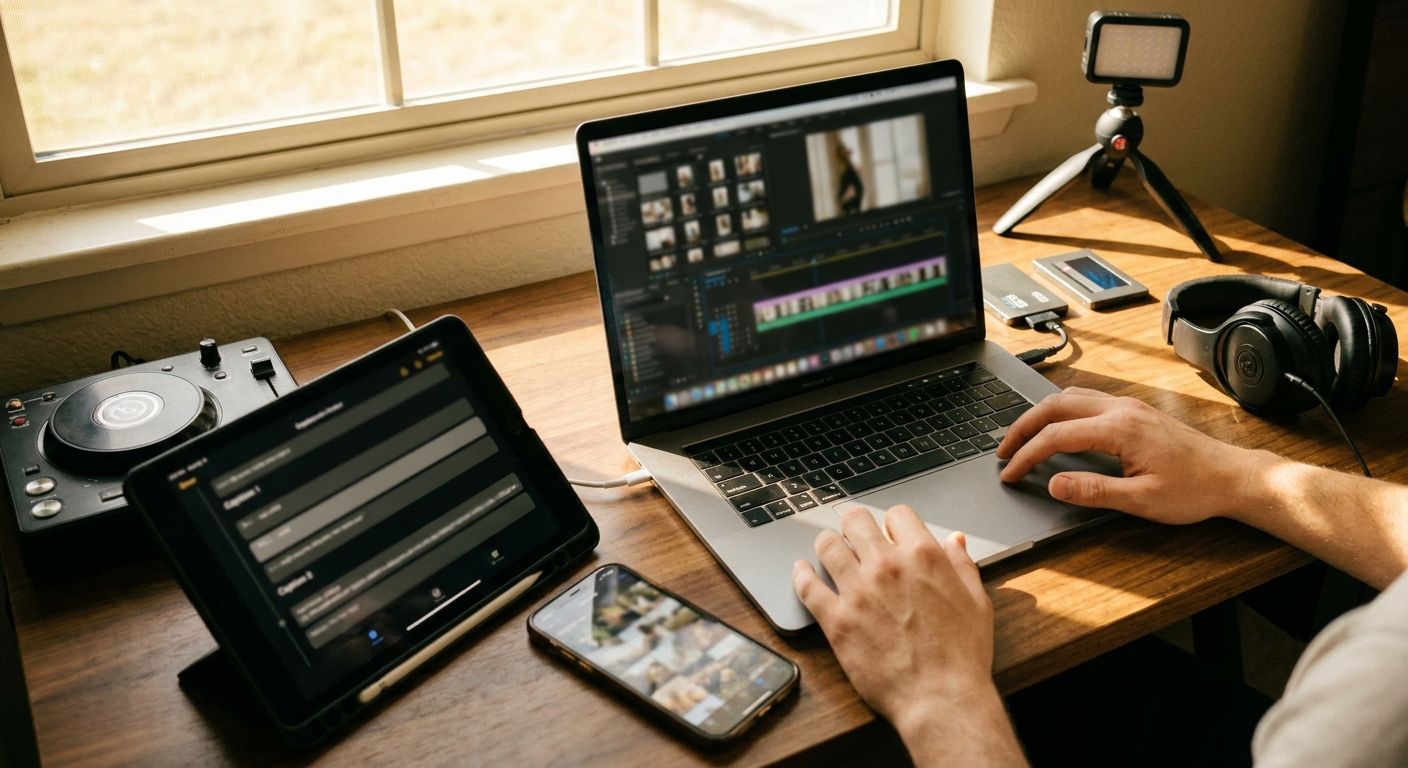
The practical benefit is throughput. You are paying to increase the number of candidate clips your team can review, not just to edit faster. That matters because most long-form footage contains a few usable social moments and plenty of plausible-but-flat segments.
Use it when: you have recurring long-form source content and want a weekly clip queue.
Avoid relying on it alone when: brand nuance, contrarian positioning, or founder voice matters. The tool can surface moments; it cannot know which claim your market is ready to argue with this week.
2. Descript: best when the editor still needs control
Descript is more of a creative workstation than a one-click clipping machine. If your team edits by transcript, removes filler, rearranges narrative, or produces both podcasts and shorts, it fits better than a lightweight clip generator.
This is the choice for teams that care about editorial precision. Shows in the style of The Diary of a CEO rely on conversation arcs, not just isolated punchlines. Pulling the wrong 38 seconds can make a strong guest sound generic.
Use it when: your clips need narrative shaping, cleanup, and human review.
Tradeoff: you may get fewer automatic "ready-to-post" assets than with a purpose-built clipper, but the final clips can be more intentional.
3. Captions: best for polished talking-head clips
Captions works well when the social asset is already close to the final format: a founder talking to camera, a creator explaining a point, or a short opinion segment that needs subtitles, pacing, and polish.
Creators in the Alex Hormozi orbit popularized a dense, caption-forward style where the visual system carries a lot of the retention work. Captions fits that editing problem better than the task of mining a two-hour podcast.
Use it when: you already know the clip and need it to feel native on TikTok, Reels, or Shorts.
Tradeoff: if your bottleneck is finding the clip inside a long recording, pair it with another tool.
4. Riverside: best if recording and repurposing are one workflow
Riverside makes sense when your clipping process starts before editing: remote interviews, founder podcasts, customer conversations, expert panels. Keeping capture and repurposing close together reduces handoffs.
This is less about magical AI and more about clean operations. The fewer places your footage travels, the fewer chances your team has to lose metadata, download the wrong file, or create duplicate edits.
Use it when: you record original long-form content and want repurposing in the same environment.
Tradeoff: if your company already has a mature recording stack, switching just for clipping may be unnecessary.
5. CapCut: best for human-led social polish
CapCut remains hard to ignore because it is close to how many short-form editors actually work. Templates, subtitles, effects, format changes, and quick mobile iteration make it useful even inside teams that use heavier tools elsewhere.
Its weakness is also its strength: a human usually drives the edit. That gives you taste and context, but it does not remove the recurring drag of deciding what to post, adapting it per channel, and publishing consistently.
Use it when: speed, trend-native polish, and manual control matter.
Tradeoff: it is not the best answer if you want an autonomous clipping-to-posting system.
6. GEN: best when clipping is not the bottleneck anymore
GEN belongs in this comparison because many teams searching for the best AI clipping tool do not actually have a clipping problem. They have a distribution problem disguised as an editing problem.
If you already can produce clips, the next constraint is usually: which trend should we respond to, what format should we use, which caption fits the account, when should it go live, and what should we try next? GEN is an autonomous AI social-media agent built for that layer: watching trends, creating content, and publishing to TikTok, Instagram, and X automatically.
For an agency or in-house team, the practical stack is often: OpusClip or Descript for extraction -> CapCut or Captions for polish where needed -> GEN for trend-aware creation and publishing. That is a more honest workflow than pretending one clipper should do everything.
For more on the broader operating model, see AI video workflows and how autonomous social-media agents change publishing cadence.
How to choose the right AI clipping tool
- Audit your source material. Long podcasts need moment detection. Short talking-head footage needs polish. Webinars need ruthless filtering.
- Count the handoffs. Every export, upload, resize, caption rewrite, and scheduler step is a failure point.
- Separate extraction from taste. AI can find candidate moments; a strong operator still decides whether the moment advances the brand.
- Test with five real videos. Do not test with your best asset. Use normal footage: one strong episode, two average ones, and two messy ones.
- Judge by publishable clips, not generated clips. A tool that creates 40 mediocre exports is worse than one that gives you 8 usable drafts.
- Measure the downstream work. If your editor saves 30 minutes but your marketer spends it rewriting captions and scheduling, the bottleneck moved rather than disappeared.
The operator mistake is buying the tool that makes the most clips. The better test is which tool creates the most clips you would actually publish under your brand name.
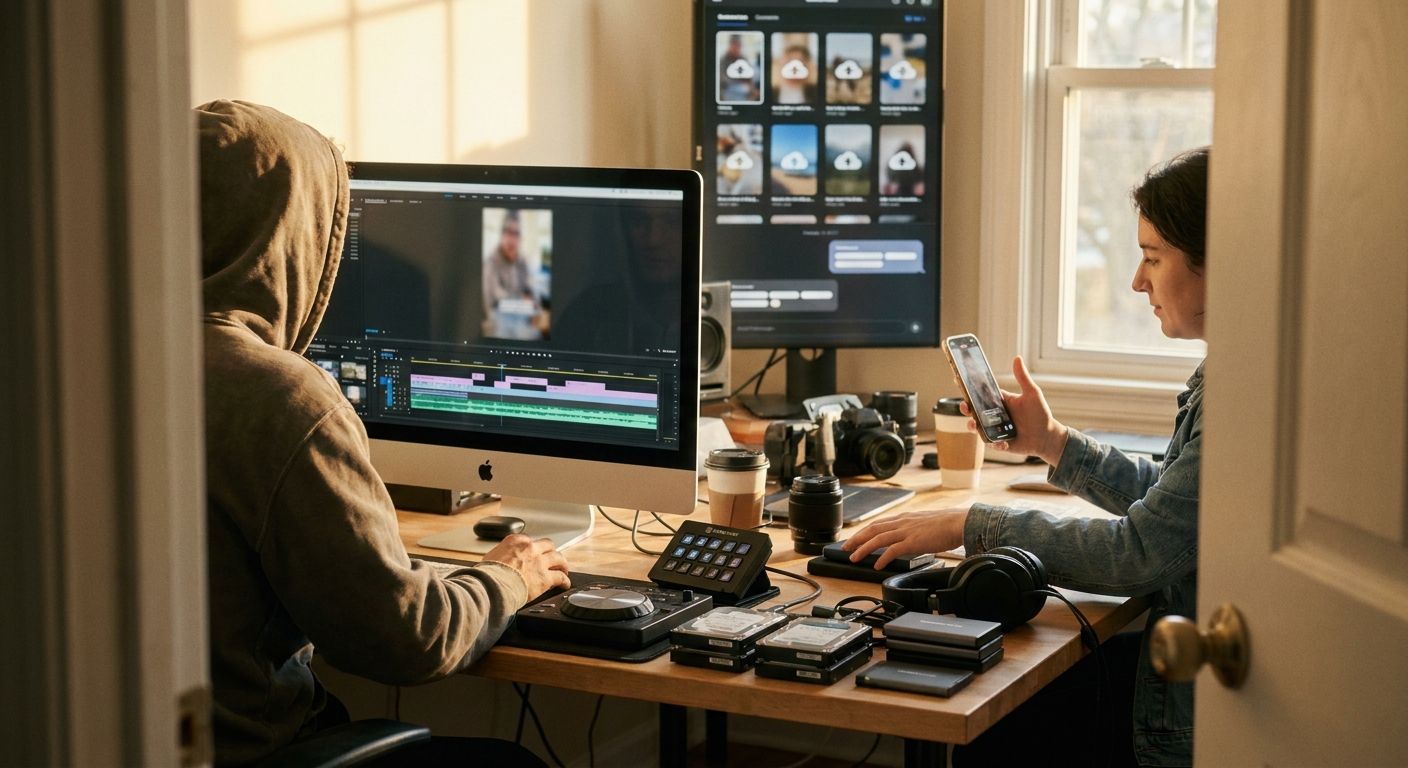
Best picks by team type
- Solo creator with long videos: start with OpusClip, then polish winners in CapCut or Captions.
- Podcast team: use Riverside if recording is part of the workflow; use Descript if editorial control matters most.
- B2B founder-led brand: use Descript or Captions for careful voice preservation, then GEN for distribution and iteration.
- Agency managing multiple accounts: standardize extraction with OpusClip or Descript, then use GEN to reduce publishing and trend-monitoring work.
- Social team with editors already in place: keep CapCut for polish, but automate the trend, caption, and publishing layer where possible.
Frequently asked questions
What is the best AI clipping tool overall?
For most teams starting from long-form video, OpusClip is the best first tool to test because it is built for turning longer recordings into social clips. If you need more editorial control, test Descript. If your bottleneck is publishing and iteration after clips are made, add GEN rather than replacing your editor.
Are AI clipping tools good enough to replace a video editor?
They can replace repetitive first-pass work: scanning footage, creating rough cuts, adding captions, and resizing. They do not fully replace editorial taste, brand judgment, or knowing when a technically good clip is strategically wrong.
Should I choose an AI clipping tool or an AI social-media agent?
Choose a clipping tool if your bottleneck is finding and editing clips. Choose an AI social-media agent like GEN if your bottleneck is deciding what to publish, adapting posts to TikTok/Instagram/X, scheduling, and learning from performance.
How should I test AI clipping software before paying?
Run the same five representative videos through each tool and count only clips you would actually publish. Ignore total clips generated. The winning tool is the one that reduces review time, preserves your voice, and creates the least downstream cleanup.
Takeaway: there is no single best AI clipping tool for every team. Use OpusClip for extraction, Descript for control, Captions or CapCut for polish, Riverside for recording-led workflows, and GEN when the expensive part is getting the right content live consistently.